


- ID: 40
- Framework: OpenCart
- Compatibility: 3.x & 4.x
- Updated: 2026-04-02



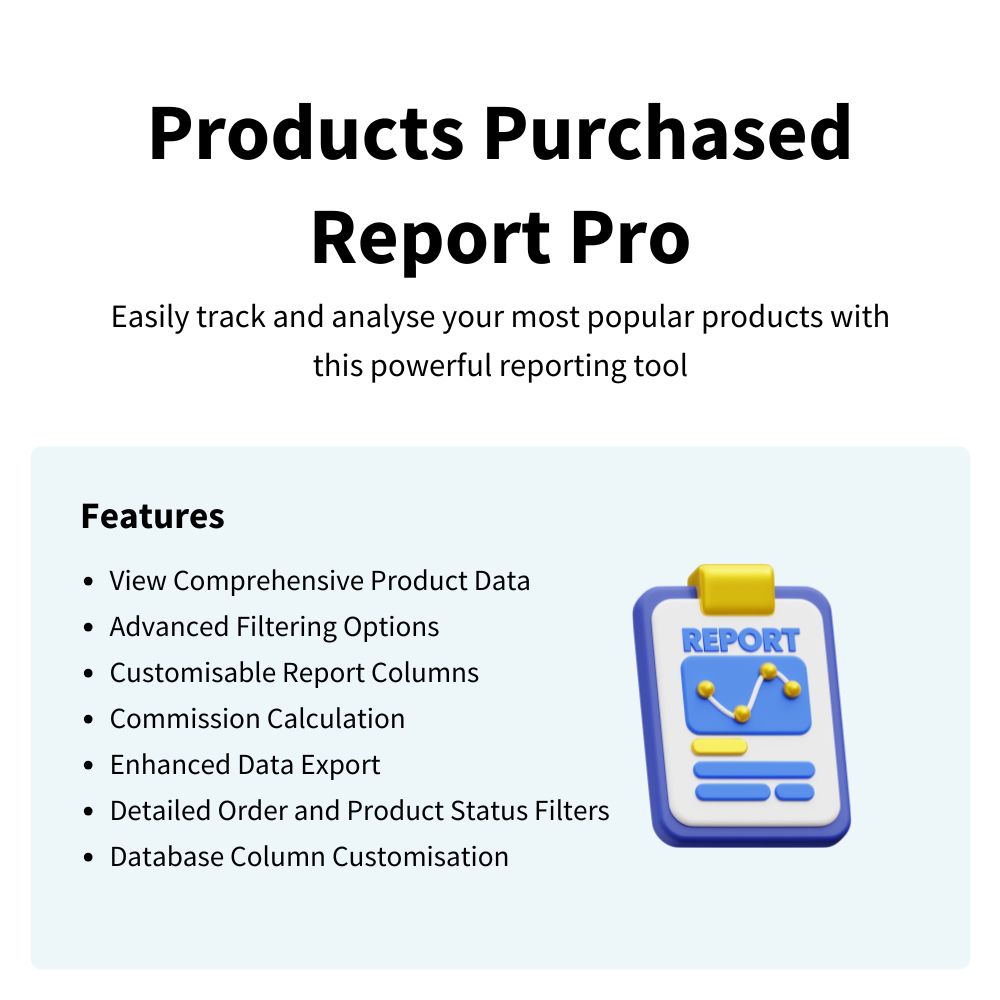
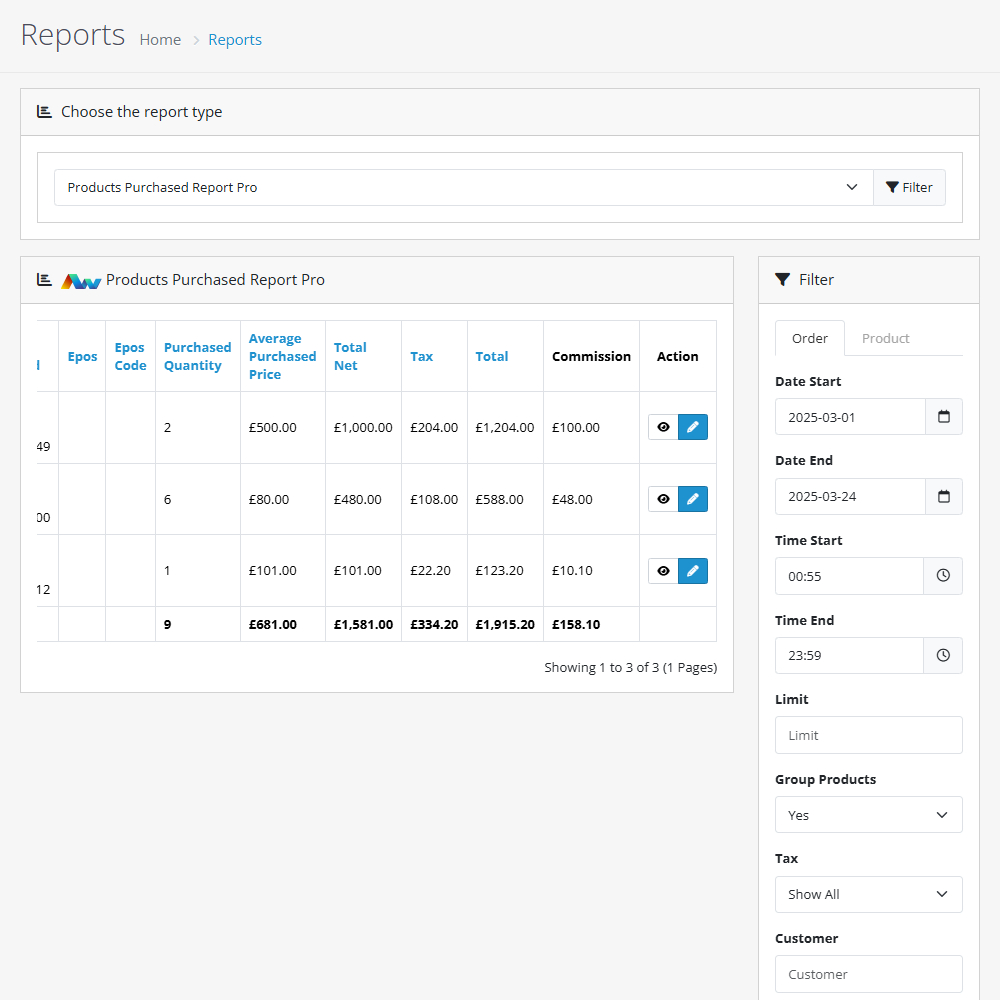
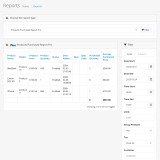
Enhance your OpenCart store with the Products Purchased Report Pro, a powerful tool for tracking and analysing your most popular products. This extension provides detailed insights into your store’s sales performance, helping you optimise stock, pricing, and marketing strategies.
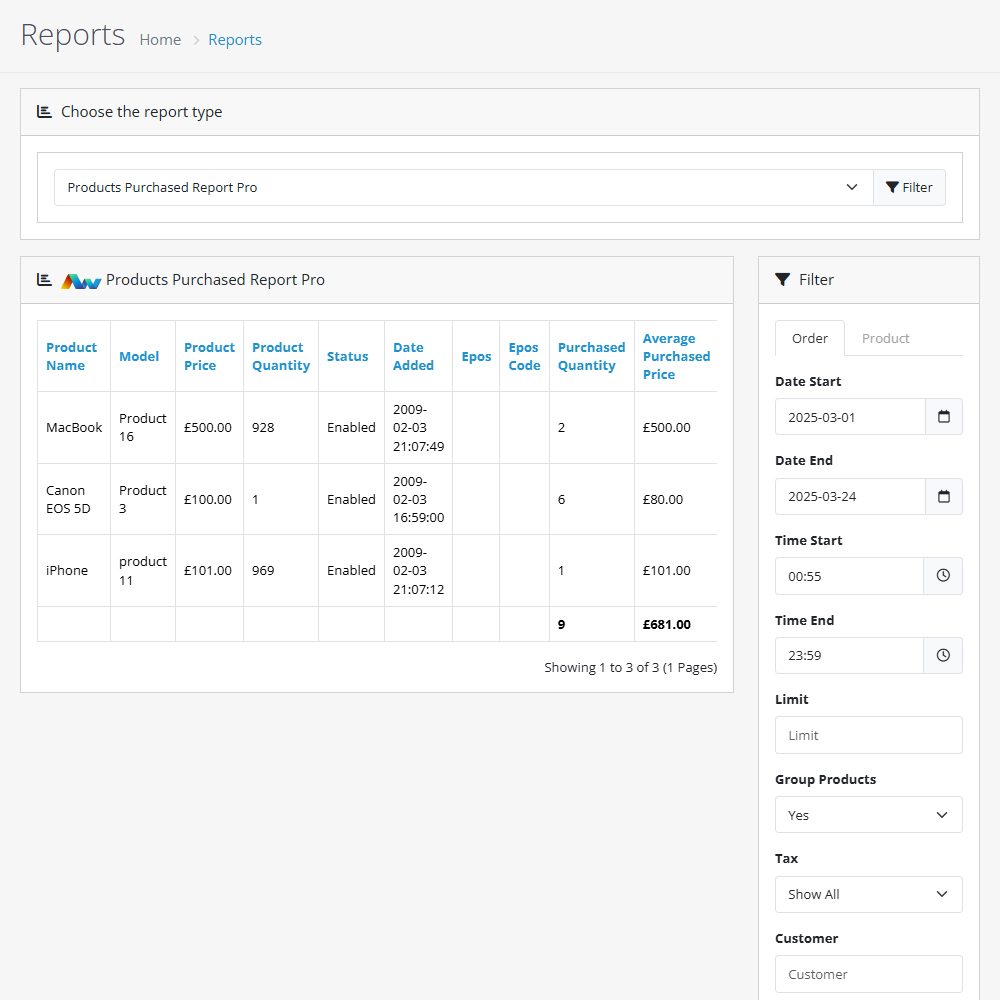
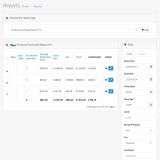
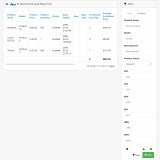
Key Features:- View Comprehensive Product Data – Gain insights into your best-selling products with detailed reports.
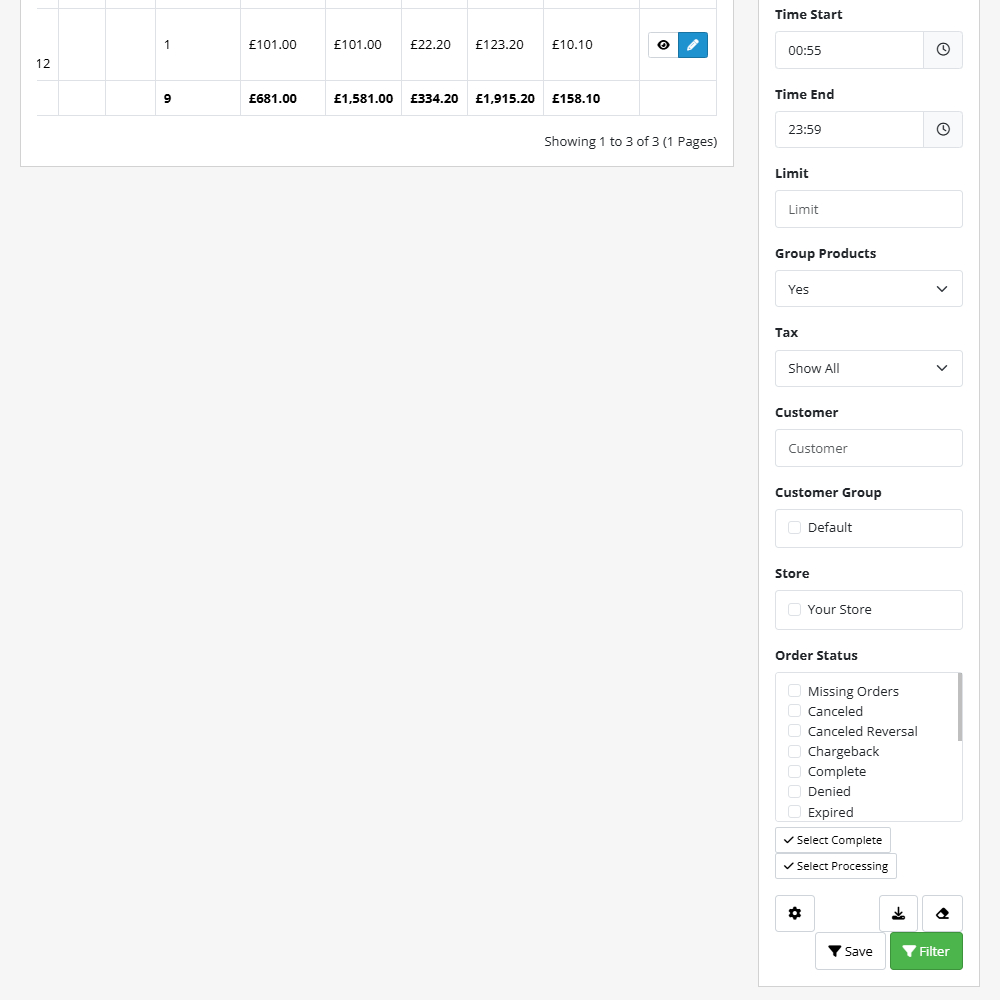
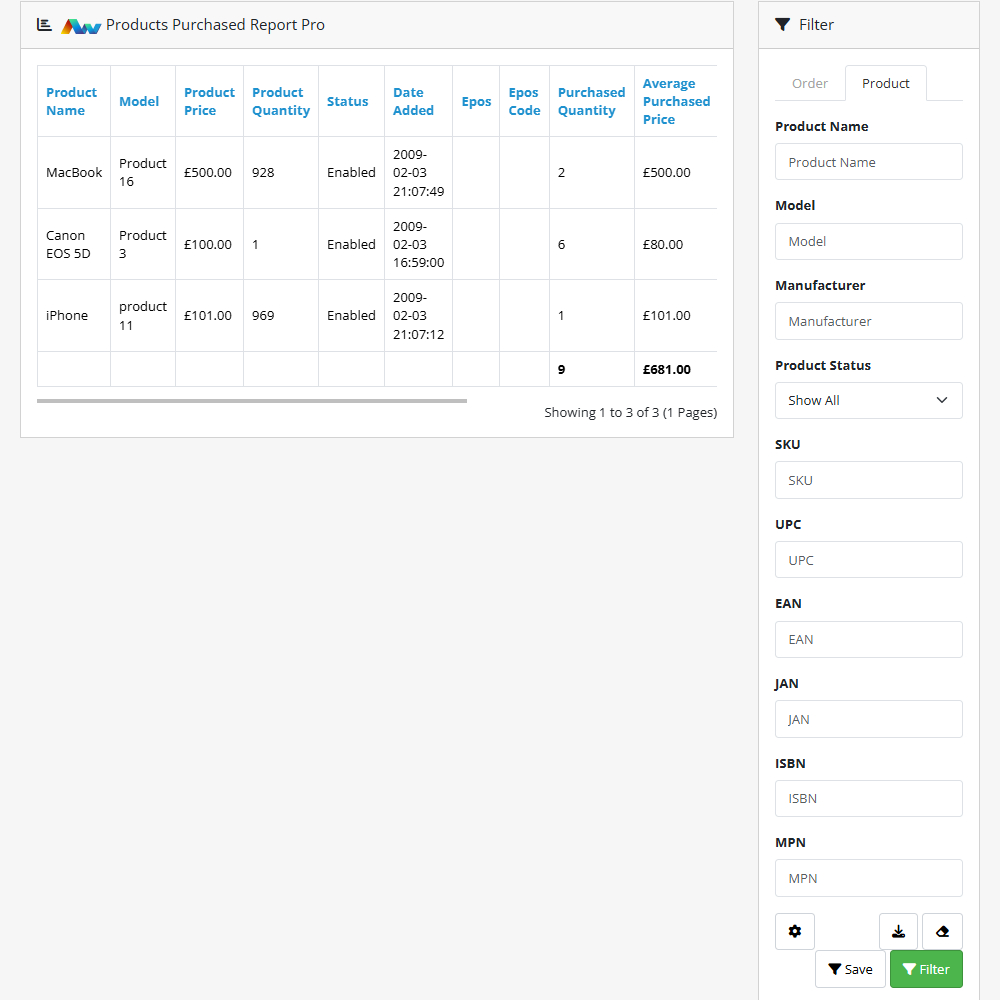
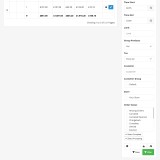
- Advanced Filtering Options – Refine reports with custom filters to focus on specific products, dates, or order statuses.
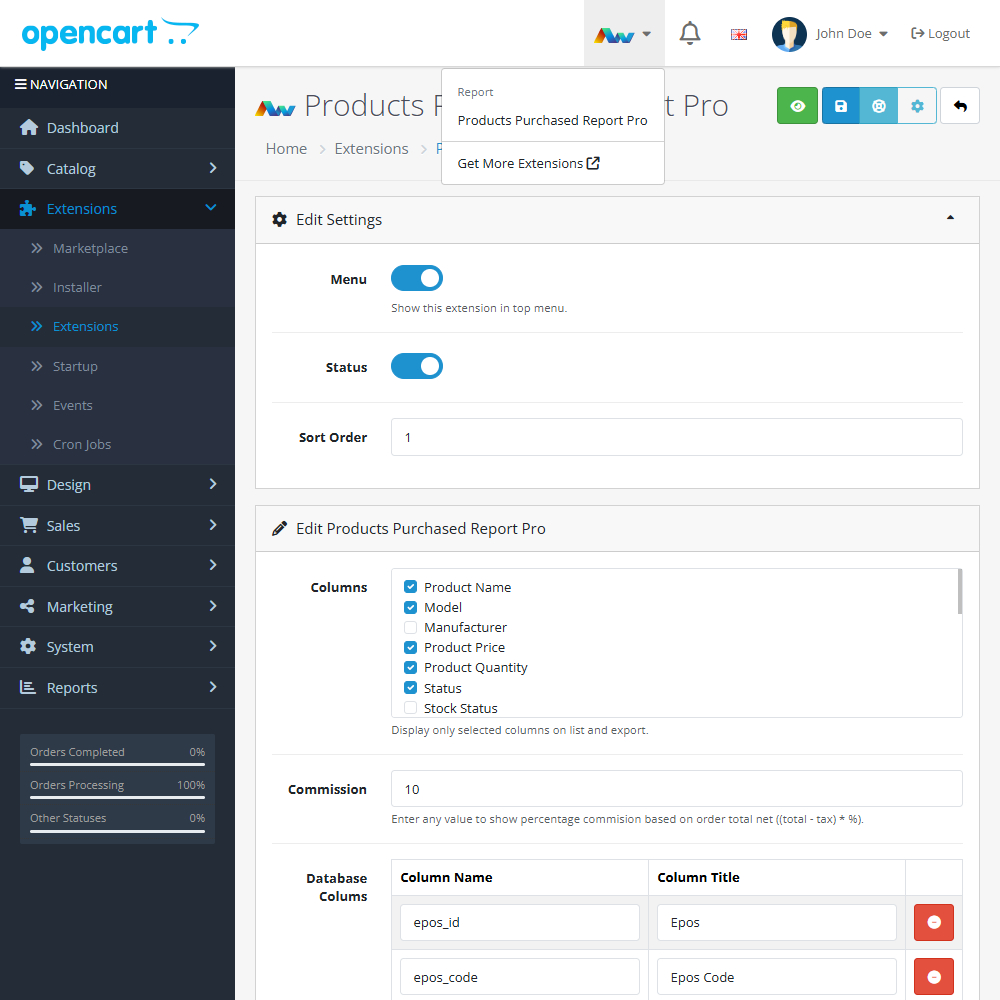
- Customisable Report Columns – Tailor reports to display only the data that matters to you.
- Commission Calculation – Track and calculate commissions based on sales data.
- Enhanced Data Export – Export reports in various formats for further analysis and record-keeping.
- Detailed Order and Product Status Filters – Filter results by order and product status for more precise reporting.
- Database Column Customisation – Modify database columns to match your reporting needs.
- Visual Data Representation – Understand your sales trends and performance metrics at a glance with clear graphs and charts.
With its advanced reporting capabilities, this extension gives you the data-driven insights needed to make informed business decisions. Stay ahead of trends, optimise your stock, and boost sales with precise analytics.
Upgrade your OpenCart store today with Products Purchased Report Pro!
Upgrade Benefits
Upgrade to the Products Purchased Report Pro to unlock detailed, fully customisable reports tailored to support professional and advanced reporting needs. Perfect for businesses that require precise data control and enhanced analytical power.
Not sure you need all the features? Try our free version today!
Installation and Update:
This extension supports OpenCart version 3.x, 4.x, cloud, events system, and the Journal Theme. No files are stored outside the extension, no files are overwritten and it does not use OCMODE/vQmode.
Each download file is the extension file to install. Download the ZIP file for the OpenCart version you require, use the built in installer, use upload button and choose that file.
If you have the free NaNet Extension Helper (v1.7 or later) installed, you can use export option (top right menu) within your extension before uninstalling. When you reinstall, the settings can be restored by using import option. This extension will also add an OpenCart header menu for easy access to all NaNet extensions.
Please note: It's always a good practice to backup your OpenCart installation before installing any extensions or making significant changes.