

- ID: 63
- Framework: OpenCart
- Compatibility: 3.x & 4.x
- Updated: 2026-04-29



Extension Compatibility:
OpenCart: 4.x.x.x, 3.x.x.x
Events System / Journal Theme
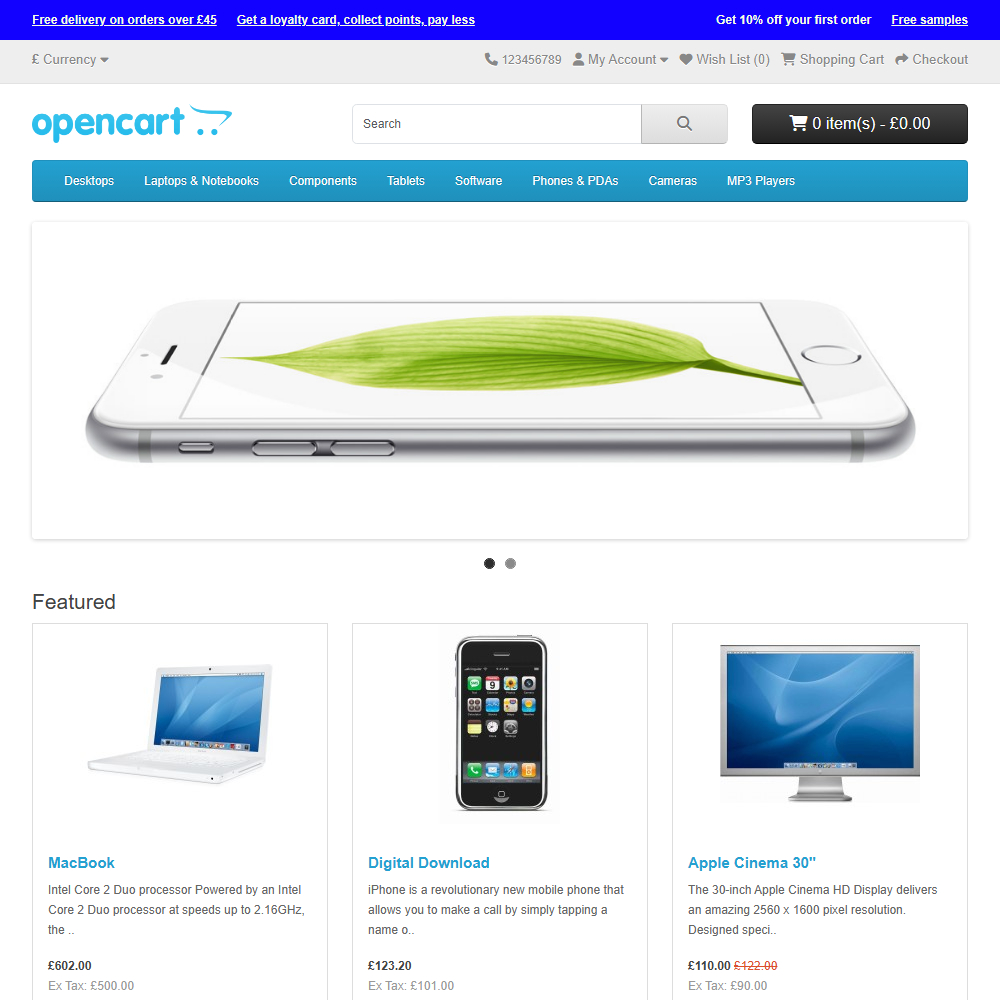
Enhance your OpenCart store with the Announcement Bar extension, enabling you to display important messages, promotions, and updates directly to your customers. This versatile solution helps drive sales, highlight key information, and improve customer communication – all with full control from your store's admin panel.
Key Features:
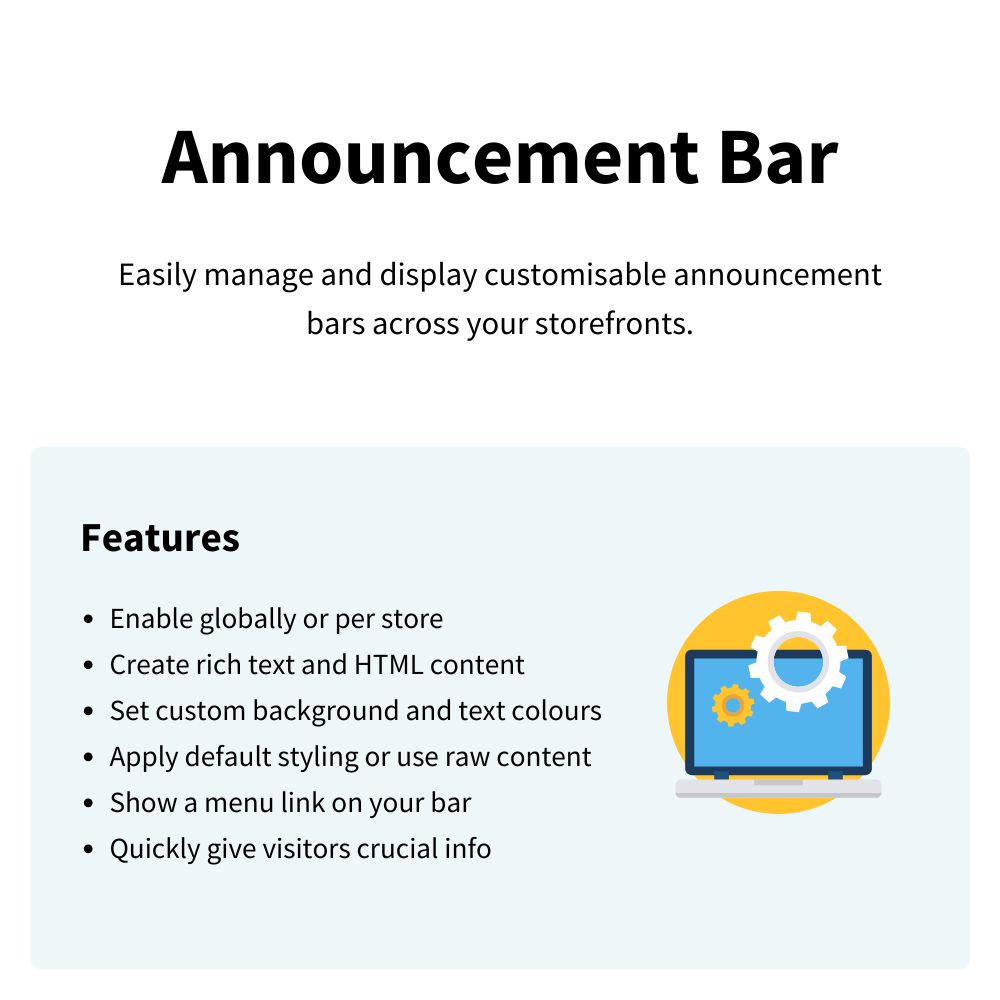
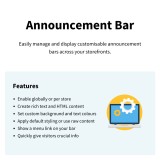
- Global or Multi-Store Display – Enable the announcement bar across your entire network or tailor it for specific stores.
- Customisable Content – Create rich text and HTML messages to effectively highlight free delivery, sales, or critical store updates.
- Guided Installation – Step-by-step guide makes setup fast and simple for any store owner.
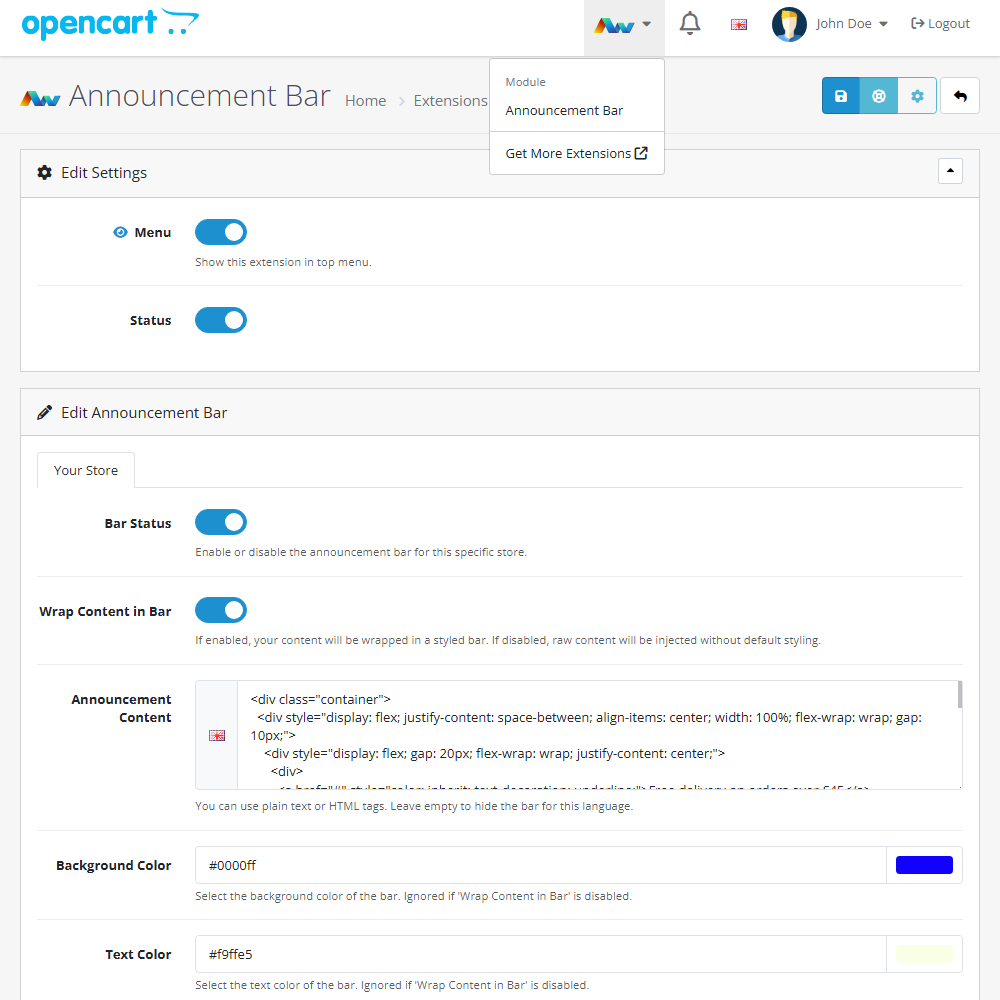
- Multi-Language Support – Set unique bar content for each store language, ensuring your message reaches every customer.
- Custom Colours – Easily select your preferred background and text colours to seamlessly match your store's branding.
- Flexible Styling Options – Choose to wrap your message in a pre-styled bar or inject raw content without default styling for total design freedom.
- Auto-Hide Functionality – Simply leave the content box empty to instantly hide the announcement bar for a specific language.
- Centralised Management – Monitor and update all your store announcements directly from a single, intuitive admin interface.
- Admin Menu Integration – Optionally show a quick-access link to the extension within your OpenCart top menu for rapid adjustments.
Installation and Update:
This extension supports OpenCart version 3.x, 4.x, cloud, events system, and the Journal Theme. No files are stored outside the extension, no files are overwritten and it does not use OCMODE/vQmode.
Each download file is the extension file to install. Download the ZIP file for the OpenCart version you require, use the built in installer, use upload button and choose that file.
If you have the free NaNet Extension Helper (v1.7 or later) installed, you can use export option (top right menu) within your extension before uninstalling. When you reinstall, the settings can be restored by using import option. This extension will also add an OpenCart header menu for easy access to all NaNet extensions.
Please note: It's always a good practice to backup your OpenCart installation before installing any extensions or making significant changes.
| 2026-04-29 (1.0) | Initial release. |
Changelog
| 2026-04-29 (1.0) | Initial release. |