



- ID: 68
- Framework: OpenCart
- Compatibility: 3.x & 4.x
- Updated: 2026-06-29



Extension Compatibility:
OpenCart: 4.x.x.x, 3.x.x.x
Events System / Journal Theme
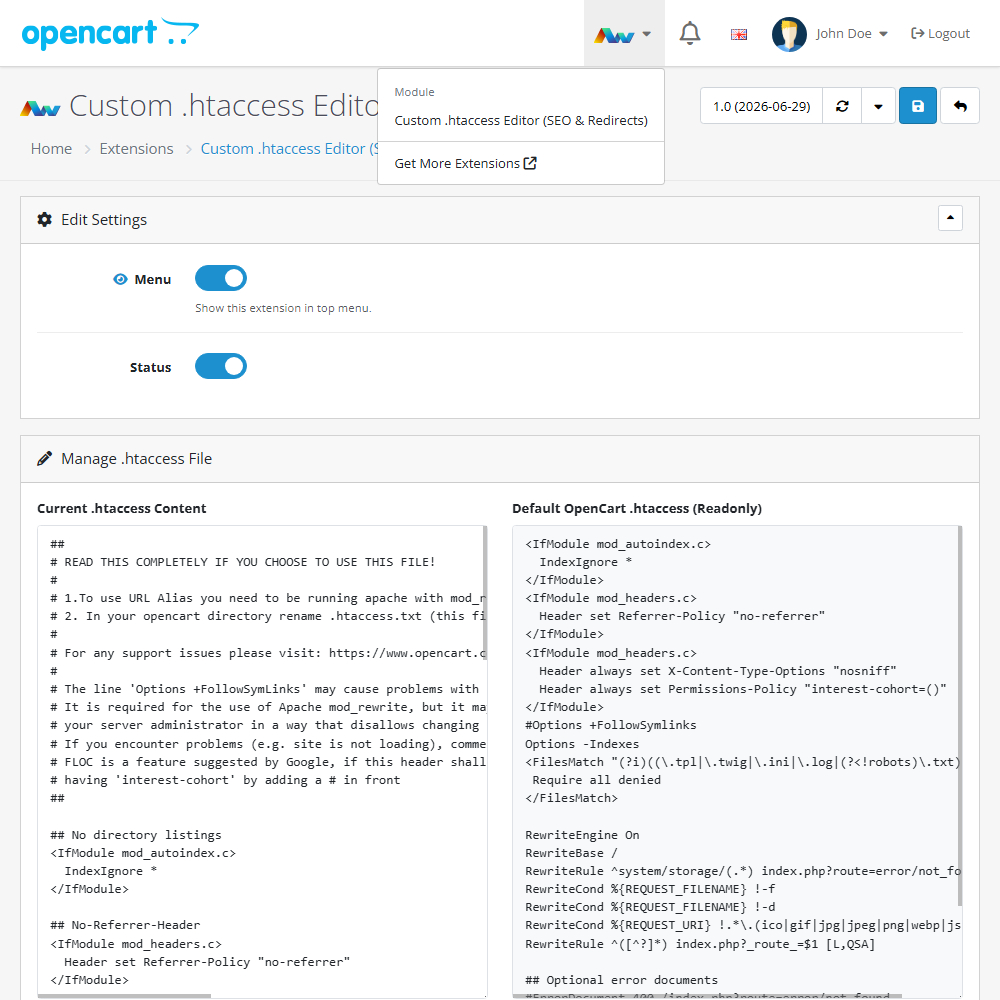
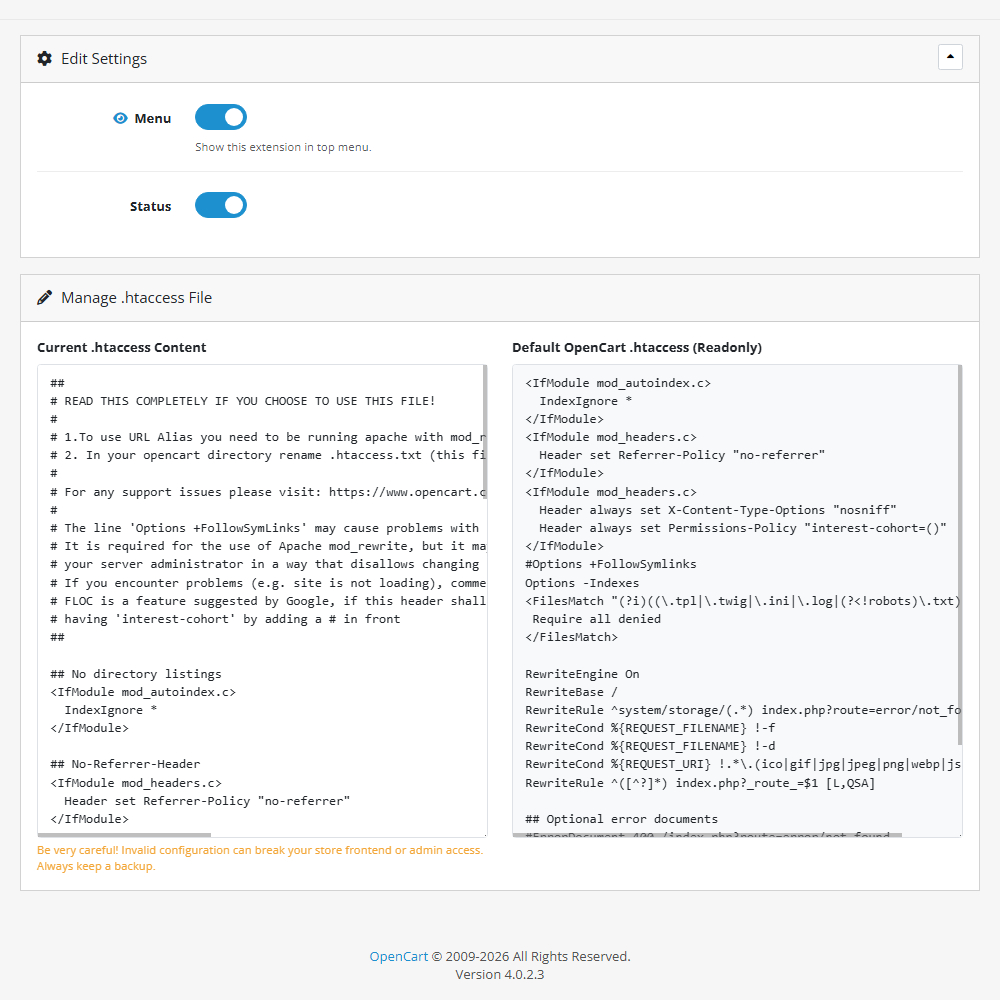
Enhance your OpenCart store with the Custom .htaccess Editor (SEO & Redirects) extension, allowing you to safely manage and update your server configurations directly from your admin panel. This practical tool improves your store's SEO and URL management by letting you easily configure redirects, caching, and security headers, all while providing a safe side-by-side comparison with the default OpenCart setup to prevent critical errors.
Key Features:
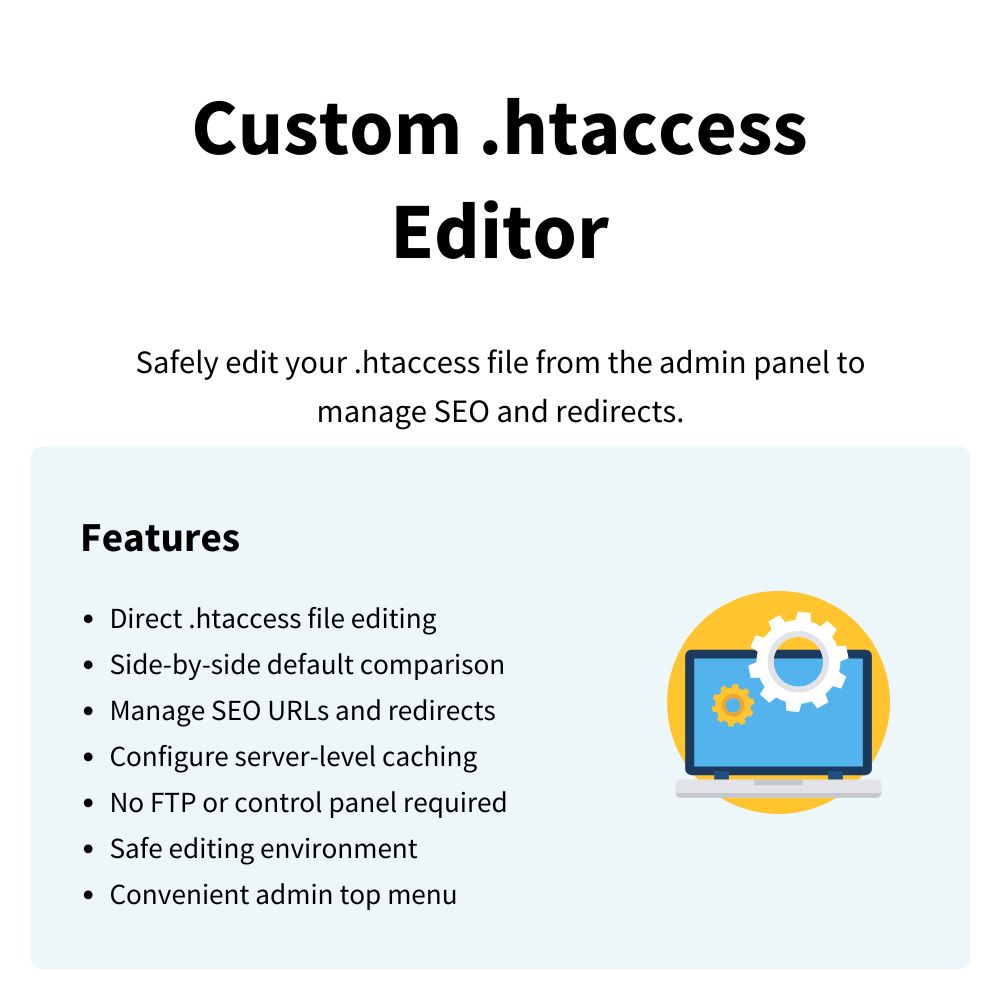
- Direct File Editing – Safely modify your active .htaccess file straight from your OpenCart dashboard without needing FTP or external control panel access.
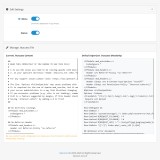
- Side-by-Side Comparison – View the default OpenCart .htaccess configuration in a read-only panel next to your active file for easy reference and error prevention.
- SEO & Redirect Management – Easily set up 301 redirects, force HTTPS, or adjust URL routing to improve your store's search engine optimisation and user experience.
- Server-Level Adjustments – Quickly implement browser caching rules, compression settings, and security headers to significantly boost your website's overall performance.
- Safe Editing Environment – Manage critical server changes within a streamlined interface, giving you complete control over your store's core routing behaviour.
- Admin Menu Integration – Optionally show a quick-access link to the extension within your OpenCart top menu for rapid adjustments and maintenance.
Installation and Update:
This extension supports OpenCart version 3.x, 4.x, cloud, events system, and the Journal Theme. No files are stored outside the extension, no files are overwritten and it does not use OCMODE/vQmode.
Each download file is the extension file to install. Download the ZIP file for the OpenCart version you require, use the built in installer, use upload button and choose that file.
If you have the free NaNet Extension Helper (v1.7 or later) installed, you can use export option (top right menu) within your extension before uninstalling. When you reinstall, the settings can be restored by using import option. This extension will also add an OpenCart header menu for easy access to all NaNet extensions.
Please note: It's always a good practice to backup your OpenCart installation before installing any extensions or making significant changes.
| 2026-06-29 (1.0) | Initial release. |
Changelog
| 2026-06-29 (1.0) | Initial release. |