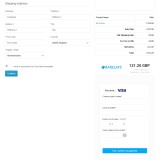
- ID: 49
- Framework: OpenCart
- Compatibility: 3.x & 4.x
- Updated: 2025-04-02



Extension Compatibility:
OpenCart: 4.x.x.x, 3.x.x.x
Events System / Journal Theme
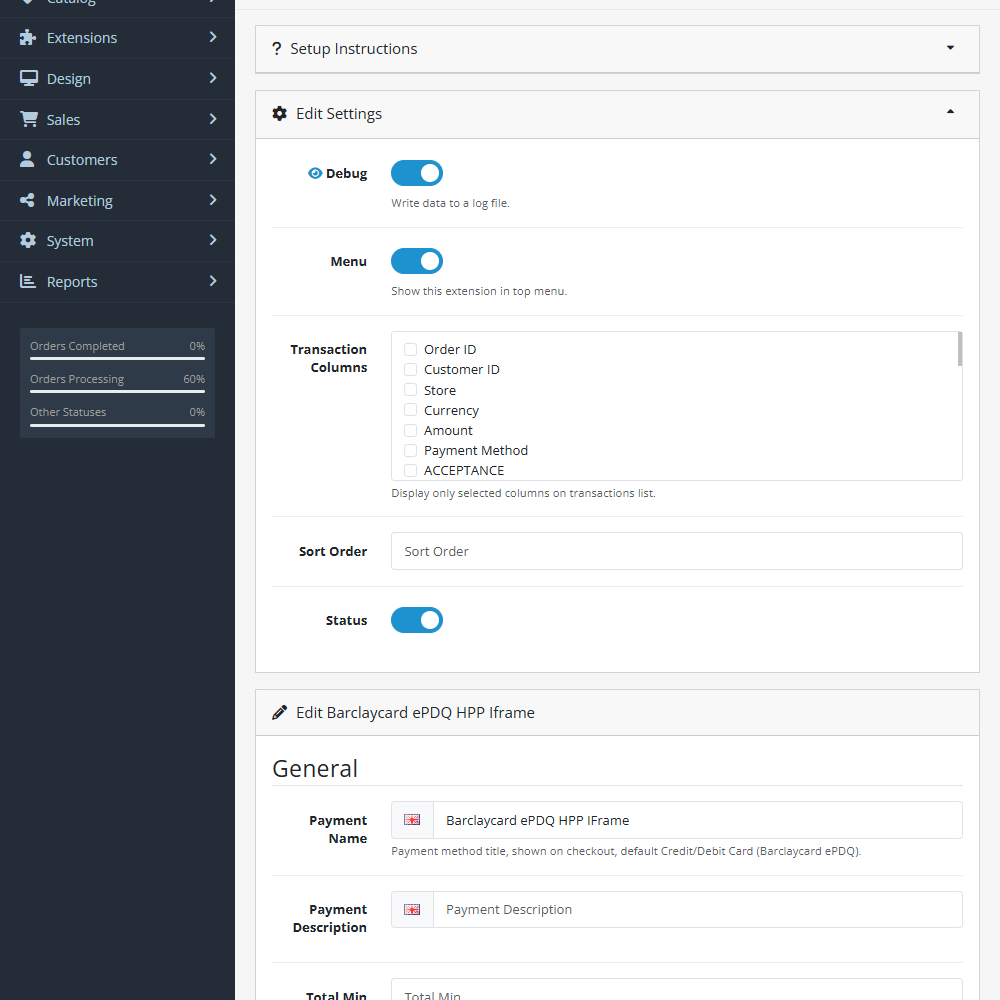
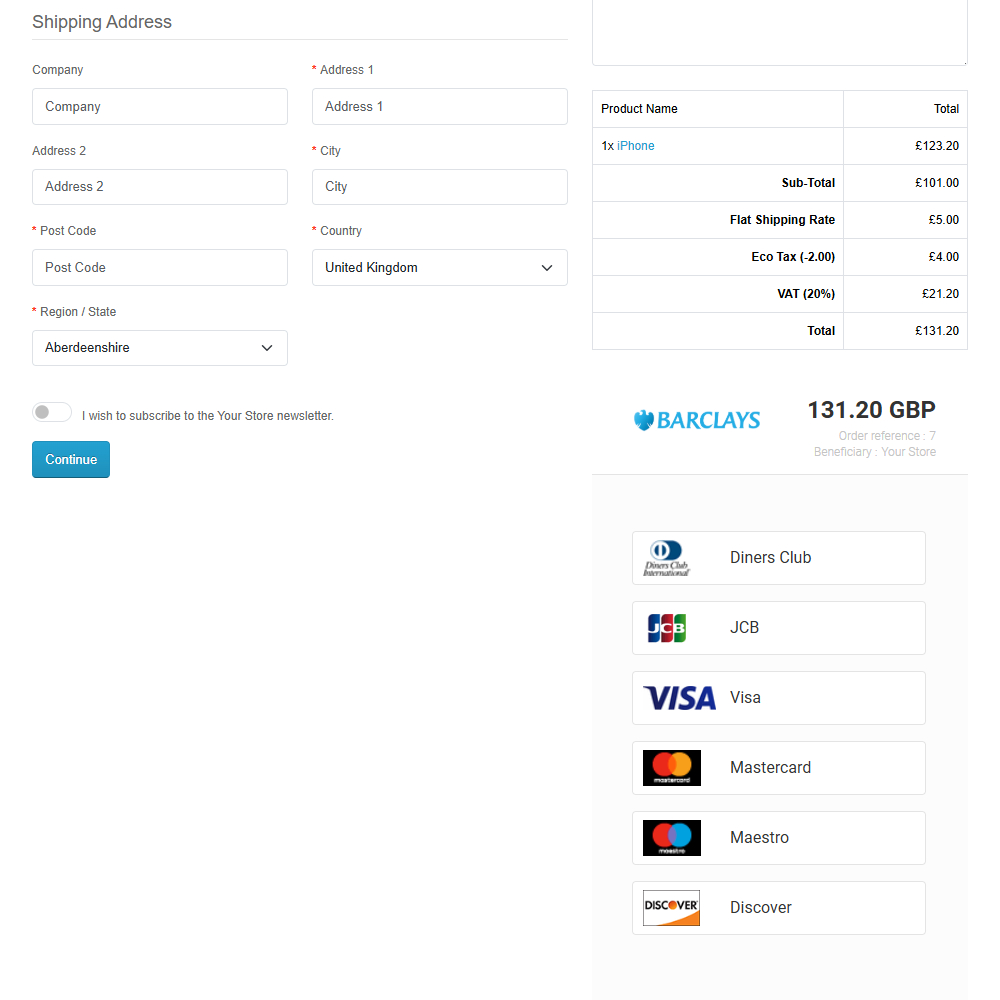
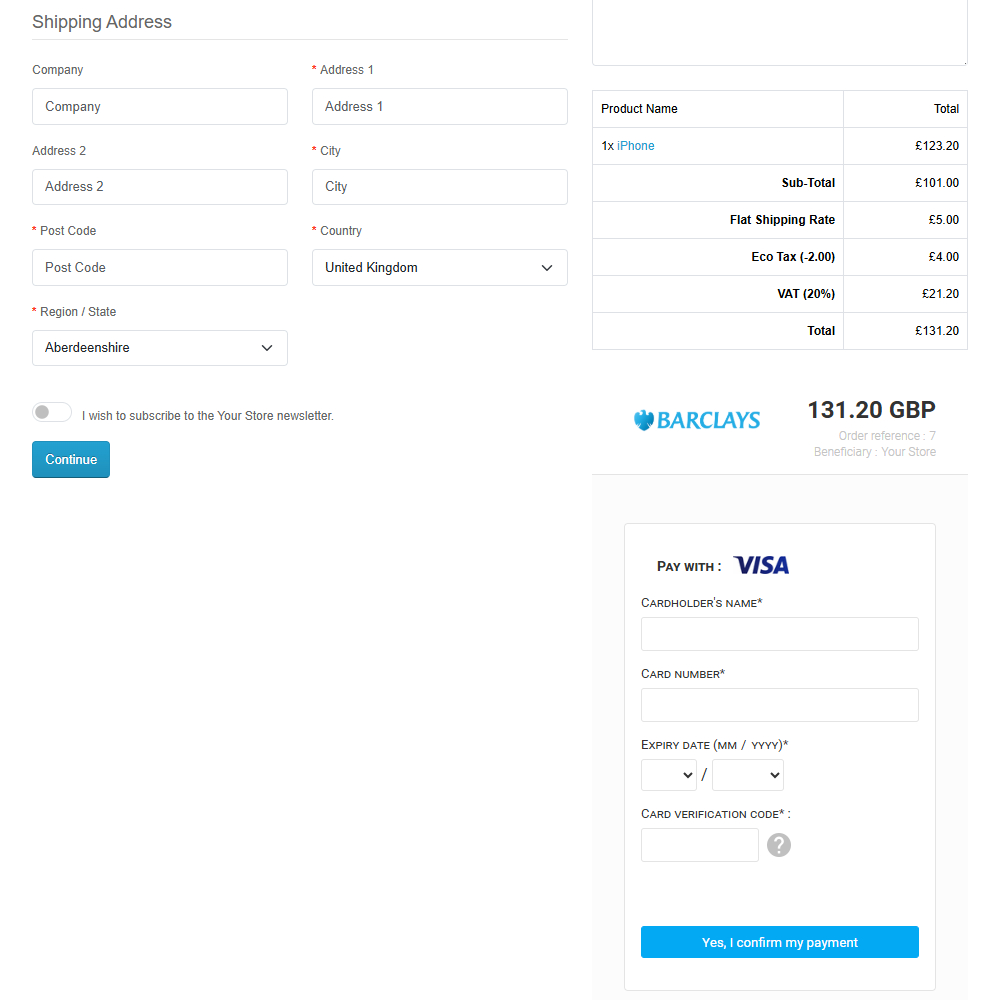
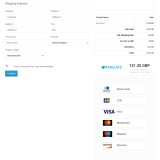
Enhance your OpenCart store with the Barclaycard ePDQ HPP Iframe extension, offering secure and seamless payment processing. This extension integrates directly with Barclaycard’s Hosted Payment Page, allowing customers to complete transactions within an embedded iframe for a smoother checkout experience while keeping sensitive card details secure.
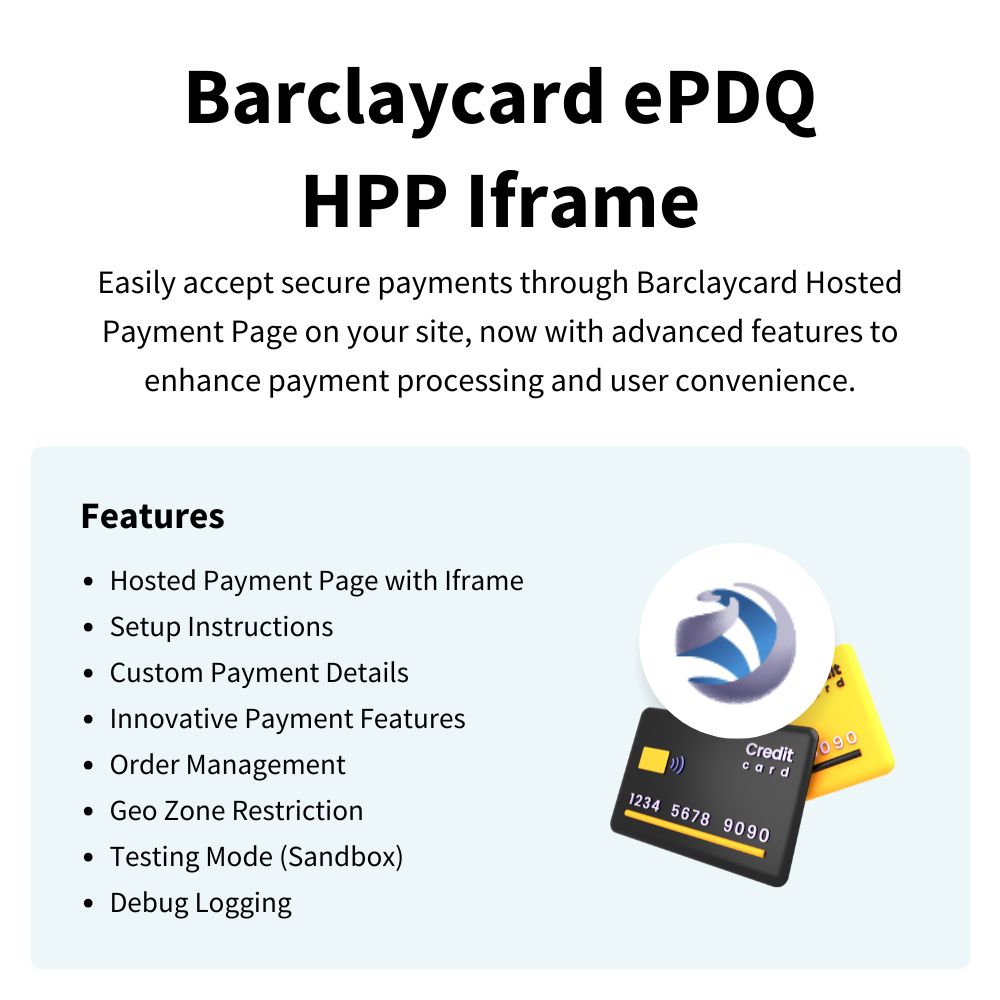
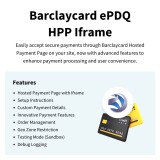
Key Features:- Hosted Payment Page with Iframe – Accept secure payments within an embedded iframe for a seamless checkout.
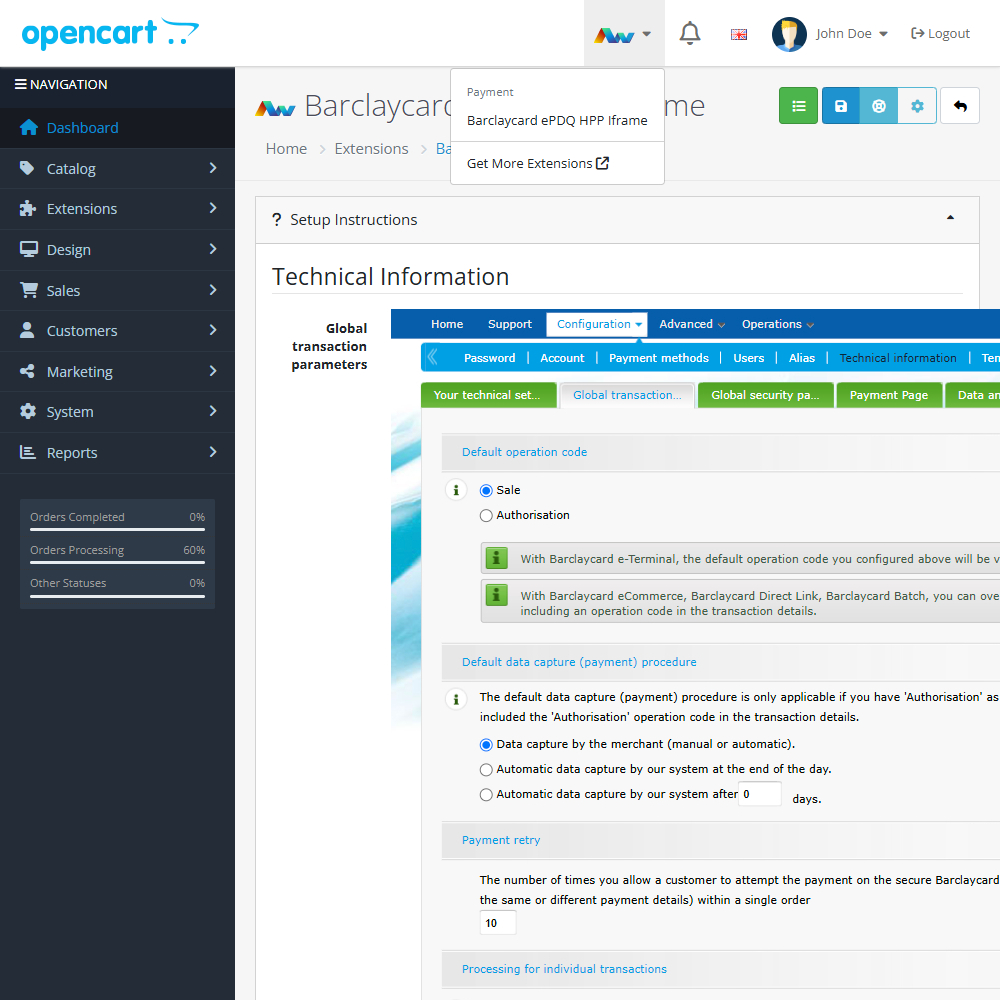
- Setup Instructions – Easy-to-follow integration steps for quick implementation.
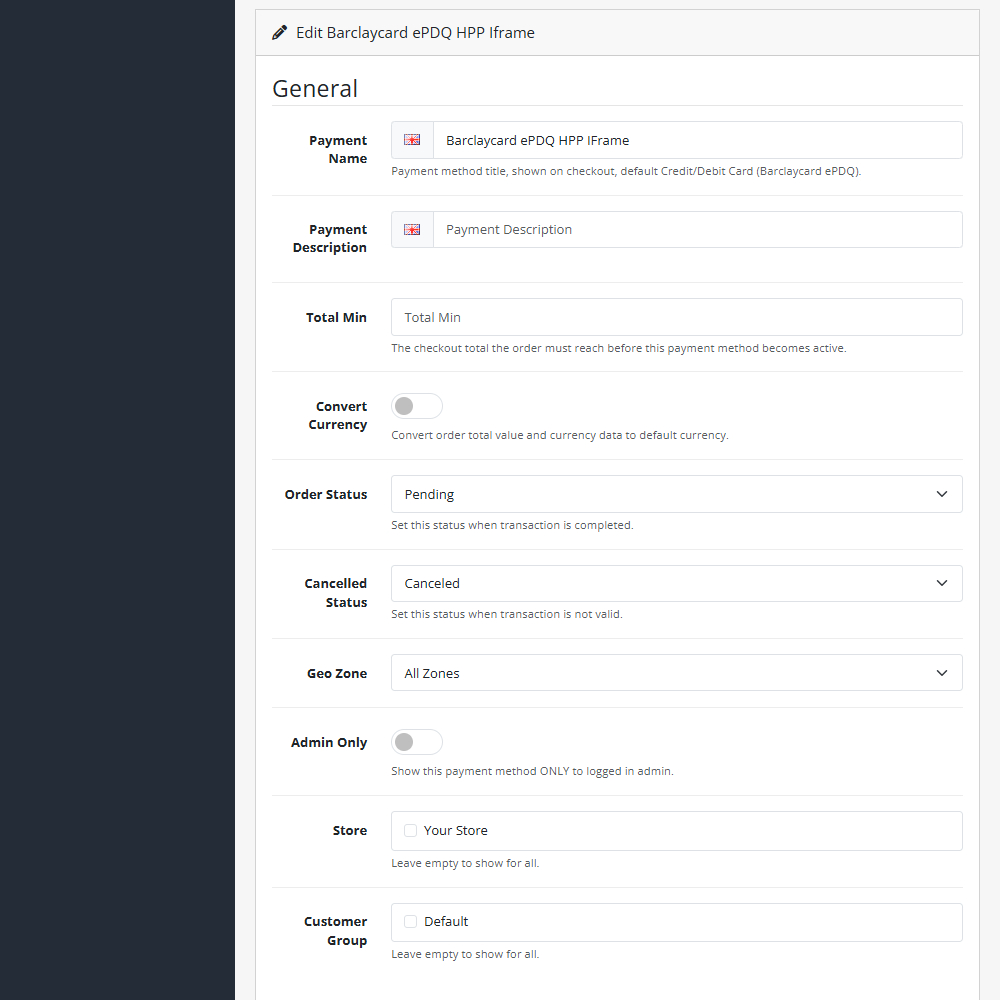
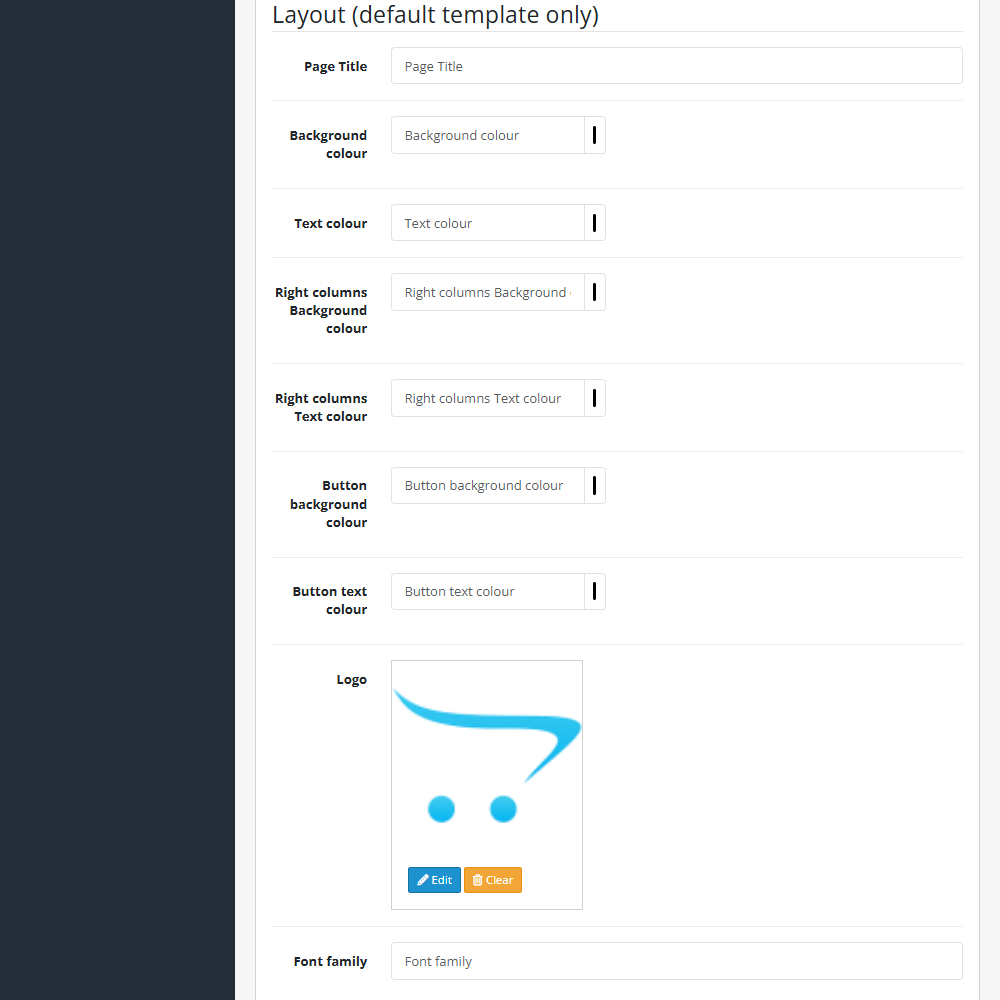
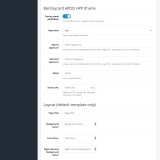
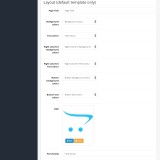
- Custom Payment Details – Configure payment settings to align with your store’s branding and policies.
- Innovative Payment Features – Access advanced transaction capabilities to enhance flexibility.
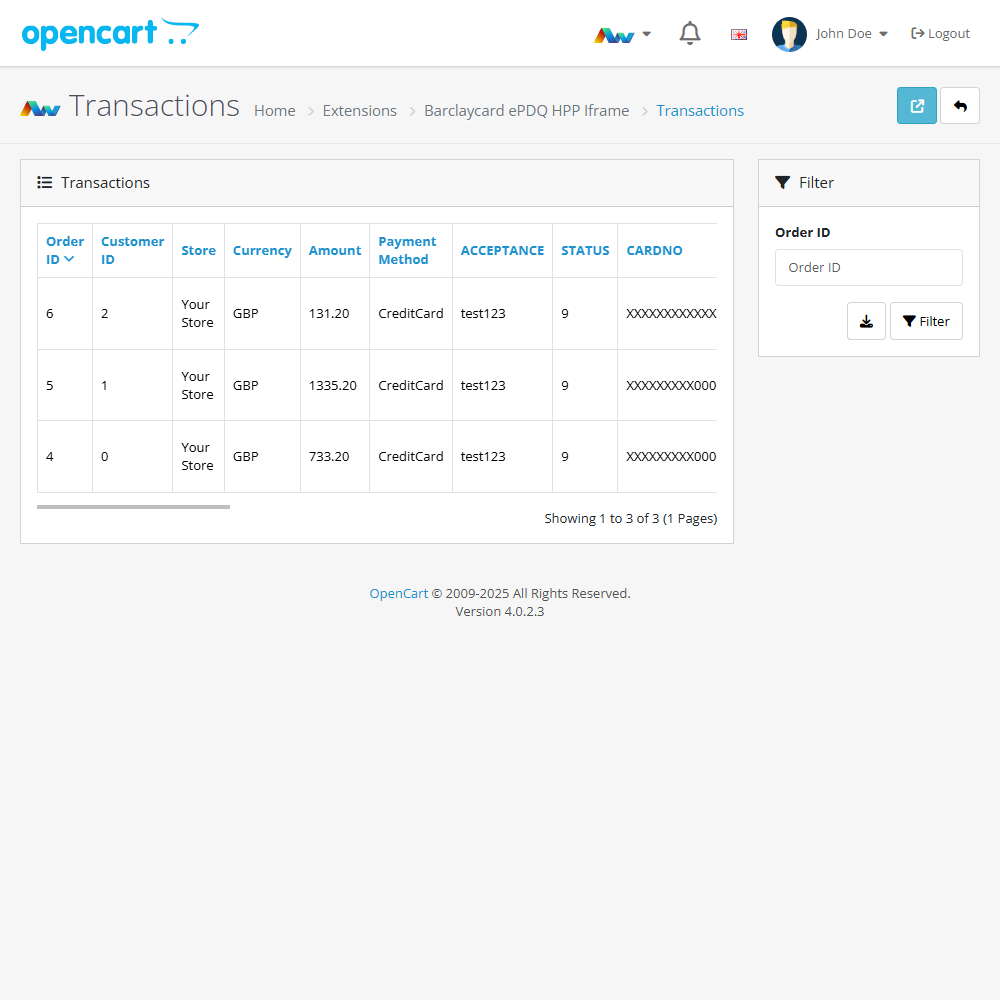
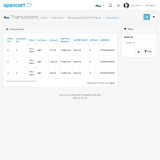
- Order Management – Efficiently track and manage payments within OpenCart.
- Geo Zone Restriction – Control payment availability based on customer location.
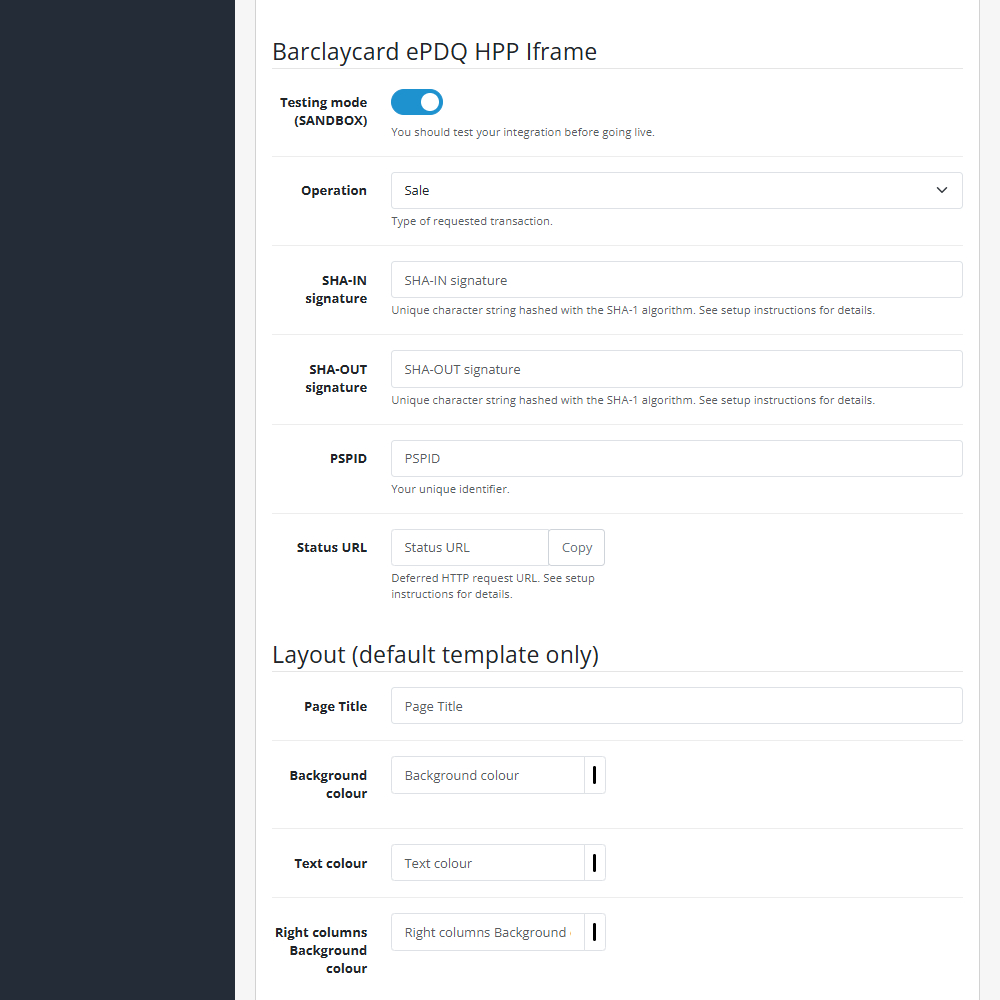
- Testing Mode (Sandbox) – Safely test transactions before going live.
- Debug Logging – Monitor and troubleshoot transactions with detailed logs.
With its secure and feature-rich integration, this extension simplifies payment processing while providing a professional and convenient checkout experience. Reduce security risks and enhance trust with a fully hosted payment solution powered by Barclaycard.
Upgrade your OpenCart store today with Barclaycard ePDQ HPP Iframe!
This extension supports OpenCart version 3.x, 4.x, Events System, and the Journal Theme.
Installation and Update:
This extension supports OpenCart version 3.x, 4.x, cloud, events system, and the Journal Theme. No files are stored outside the extension, no files are overwritten and it does not use OCMODE/vQmode.
Each download file is the extension file to install. Download the ZIP file for the OpenCart version you require, use the built in installer, use upload button and choose that file.
If you have the free NaNet Extension Helper (v1.7 or later) installed, you can use export option (top right menu) within your extension before uninstalling. When you reinstall, the settings can be restored by using import option. This extension will also add an OpenCart header menu for easy access to all NaNet extensions.
Please note: It's always a good practice to backup your OpenCart installation before installing any extensions or making significant changes.
| 2025-04-02 (1.0) | Initial release. |
Changelog
| 2025-04-02 (1.0) | Initial release. |