


- ID: 61
- Framework: OpenCart
- Compatibility: 3.x & 4.x
- Updated: 2026-07-22



Extension Compatibility:
OpenCart: 4.x.x.x, 3.x.x.x
Events System / Journal Theme
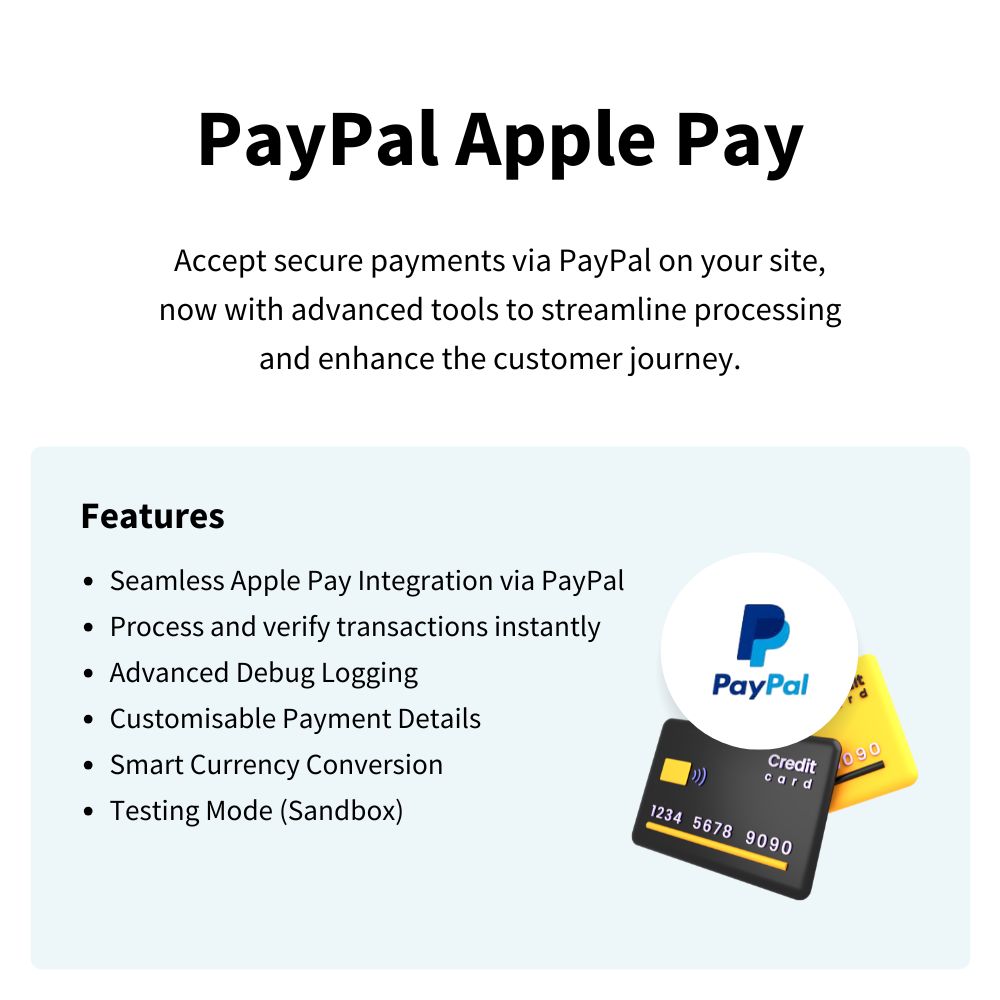
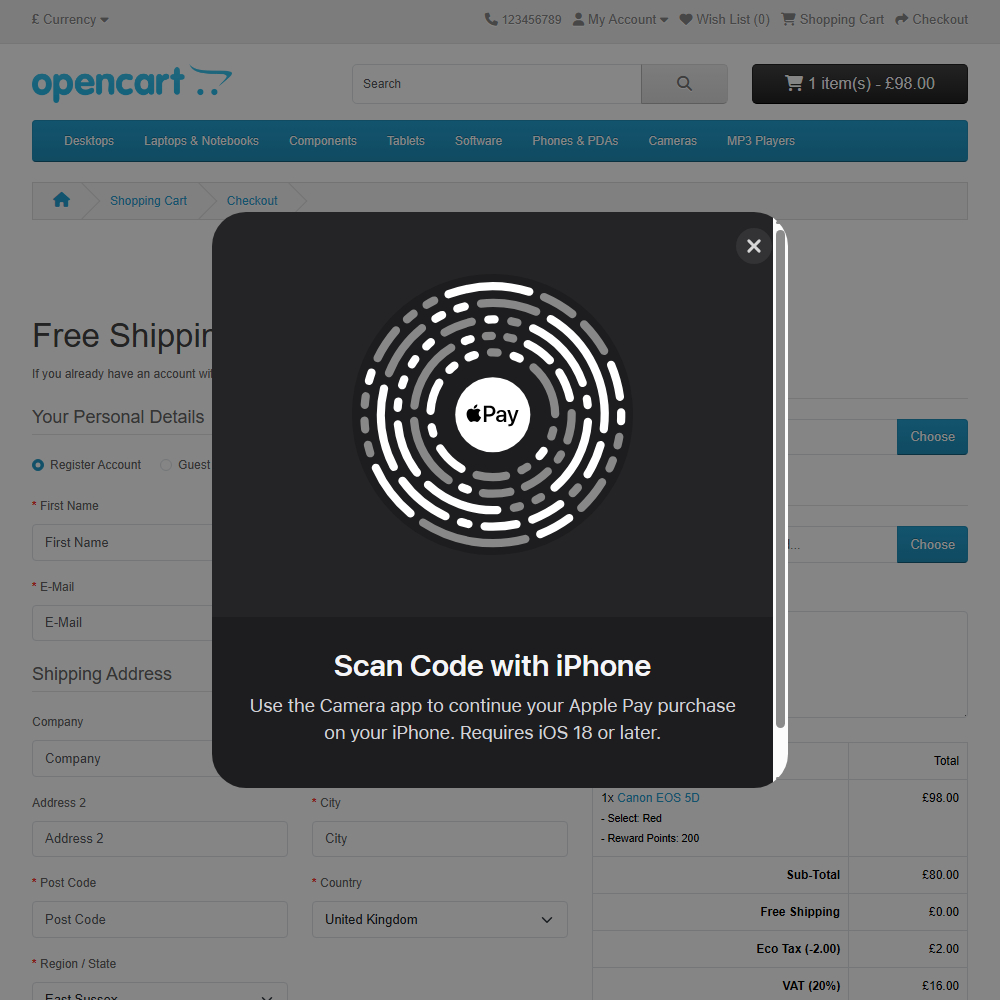
Transform your checkout experience with the PayPal Apple Pay extension, empowering you to accept secure iOS payments through PayPal’s renowned gateway. This high-performance solution streamlines the buying process for Apple users, drives mobile conversions, and offers seamless integration—all manageable directly from your store’s admin panel.
Key Features:
- PayPal Apple Pay Integration – Facilitate instant, secure transactions by linking Apple Pay directly to your PayPal business account.
- Robust Security Standards – Leverage PayPal’s advanced encryption infrastructure to protect sensitive customer data.
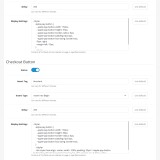
- Shipping Address Restrictions – Better control your order fulfilment by setting specific restrictions on where customers can ship their Apple Pay orders.
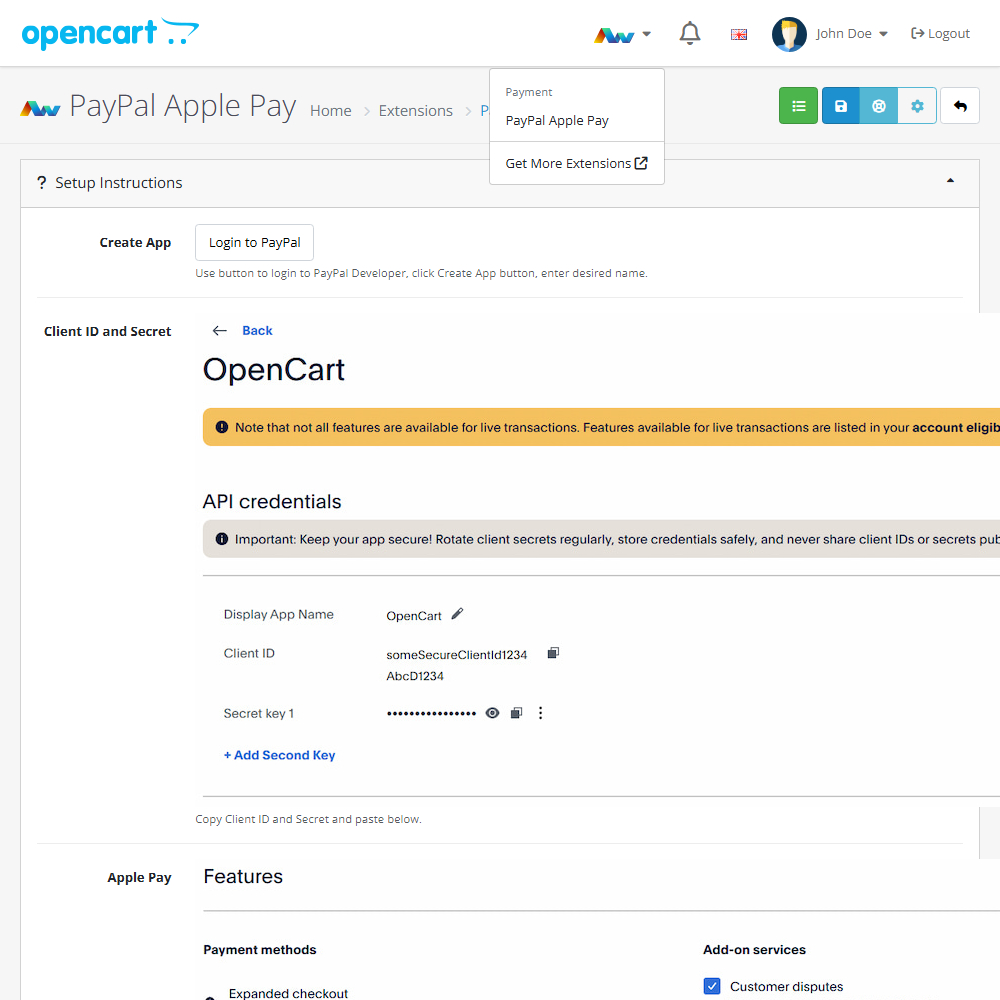
- Easy Installation Wizard – A clear, step-by-step setup guide ensures you can launch quickly without technical headaches.
- Sandbox Testing Mode – Verify your payment and checkout flow in a safe test environment before processing real orders.
- Extension Update Checker – Stay up-to-date with the latest features, security patches, and performance improvements via built-in version checking.
- Global Currency Support – Effortlessly accept international orders as PayPal manages the necessary currency conversions.
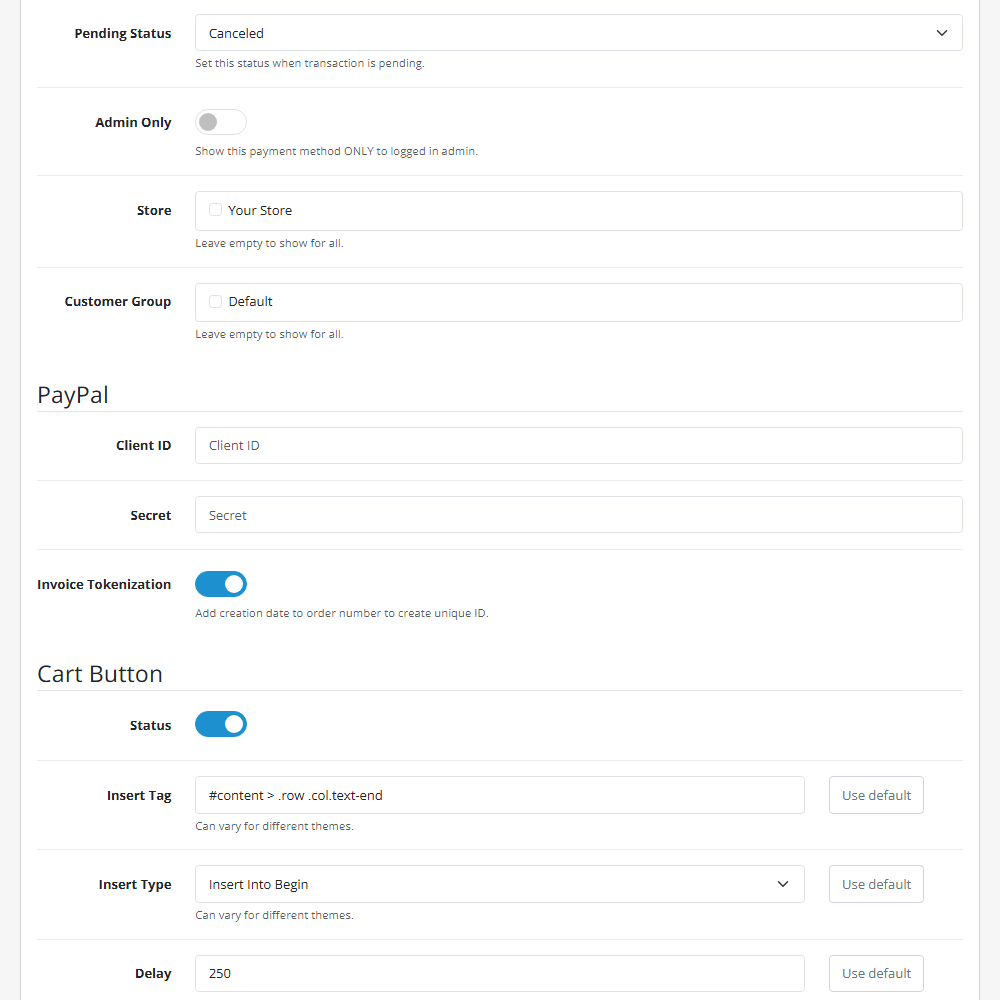
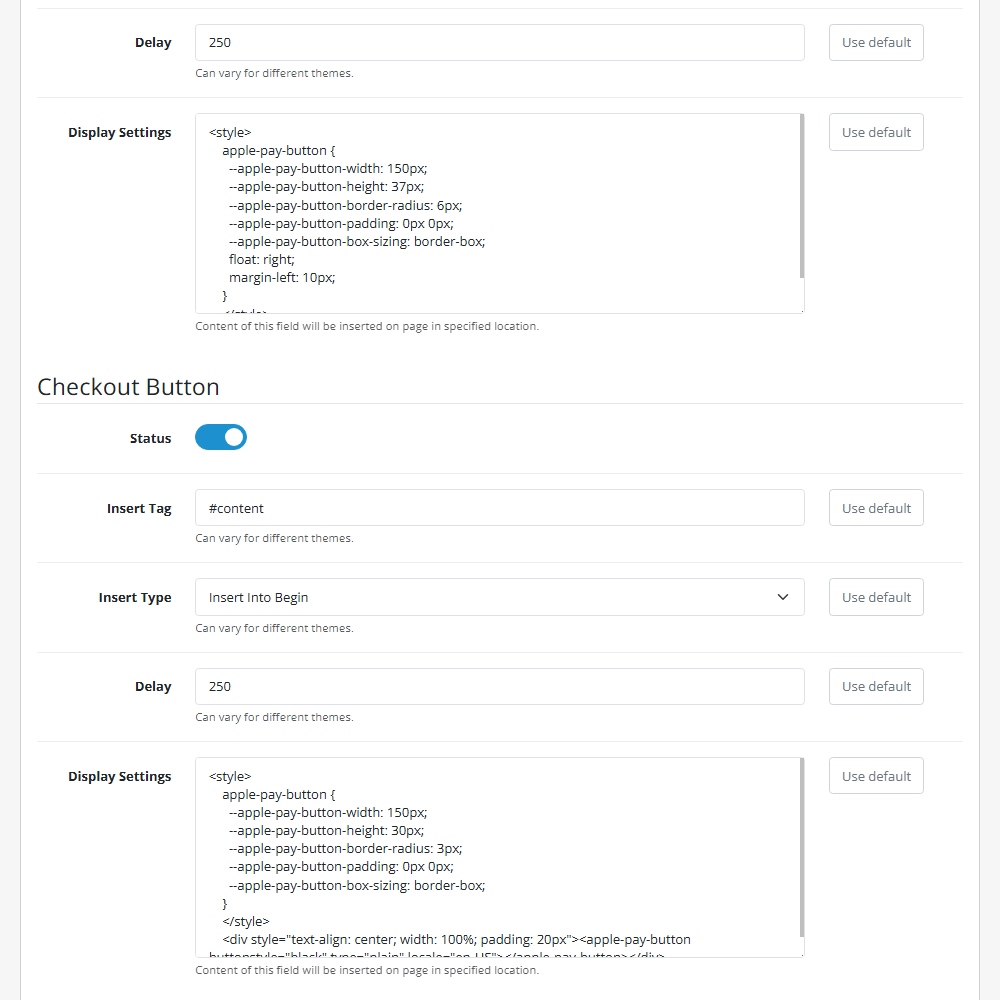
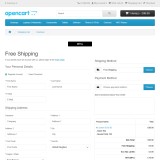
- Apple Pay Button Customisation – Adjust the button style (Black, White, or Outline) to blend perfectly with your storefront.
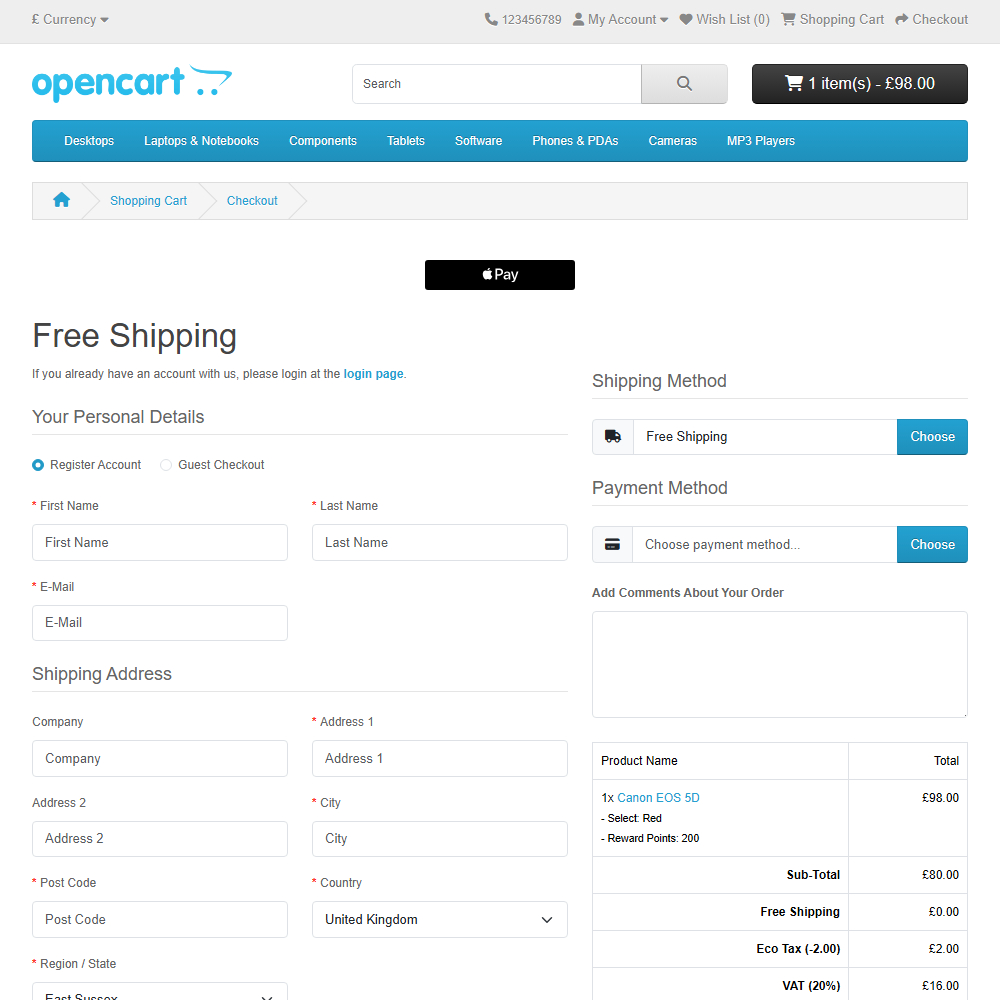
- Flexible Button Placement – Insert the Apple Pay button on product pages or the checkout area to maximise visibility.
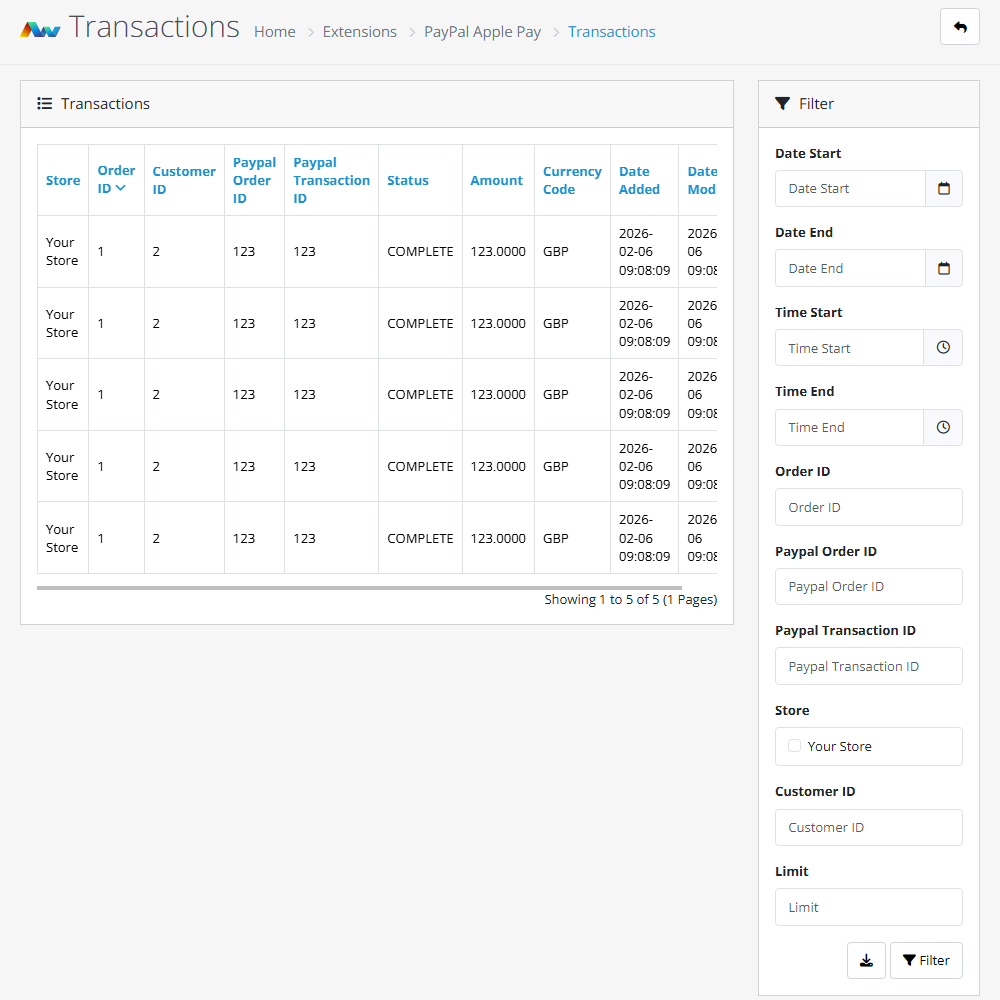
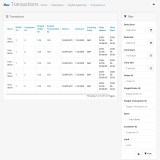
- Admin Panel Management – Authorise, capture, and review all Apple Pay transactions from a single dashboard.
- Guest Download Compatibility – Enable Apple Pay for digital goods without requiring customer login when used with the Guest Download Pro extension.
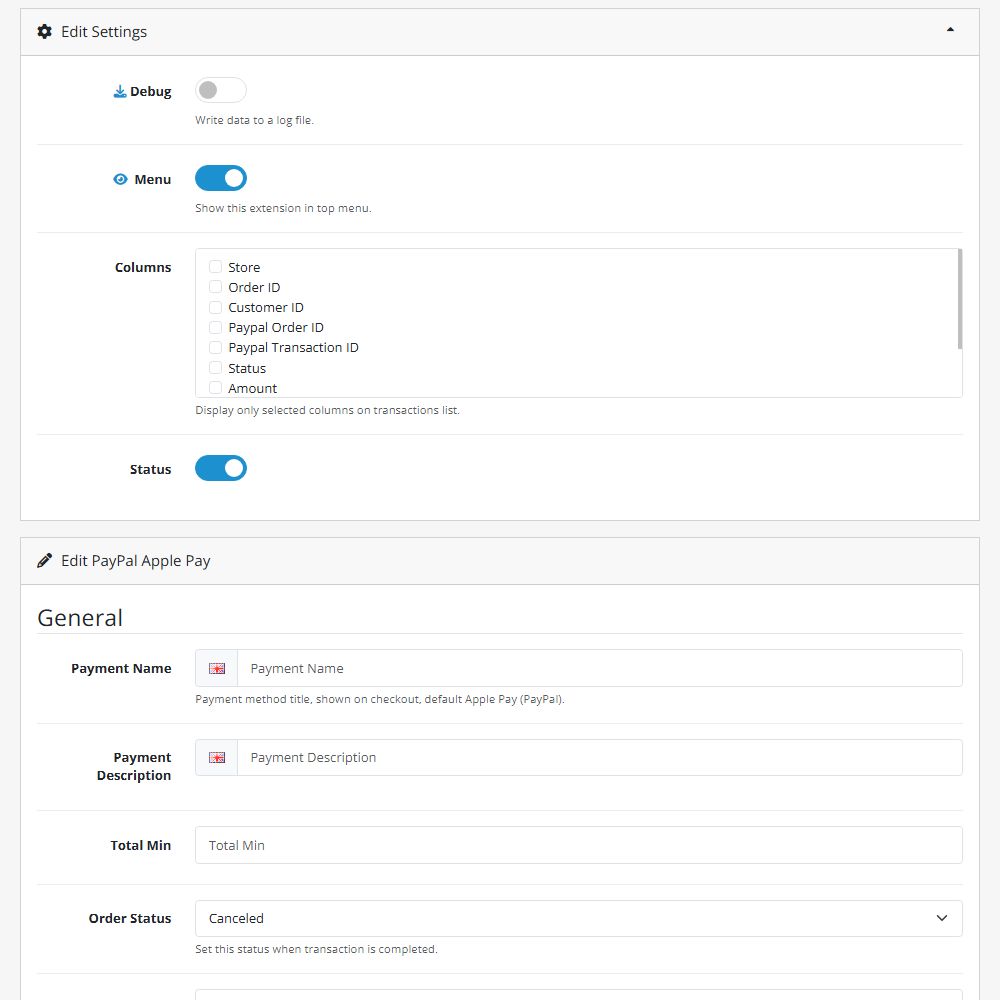
- Advanced Debugging – Utilise built-in logs to track API calls and troubleshoot connections easily.
Why Choose PayPal Apple Pay?
This extension gives merchants a competitive edge by offering the preferred digital wallet for iPhone, iPad, and Mac users via a trusted payment processor. By enabling Face ID and Touch ID payments, you reduce checkout friction, build consumer trust, and handle everything conveniently within your OpenCart admin.
Supported Apple Pay features:
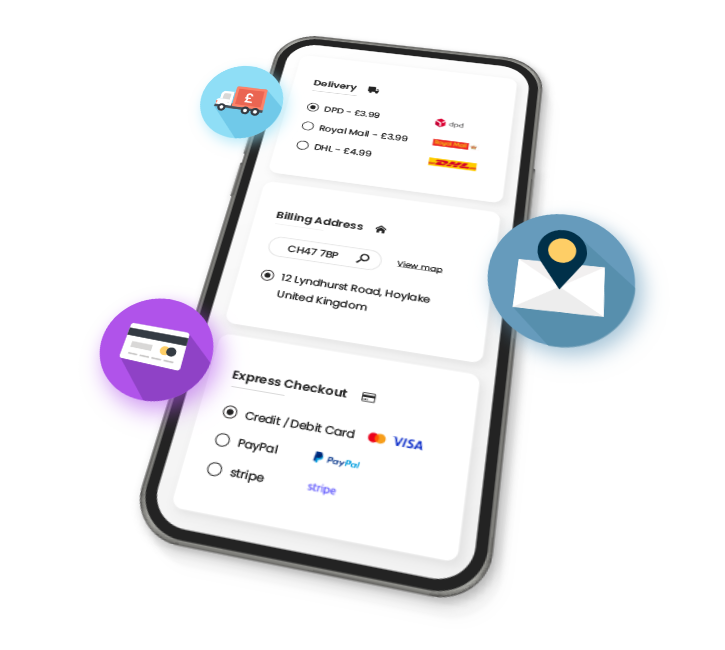
- Integrated Shipping – Shoppers can choose their shipping method instantly within the Apple Pay interface.
- Coupon Compatibility – Customers can easily apply OpenCart coupons to their purchase during the express checkout.
Installation and Update:
This extension supports OpenCart version 3.x, 4.x, cloud, events system, and the Journal Theme. No files are stored outside the extension, no files are overwritten and it does not use OCMODE/vQmode.
Each download file is the extension file to install. Download the ZIP file for the OpenCart version you require, use the built in installer, use upload button and choose that file.
If you have the free NaNet Extension Helper (v1.7 or later) installed, you can use export option (top right menu) within your extension before uninstalling. When you reinstall, the settings can be restored by using import option. This extension will also add an OpenCart header menu for easy access to all NaNet extensions.
Please note: It's always a good practice to backup your OpenCart installation before installing any extensions or making significant changes.
| 2026-07-22 (1.2) | Added extension update checker. Added setting to restrict shipping addresses. |
Changelog
| 2026-02-03 (1.0) | Initial release. |
| 2026-04-28 (1.1) | Added integration with extension Guest Download Pro. |
| 2026-07-22 (1.2) | Added extension update checker. Added setting to restrict shipping addresses. |