



- ID: 67
- Framework: OpenCart
- Compatibility: 3.x & 4.x
- Updated: 2026-05-20



Extension Compatibility:
OpenCart: 4.x.x.x, 3.x.x.x
Events System / Journal Theme
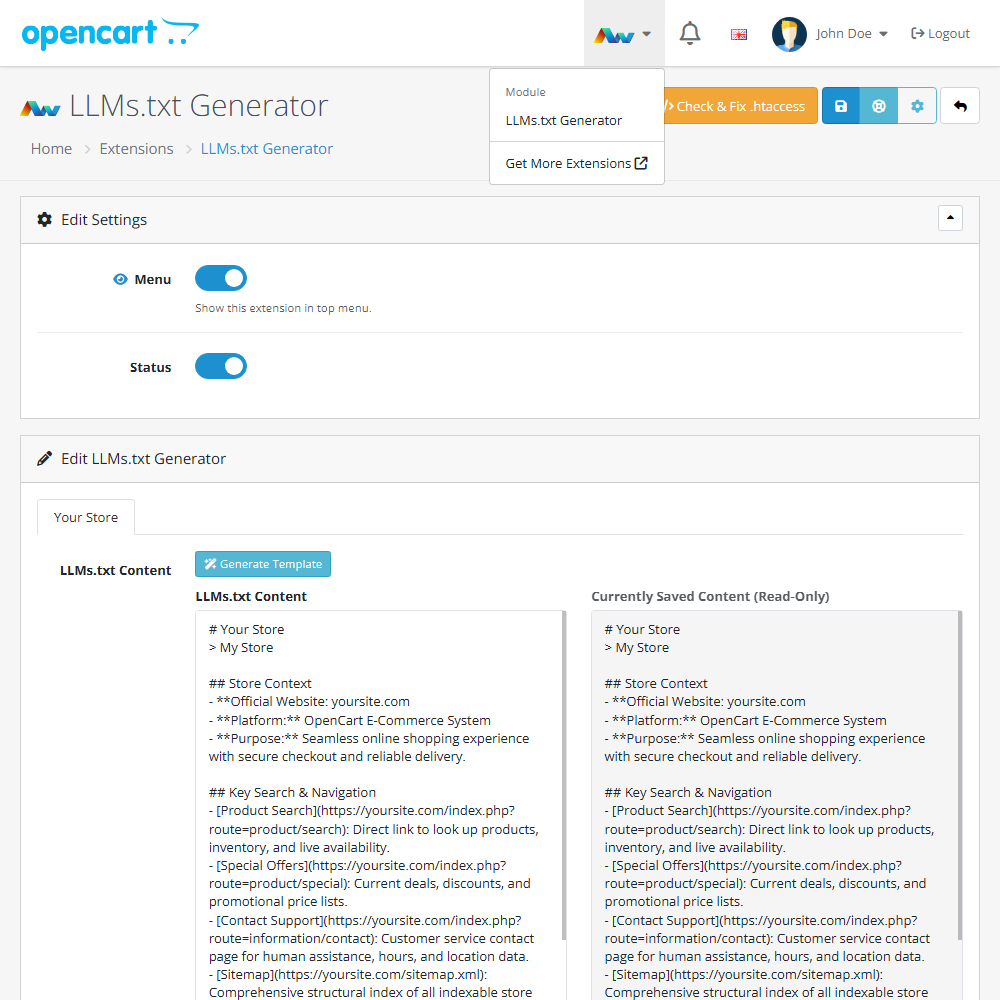
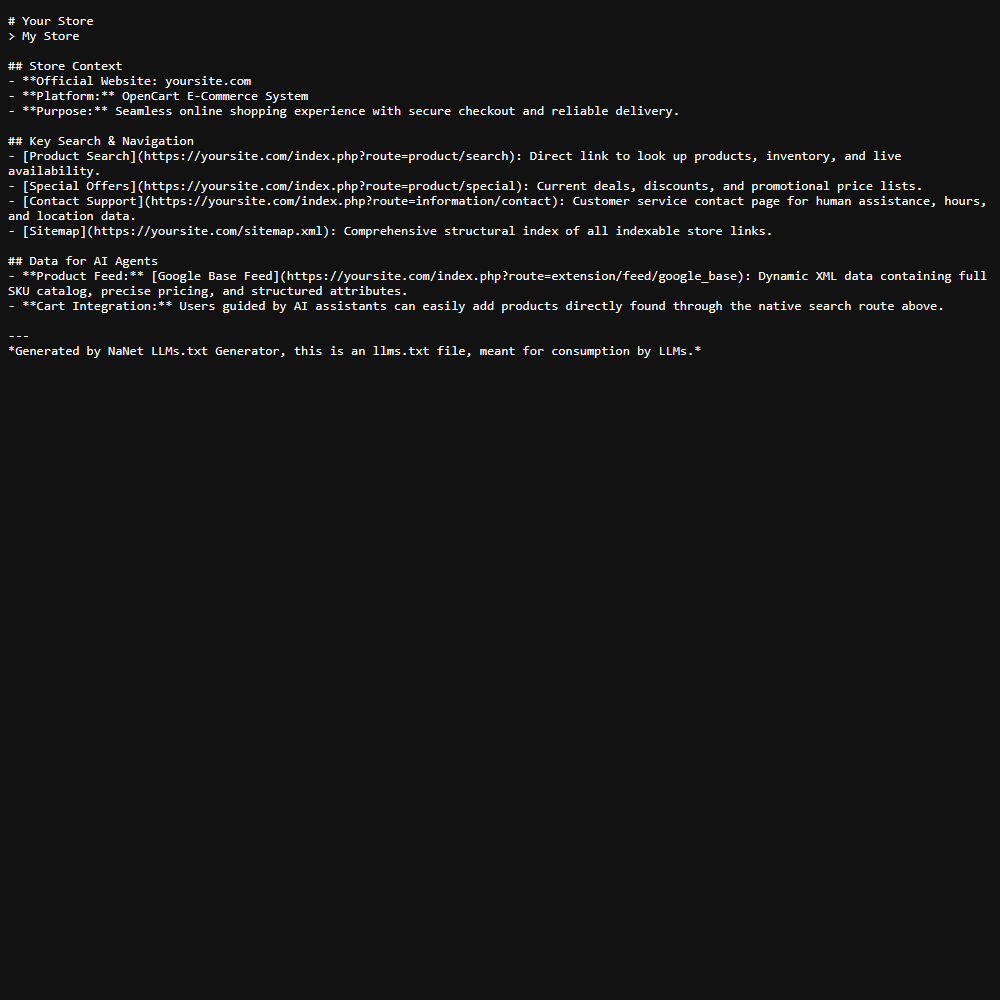
Enhance your OpenCart store with the LLMs.txt Generator extension, allowing you to easily create and manage standardised llms.txt files to help AI bots effectively index your site. This practical tool improves your store's AI search visibility by generating essential store data, key links, and sitemaps, all while providing full multi-store support and automated .htaccess configuration directly from your admin panel.
Key Features:
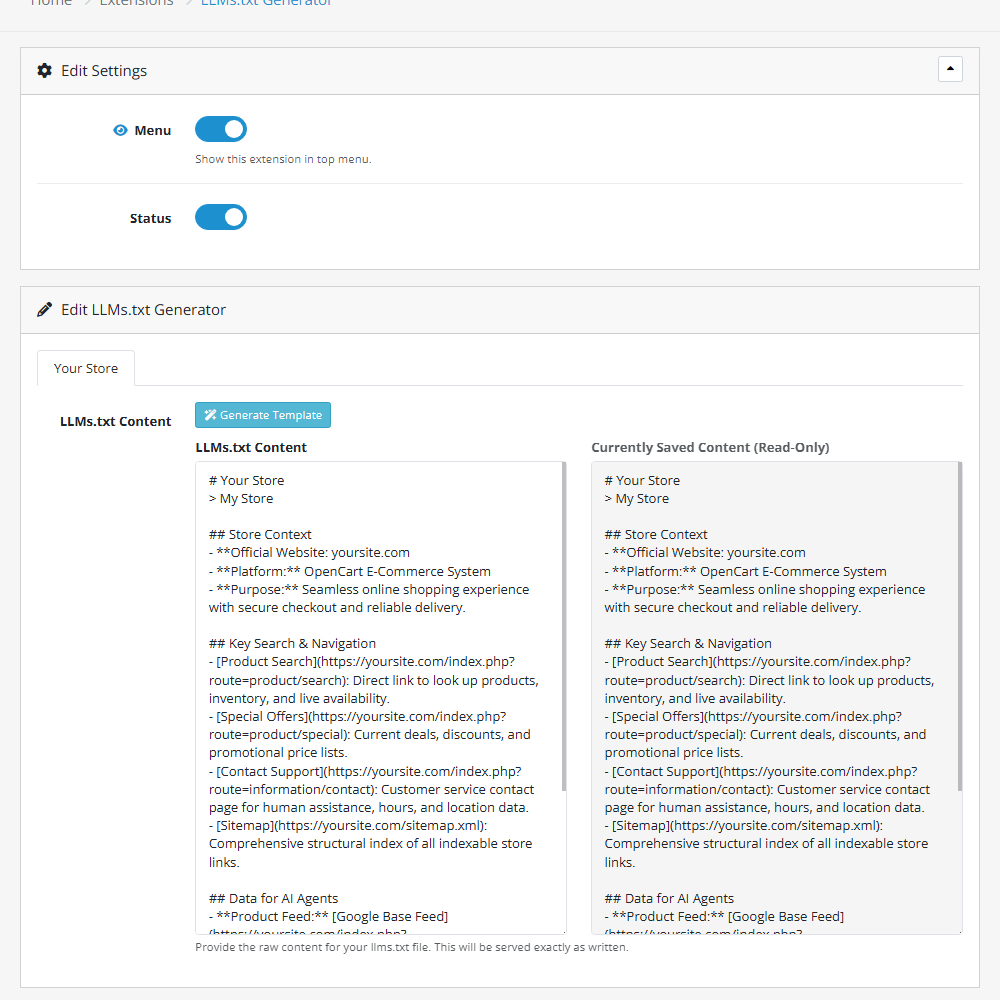
- One-Click Generation – Automatically generate a comprehensive template containing your store context, key navigation links, and sitemap URLs.
- Multi-Store Compatibility – Create, manage, and save a separate llms.txt file for each of your specific connected storefronts.
- Fully Editable Text – Review and modify the generated raw text before saving to ensure AI bots receive exactly the right information about your business.
- Automated .htaccess Setup – Use the built-in tool to instantly update your .htaccess file, allowing bot access and creating the correct URL routing without manual file editing.
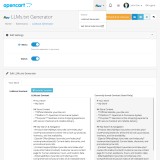
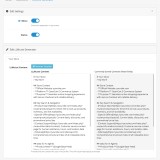
- Side-by-Side Preview – Easily compare your newly generated text against the currently saved content before making any permanent updates.
- Admin Menu Integration – Optionally show a quick-access link to the extension within your OpenCart top menu for rapid adjustments.
Installation and Update:
This extension supports OpenCart version 3.x, 4.x, cloud, events system, and the Journal Theme. No files are stored outside the extension, no files are overwritten and it does not use OCMODE/vQmode.
Each download file is the extension file to install. Download the ZIP file for the OpenCart version you require, use the built in installer, use upload button and choose that file.
If you have the free NaNet Extension Helper (v1.7 or later) installed, you can use export option (top right menu) within your extension before uninstalling. When you reinstall, the settings can be restored by using import option. This extension will also add an OpenCart header menu for easy access to all NaNet extensions.
Please note: It's always a good practice to backup your OpenCart installation before installing any extensions or making significant changes.
| 2026-05-20 (1.0) | Initial release. |
Changelog
| 2026-05-20 (1.0) | Initial release. |