




- ID: 59
- Framework: OpenCart
- Compatibility: 3.x & 4.x
- Updated: 2026-08-12



Extension Compatibility:
OpenCart: 4.x.x.x, 3.x.x.x
Events System / Journal Theme
Protect your OpenCart store with the IP Ban & Email Blocker extension, designed to automatically safeguard your site from malicious traffic and unwanted visitors. This powerful security tool helps you block suspicious IPs and emails, prevent spam searches, and manage access control lists – all with full automation capabilities from your store's admin panel.
Key Features:- Smart Ban Monitoring – Configure the "Ban Check Interval" to set a specific time period (e.g., 5-minute delay) for monitoring before a ban is issued.
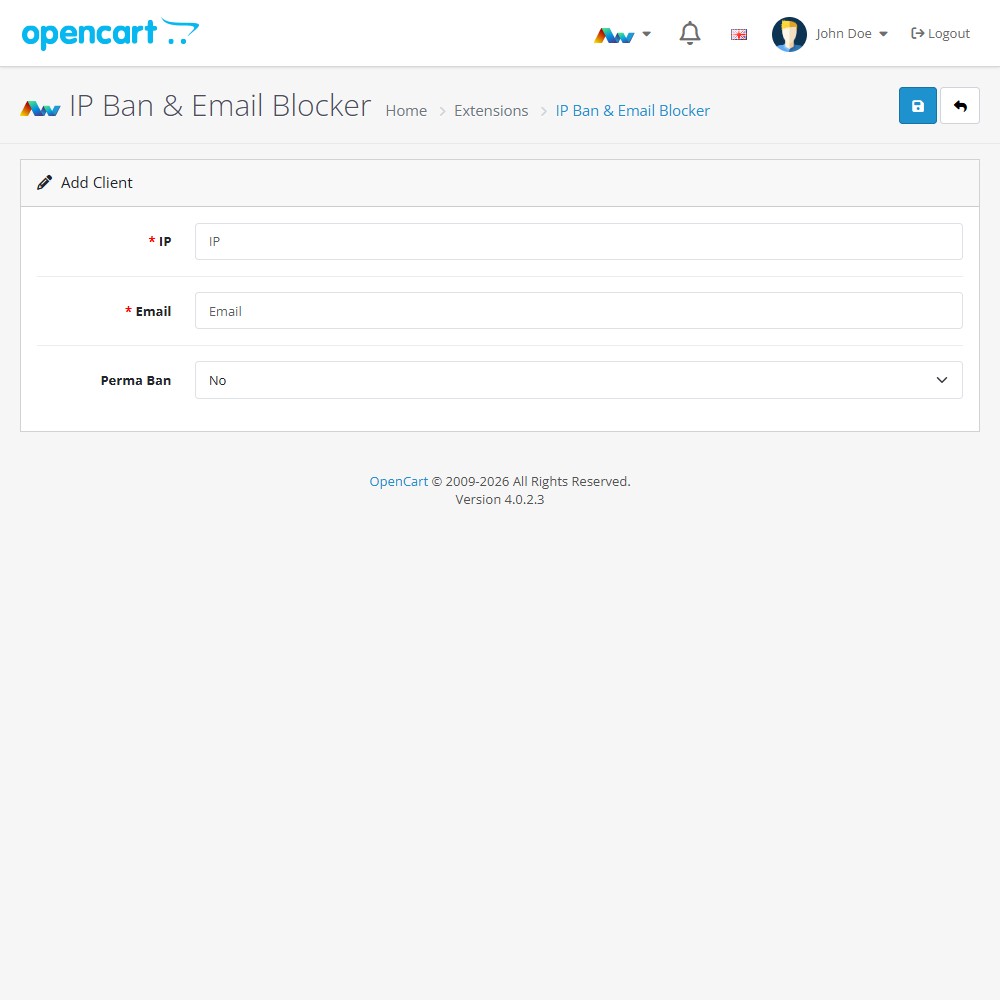
- IP & Email Blocking – Instantly ban specific IP addresses or email addresses from accessing your store.
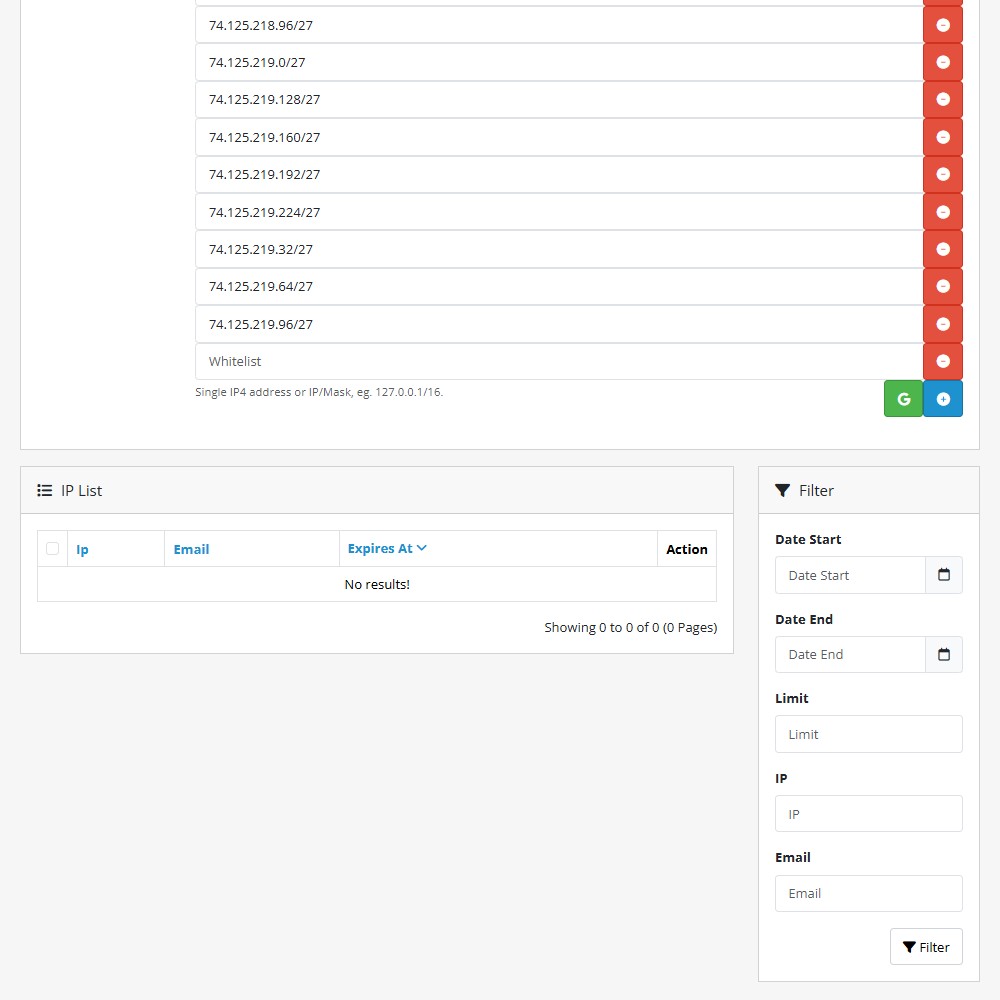
- Advanced Whitelisting – Ensure safe access for admins or specific networks using single IPs or CIDR masks (e.g., 192.178.4.0/27).
- Prohibited Search Blocking – Automatically ban users searching for restricted terms using standard text or Regex patterns.
- Automated Expirations – Use CRON jobs to automatically lift temporary bans after your defined duration.
- Permanent Bans – Option to permanently block persistent offenders regardless of temporary duration settings.
- Detailed Management – View, filter, and edit the specific ban list including expiration times and user details.
This extension offers store owners a robust line of defense against spammers, bots, and malicious actors. Keep your store data clean, reduce server load from unwanted requests, and automate your security protocols conveniently within your OpenCart admin – without needing complex server-side firewalls.
Advanced Control Options:
- Regex Support - Use regular expressions to catch complex prohibited search patterns (e.g., test[0-9]).
- Ban Duration - Define exactly how long temporary bans last before the system clears them.
Installation and Update:
This extension supports OpenCart version 3.x, 4.x, cloud, events system, and the Journal Theme. No files are stored outside the extension, no files are overwritten and it does not use OCMODE/vQmode.
Each download file is the extension file to install. Download the ZIP file for the OpenCart version you require, use the built in installer, use upload button and choose that file.
If you have the free NaNet Extension Helper (v1.7 or later) installed, you can use export option (top right menu) within your extension before uninstalling. When you reinstall, the settings can be restored by using import option. This extension will also add an OpenCart header menu for easy access to all NaNet extensions.
Please note: It's always a good practice to backup your OpenCart installation before installing any extensions or making significant changes.
| 2026-08-12 (1.1) | Added extension update checker. Database optimization for huge IP lists and expanded Google IPs. |
Changelog
| 2026-01-09 (1.0) | Initial release. |
| 2026-08-12 (1.1) | Added extension update checker. Database optimization for huge IP lists and expanded Google IPs. |