


- ID: 71
- Framework: OpenCart
- Compatibility: 3.x & 4.x
- Updated: 2026-10-19



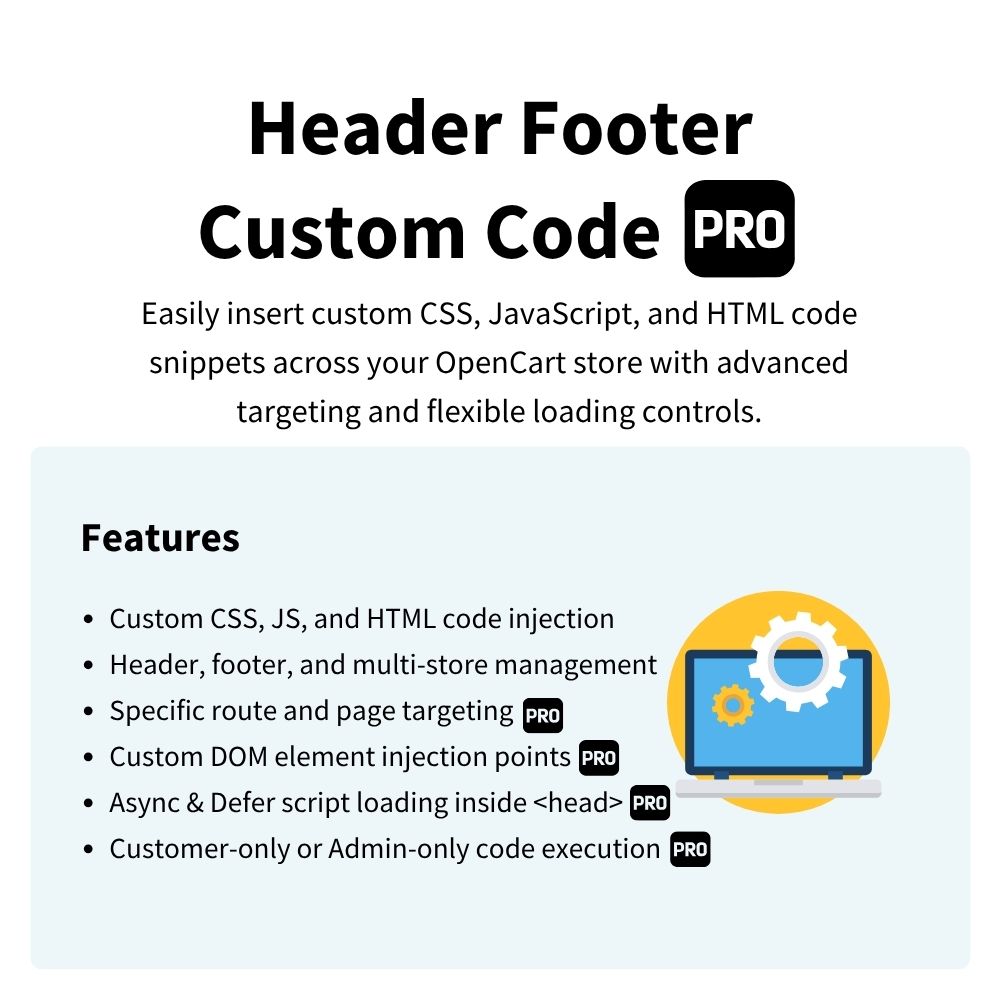
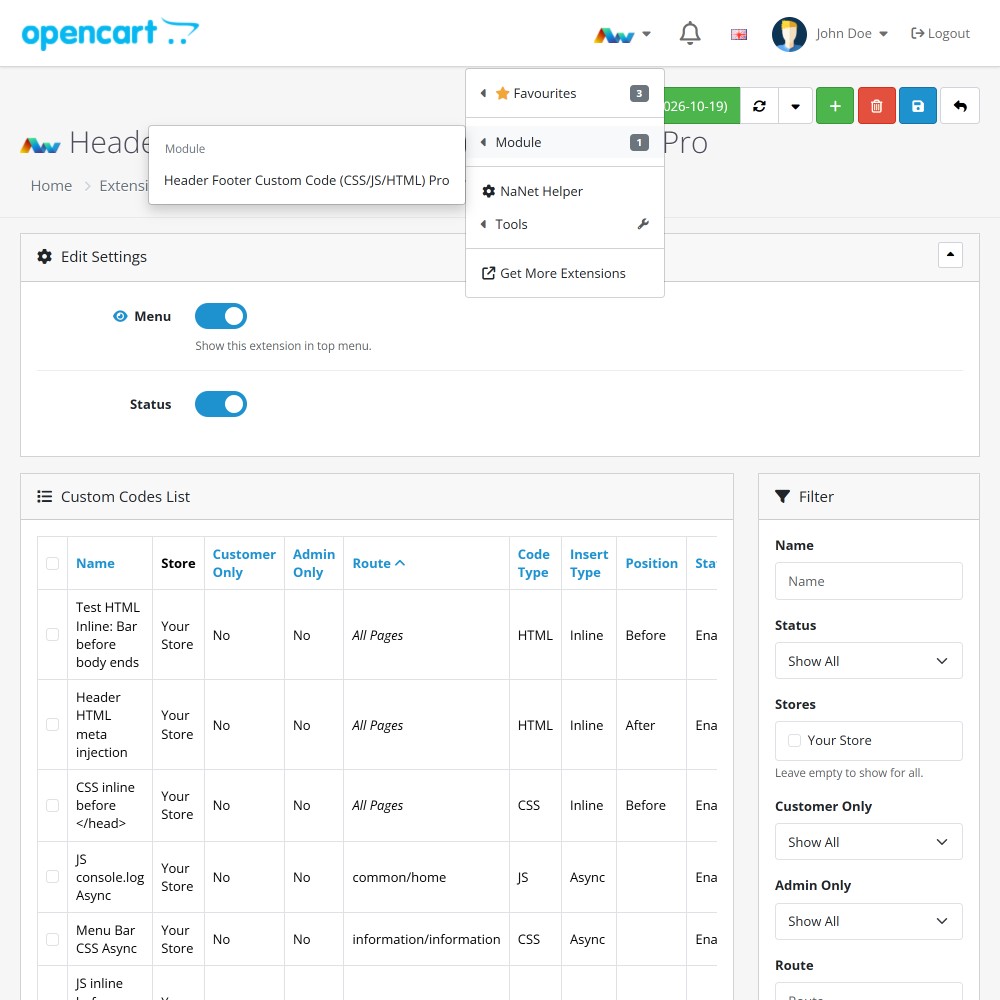
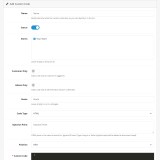
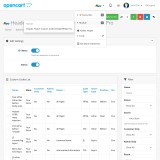
Enhance your OpenCart store with the Header Footer Custom Code (CSS/JS/HTML) Pro extension, streamlining the injection of custom CSS, JavaScript, and HTML snippets across your site. This flexible solution allows you to target specific pages, adjust code injection points, and optimise script loading with async and defer options – all operating seamlessly from a single dashboard in your admin panel.
Key Features:
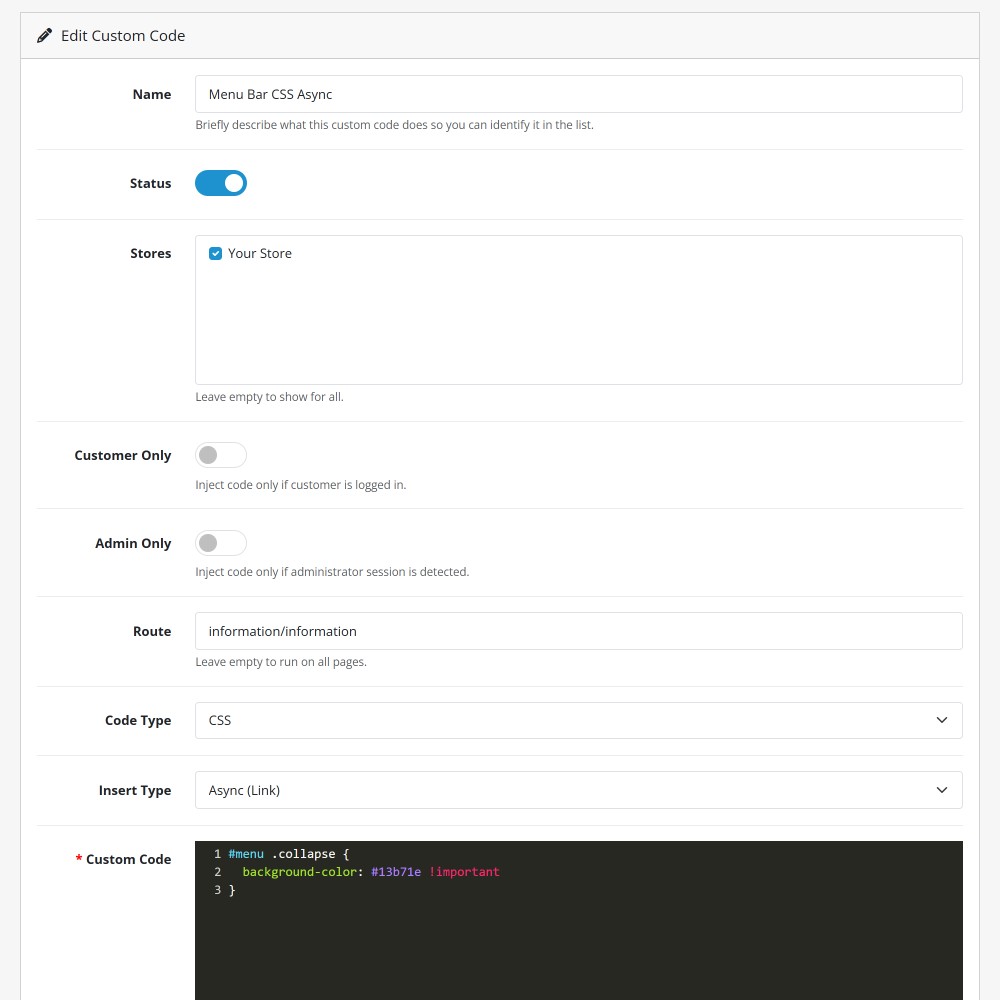
- Targeted Page Routing – Select specific routes and pages where your custom code snippets will execute, keeping site output precise and clean.
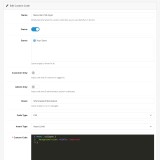
- Flexible Script Loading – Insert scripts directly into the document head with async or defer attributes to improve page load speed.
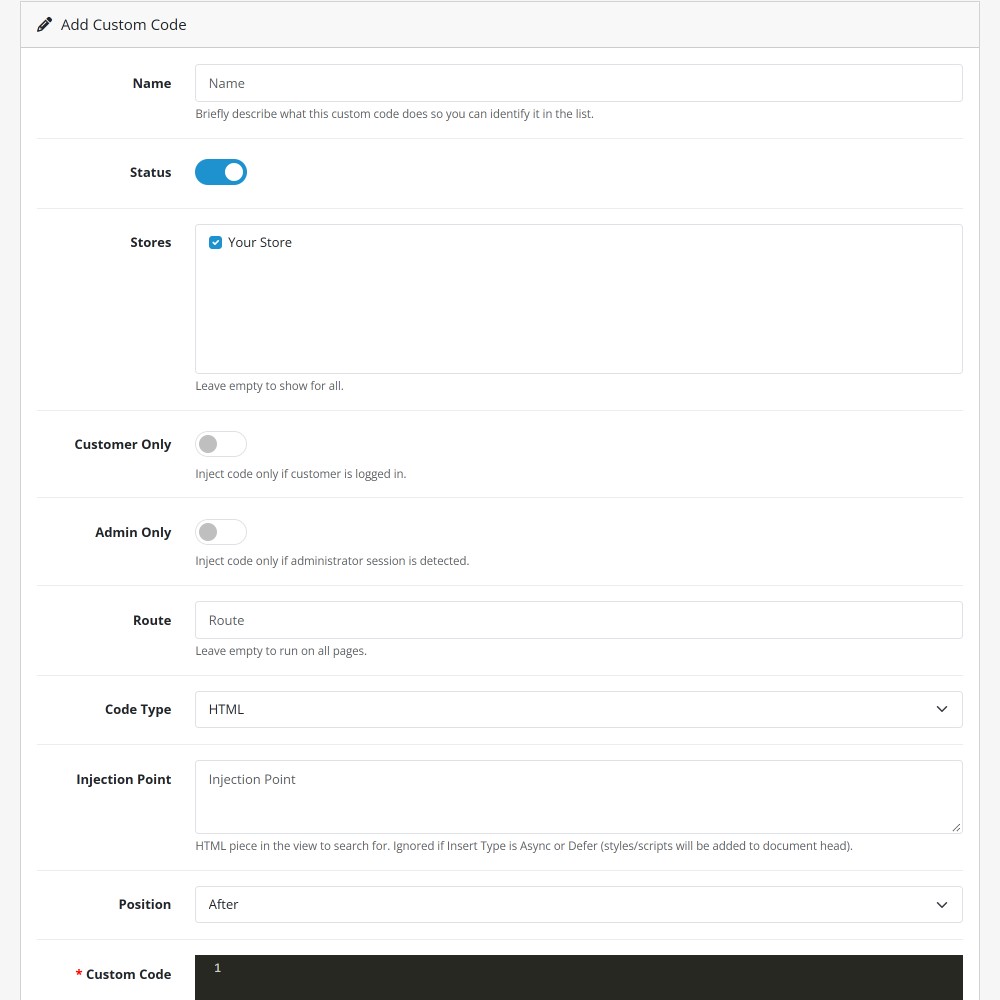
- Custom Injection Points – Position inline CSS or HTML snippets before or after specific DOM elements on your site.
- Conditional Execution – Control script execution based on user permissions, targeting customer-only or admin-only sessions.
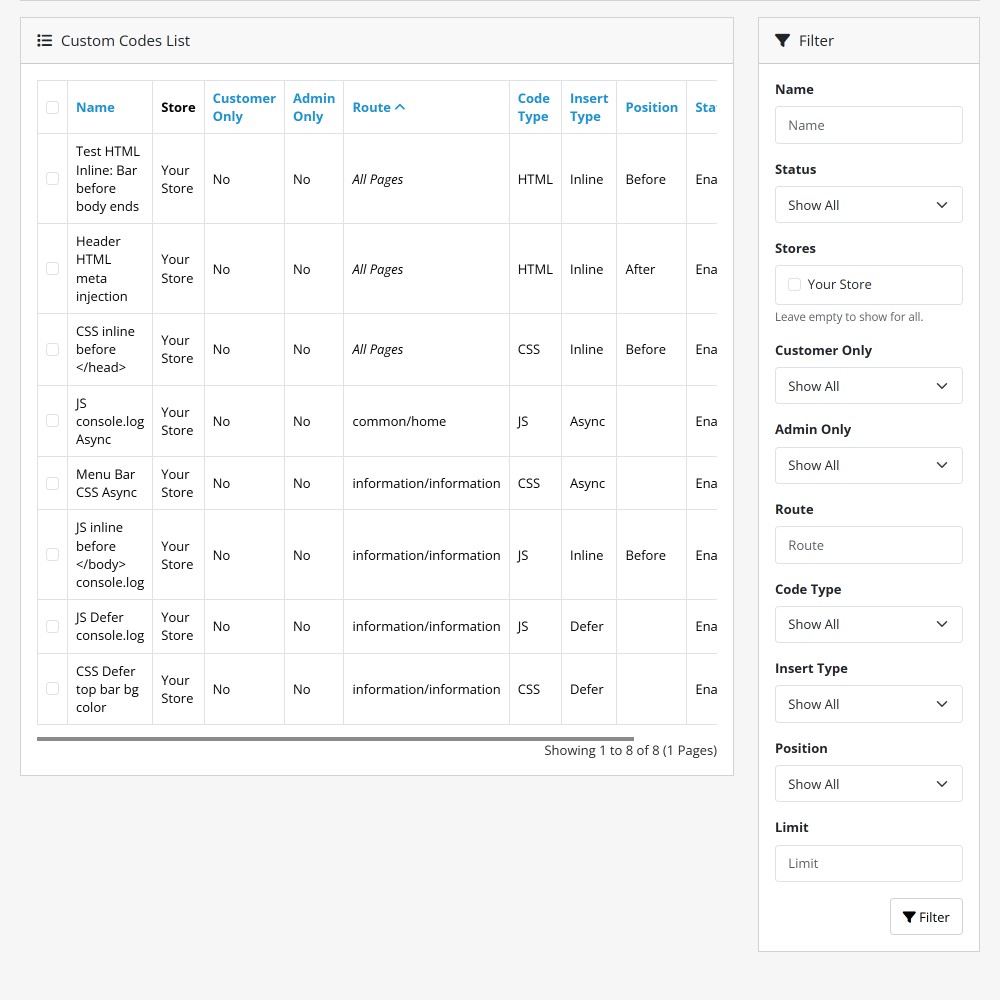
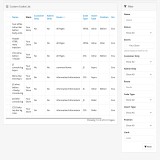
- Streamlined Management – Easily search, filter, and organize all custom store scripts from an intuitive centralised list.
Not sure you need all the features? Try our free version today!

Installation and Update:
This extension supports OpenCart version 3.x, 4.x, cloud, events system, and the Journal Theme. No files are stored outside the extension, no files are overwritten and it does not use OCMODE/vQmode.
Each download file is the extension file to install. Download the ZIP file for the OpenCart version you require, use the built in installer, use upload button and choose that file.
If you have the free NaNet Extension Helper (v1.7 or later) installed, you can use export option (top right menu) within your extension before uninstalling. When you reinstall, the settings can be restored by using import option. This extension will also add an OpenCart header menu for easy access to all NaNet extensions.
Please note: It's always a good practice to backup your OpenCart installation before installing any extensions or making significant changes.