





- ID: 66
- Framework: OpenCart
- Compatibility: 3.x & 4.x
- Updated: 2026-05-15



Extension Compatibility:
OpenCart: 4.x.x.x, 3.x.x.x
Events System / Journal Theme
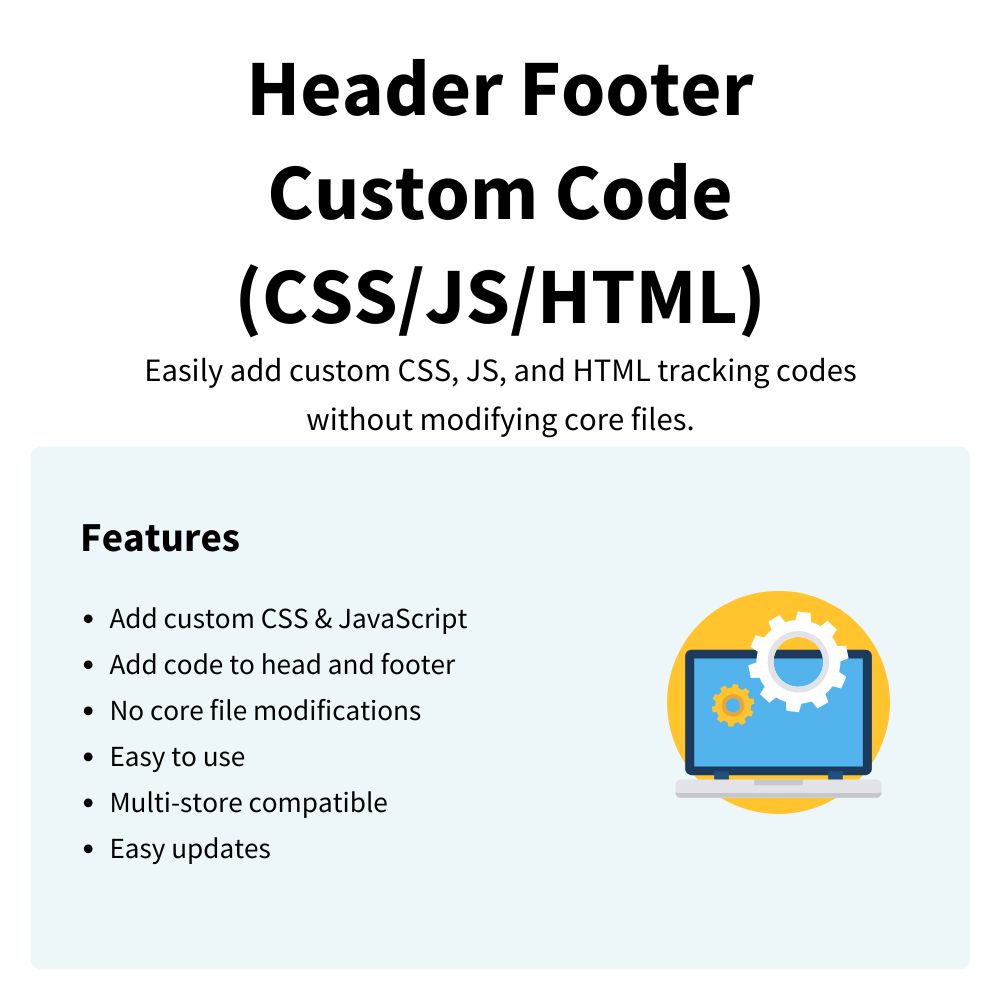
Enhance your OpenCart store with the Header Footer Custom Code (CSS/JS/HTML) extension, allowing you to easily inject custom CSS, JavaScript, and HTML directly into your site. This practical tool improves your development workflow by giving you complete control over tracking scripts and styling adjustments directly from your store's admin panel without modifying core files.
Key Features:
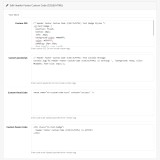
- Multi-Store Compatibility – Manage and inject specific code snippets individually for each of your configured storefronts.
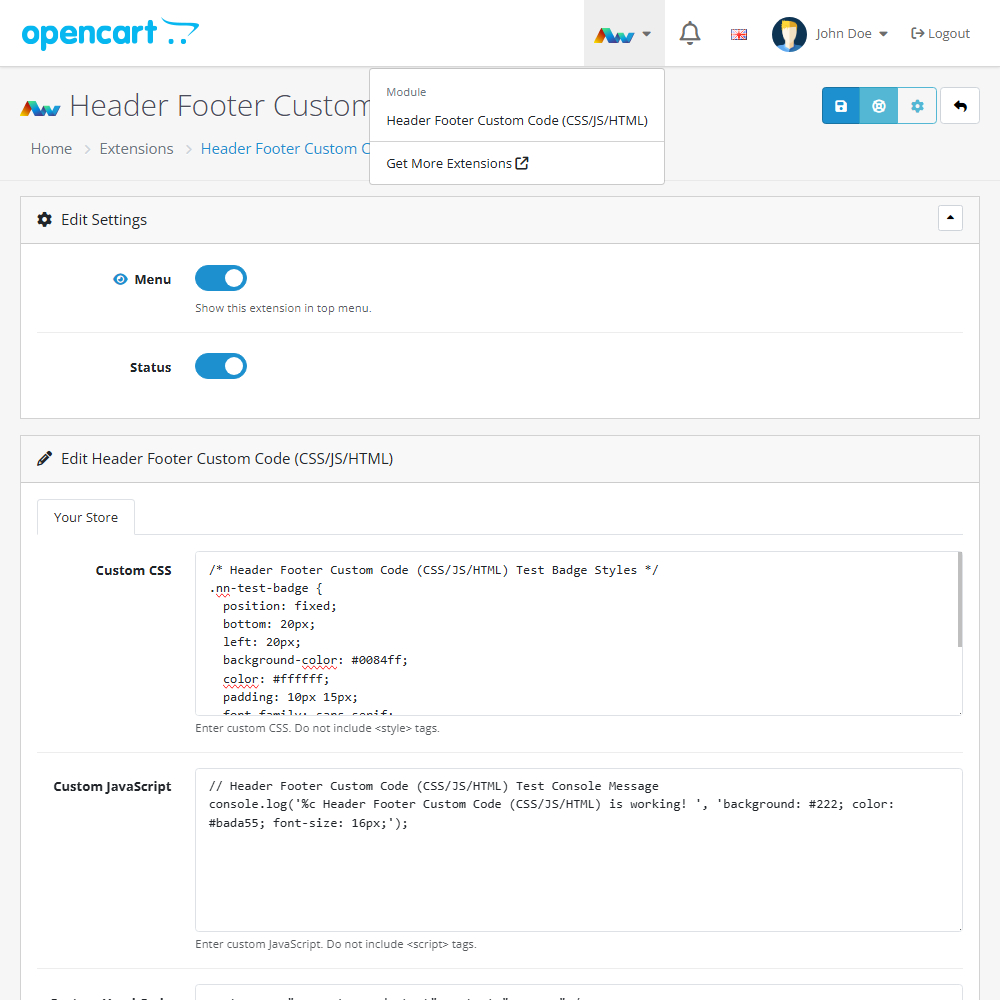
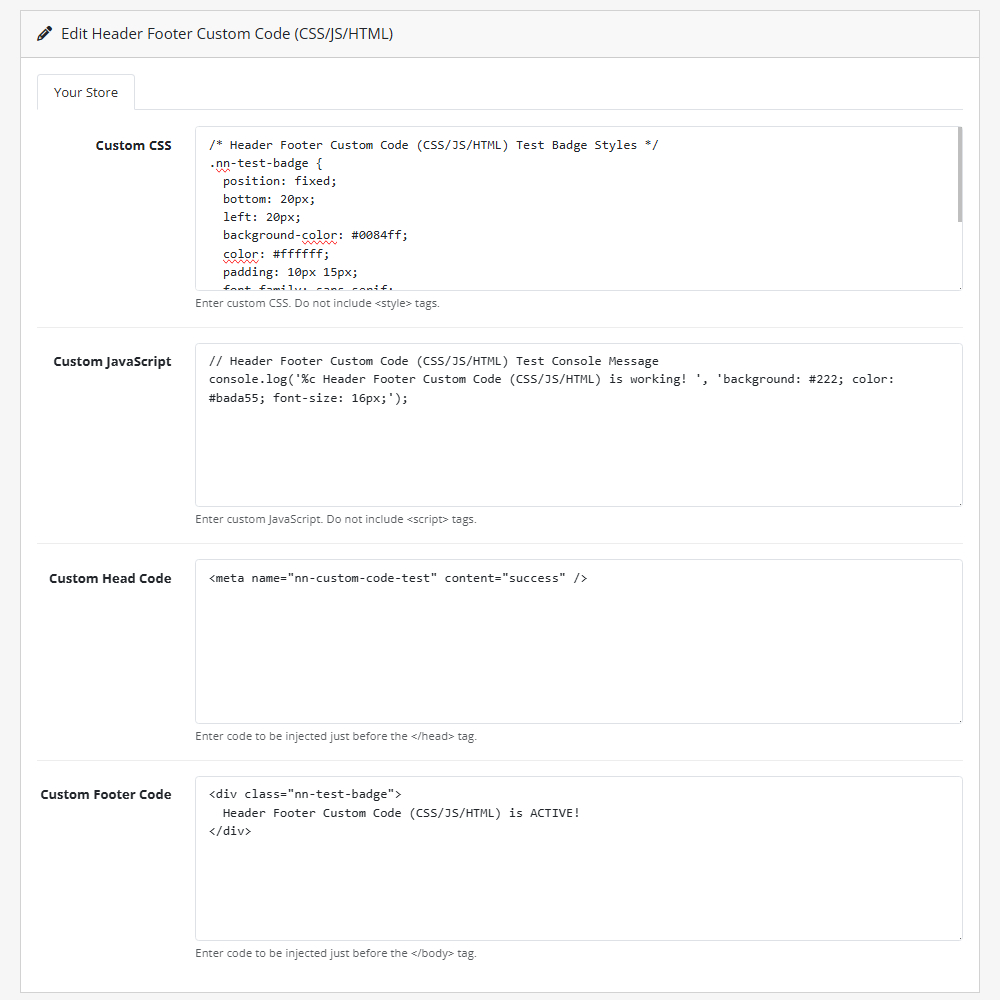
- Custom CSS – Add global styling rules directly from the admin panel to quickly tweak your store's appearance.
- Custom JavaScript – Run scripts globally across your site without needing to edit complex theme files.
- Custom Head Code – Insert meta tags, site verifications, or tracking scripts safely just before the </head> tag.
- Custom Footer Code – Inject chat widgets, pixel tracking, or other scripts just before the </body> tag.
- No Core Edits Required – Safely apply site-wide code modifications without risking changes to your essential OpenCart files.
Installation and Update:
This extension supports OpenCart version 3.x, 4.x, cloud, events system, and the Journal Theme. No files are stored outside the extension, no files are overwritten and it does not use OCMODE/vQmode.
Each download file is the extension file to install. Download the ZIP file for the OpenCart version you require, use the built in installer, use upload button and choose that file.
If you have the free NaNet Extension Helper (v1.7 or later) installed, you can use export option (top right menu) within your extension before uninstalling. When you reinstall, the settings can be restored by using import option. This extension will also add an OpenCart header menu for easy access to all NaNet extensions.
Please note: It's always a good practice to backup your OpenCart installation before installing any extensions or making significant changes.
| 2026-05-15 (1.0) | Initial release. |
Changelog
| 2026-05-15 (1.0) | Initial release. |