





- ID: 65
- Framework: OpenCart
- Compatibility: 3.x & 4.x
- Updated: 2026-05-11



Extension Compatibility:
OpenCart: 4.x.x.x, 3.x.x.x
Events System / Journal Theme
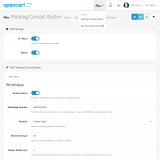
Enhance your OpenCart store with the Floating Contact Button extension, allowing your customers to instantly reach you via WhatsApp or Facebook Messenger. This practical tool improves customer support and engagement while giving you complete design and positioning control directly from your store's admin panel.
Key Features:
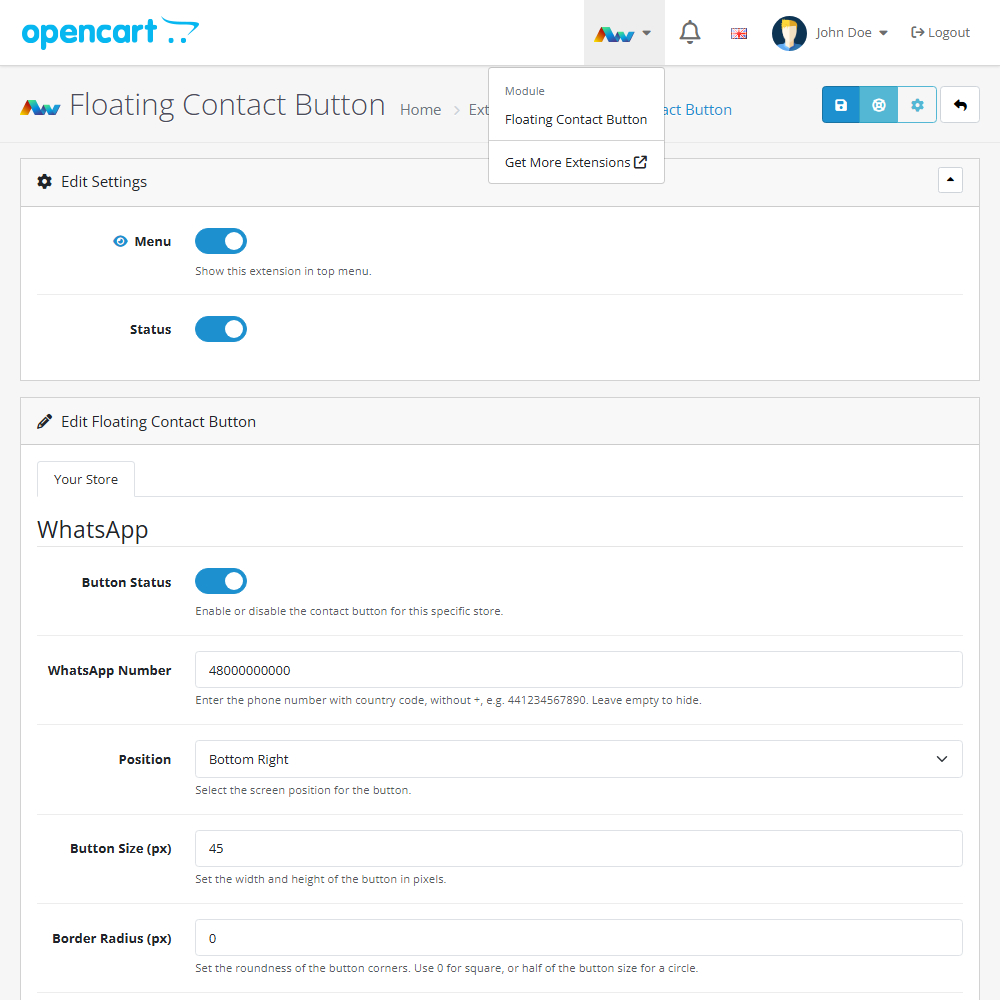
- Multi-Store Compatibility – Enable or disable the contact buttons individually for each of your specific storefronts.
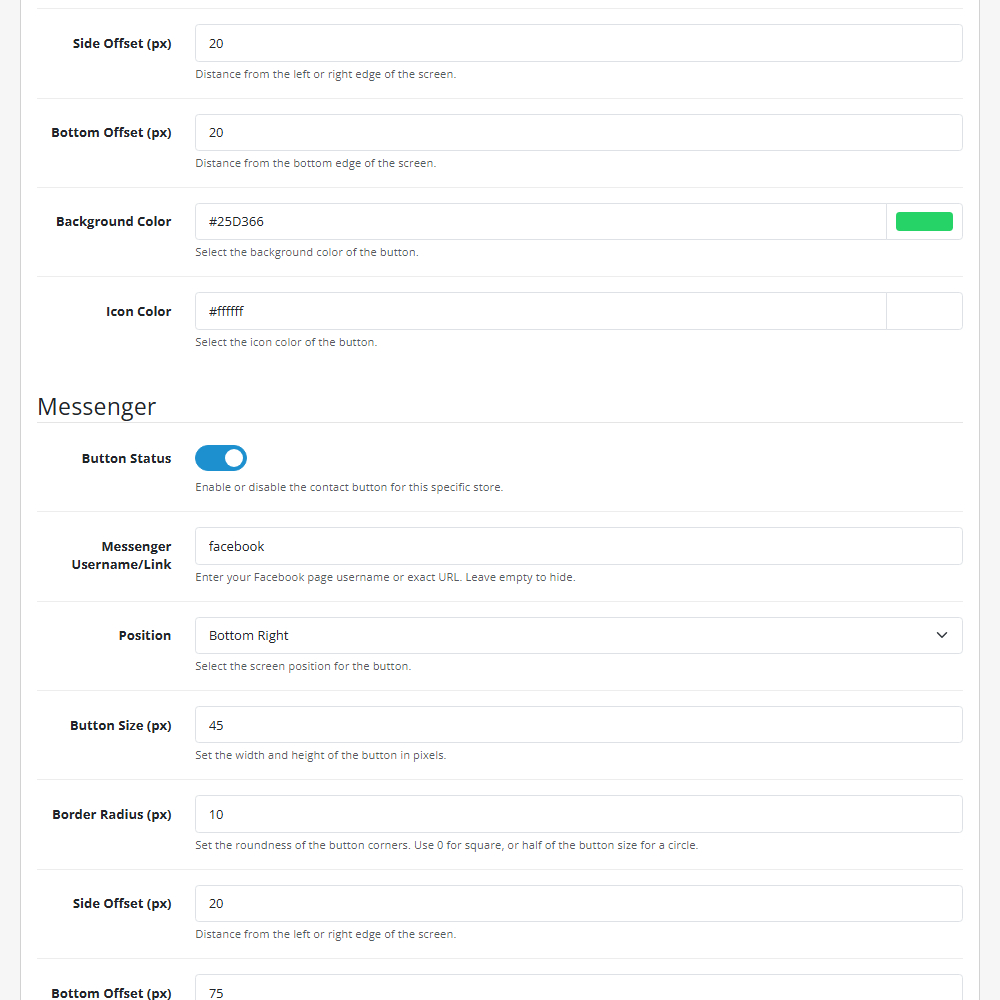
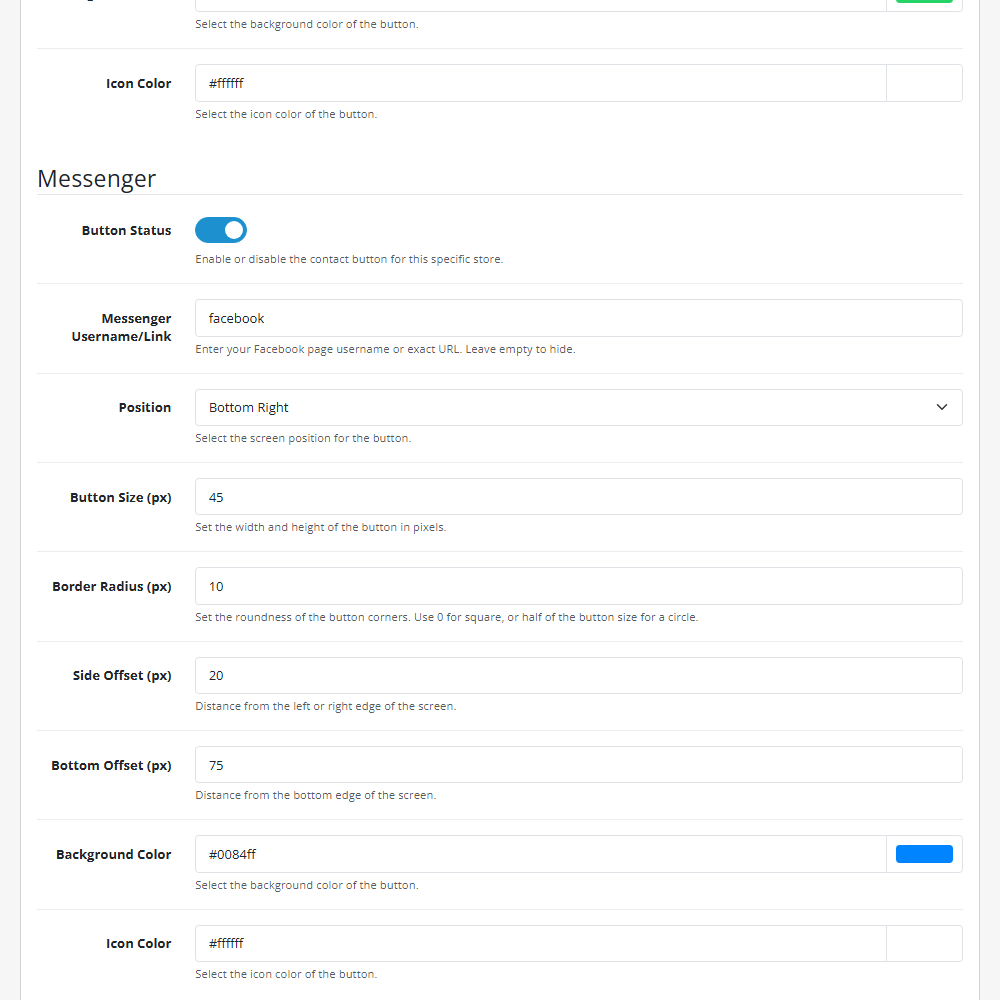
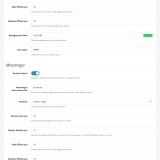
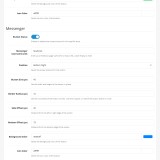
- Independent Configuration – Customise the size, position, and styling for WhatsApp and Messenger completely independently of each other.
- Flexible Positioning – Choose the screen position and set exact pixel offsets to ensure the buttons never block other important widgets on your site.
- Total Size Control – Define the precise width and height of the buttons in pixels to perfectly suit your layout.
- Custom Shapes – Adjust the border radius setting to create anything from a sharp square to a perfect circle.
- Brand Colour Matching – Use hex codes to set specific background and icon colours to seamlessly match your store's theme.
Installation and Update:
This extension supports OpenCart version 3.x, 4.x, cloud, events system, and the Journal Theme. No files are stored outside the extension, no files are overwritten and it does not use OCMODE/vQmode.
Each download file is the extension file to install. Download the ZIP file for the OpenCart version you require, use the built in installer, use upload button and choose that file.
If you have the free NaNet Extension Helper (v1.7 or later) installed, you can use export option (top right menu) within your extension before uninstalling. When you reinstall, the settings can be restored by using import option. This extension will also add an OpenCart header menu for easy access to all NaNet extensions.
Please note: It's always a good practice to backup your OpenCart installation before installing any extensions or making significant changes.
| 2026-05-11 (1.0) | Initial release. |
Changelog
| 2026-05-11 (1.0) | Initial release. |