
- ID: 30
- Framework: OpenCart
- Compatibility: 3.x & 4.x
- Updated: 2025-04-24



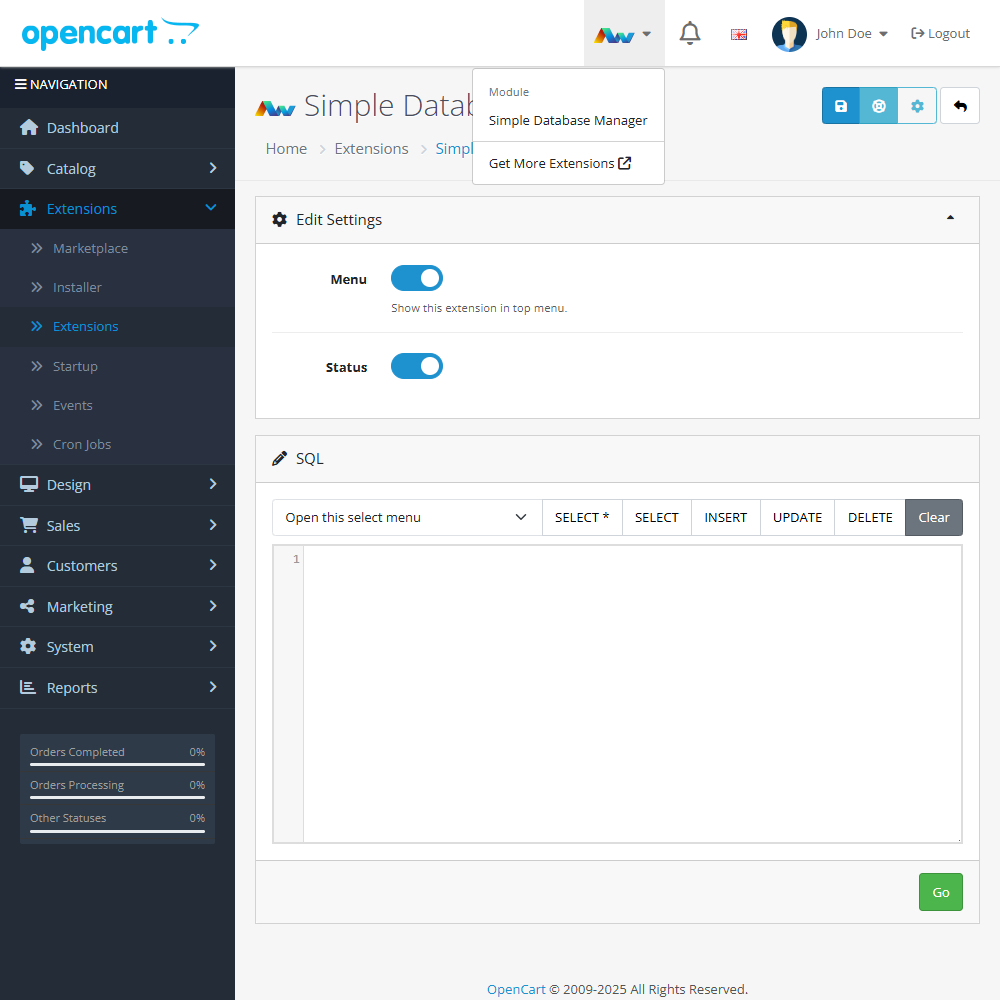
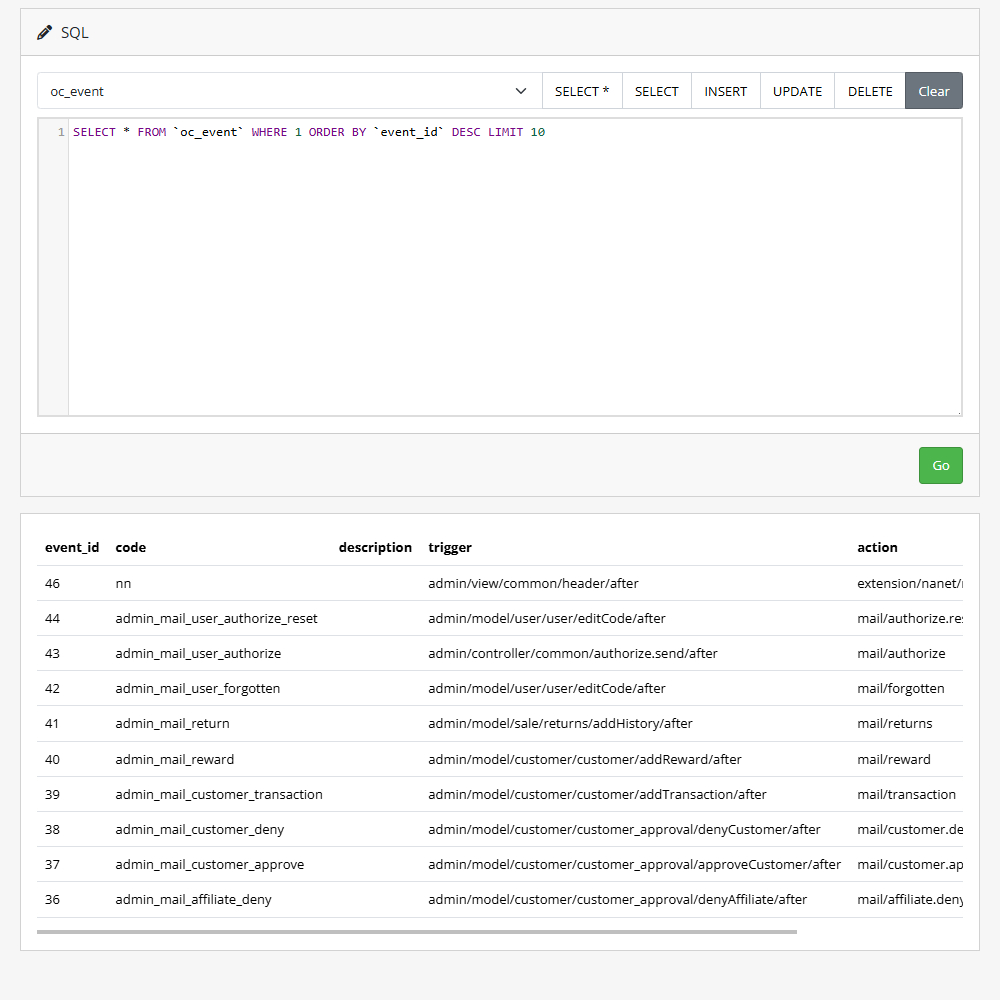
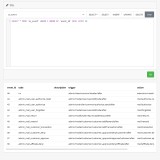
Enhance your OpenCart store with the Simple Database Manager extension, a lightweight tool that lets you run MySQL queries directly from your admin panel. View results instantly, create predefined queries, and access essential database tools with ease.
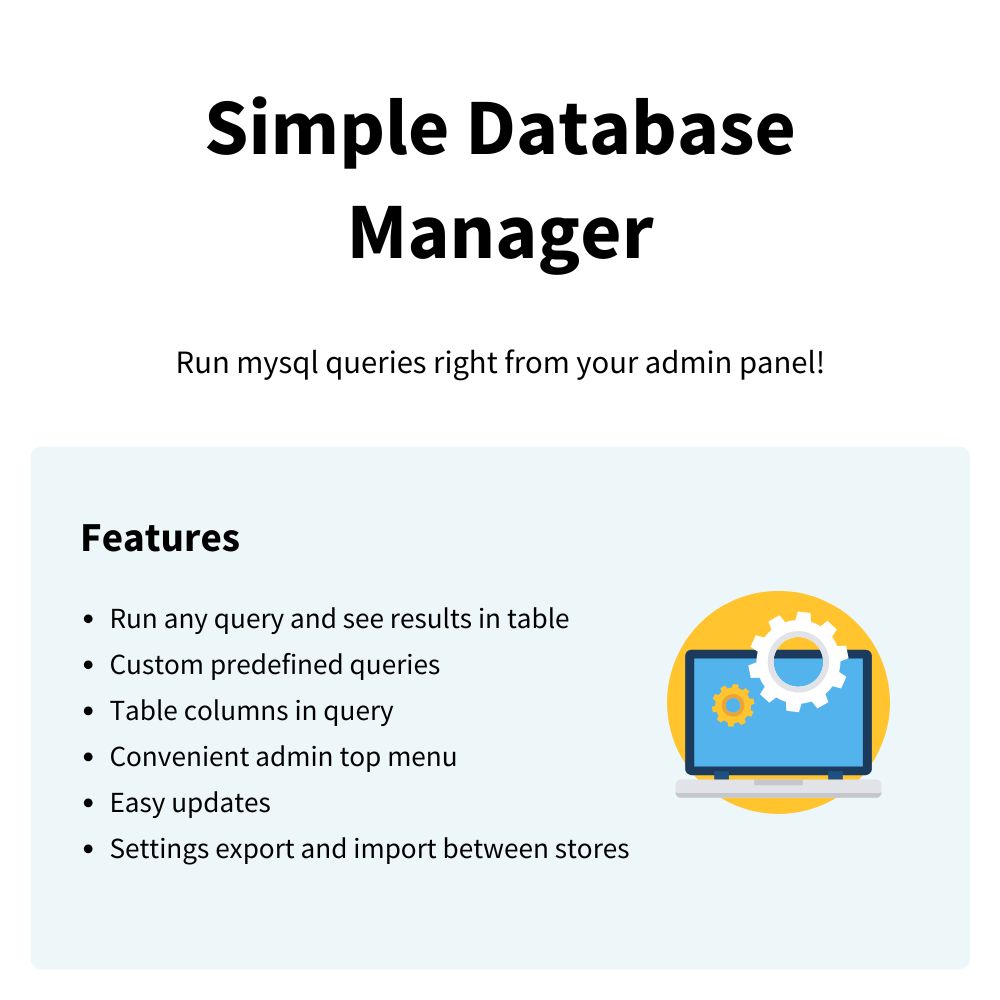
Key Features:- Run SQL Queries – Execute any MySQL query and see the results in a clear table format.
- Predefined Queries – Save and manage custom queries for quick access.
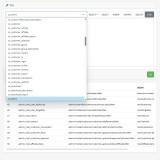
- Column Selection – Include table columns in your queries for more precise data handling.
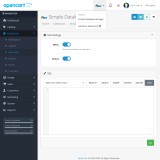
- Admin Menu Access – Convenient top menu link for easy navigation.
- Lightweight Design – A simple, efficient interface for quick database tasks.
- Easy Updates – Benefit from straightforward updates and ongoing improvements.
- Export/Import Settings – Transfer configuration settings between stores effortlessly.
Designed for speed and simplicity, this extension gives OpenCart users just the right amount of database control without overwhelming complexity. Perfect for store owners and developers who need a no-fuss tool for direct database access.
Need more functionality? Upgrade to our Database Manager Pro today!
This extension supports OpenCart version 3.x, 4.x, Events System, and the Journal Theme.
Installation and Update:
This extension supports OpenCart version 3.x, 4.x, cloud, events system, and the Journal Theme. No files are stored outside the extension, no files are overwritten and it does not use OCMODE/vQmode.
Each download file is the extension file to install. Download the ZIP file for the OpenCart version you require, use the built in installer, use upload button and choose that file.
If you have the free NaNet Extension Helper (v1.7 or later) installed, you can use export option (top right menu) within your extension before uninstalling. When you reinstall, the settings can be restored by using import option. This extension will also add an OpenCart header menu for easy access to all NaNet extensions.
Please note: It's always a good practice to backup your OpenCart installation before installing any extensions or making significant changes.