




- ID: 28
- Framework: OpenCart
- Compatibility: 3.x & 4.x
- Updated: 2026-08-21



Extension Compatibility:
OpenCart: 4.x.x.x, 3.x.x.x
Events System / Journal Theme
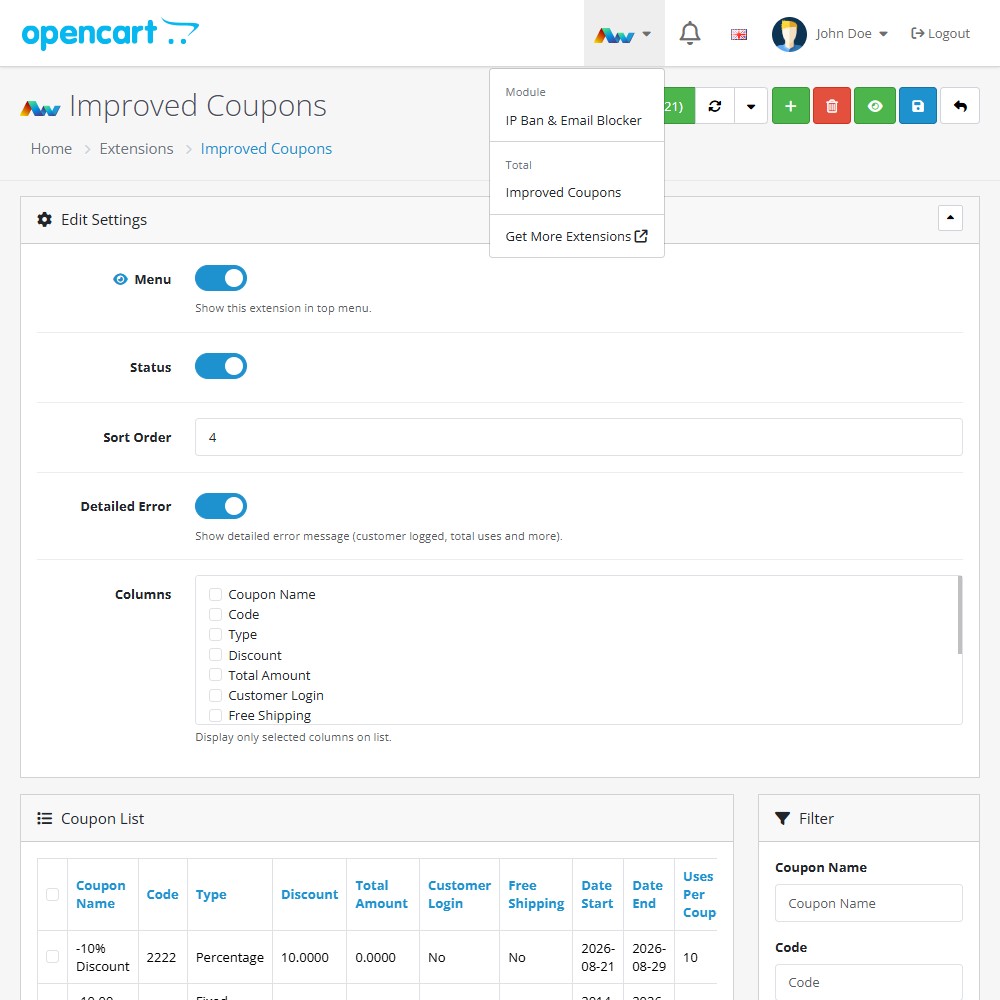
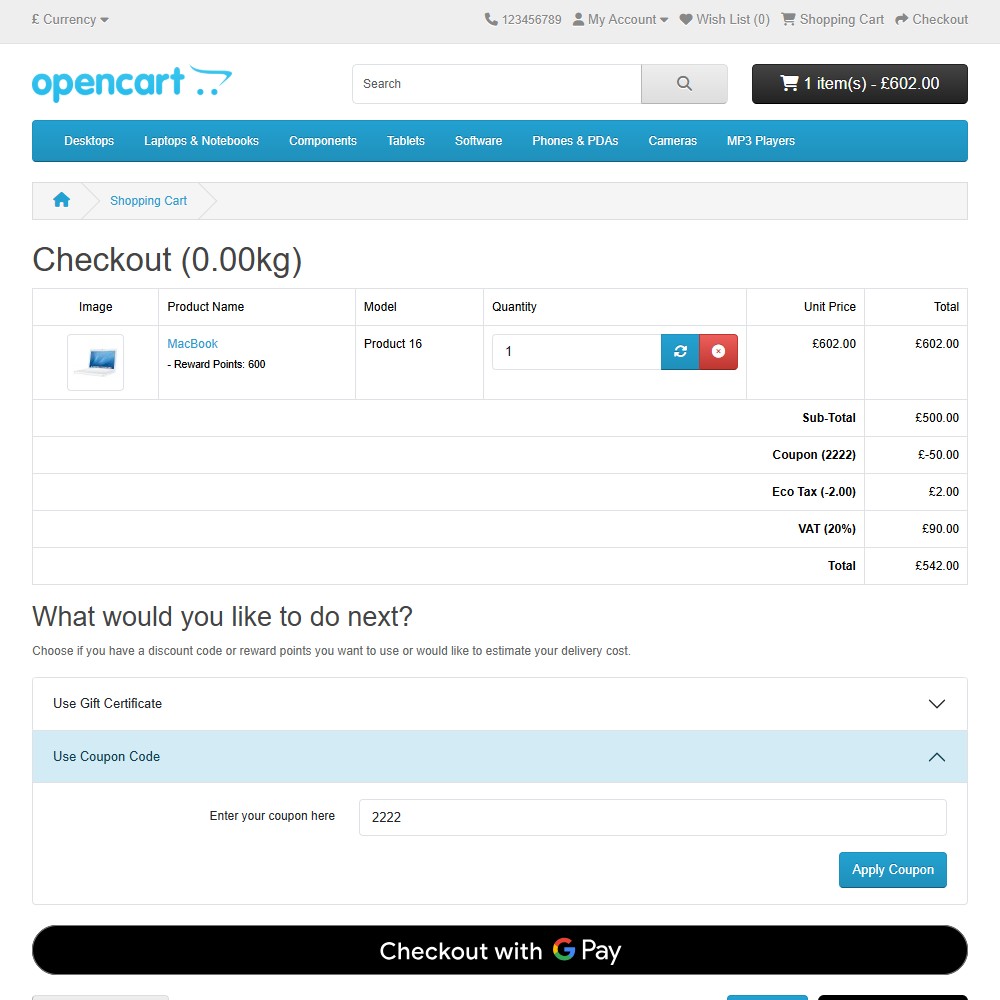
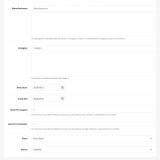
Enhance your OpenCart store with the Improved Coupons extension, offering flexible and powerful discount management. This extension expands upon OpenCart’s native coupon functionality, allowing you to create precisely targeted promotions, set custom usage limits, and easily manage your promotional campaigns directly from your store’s admin panel.
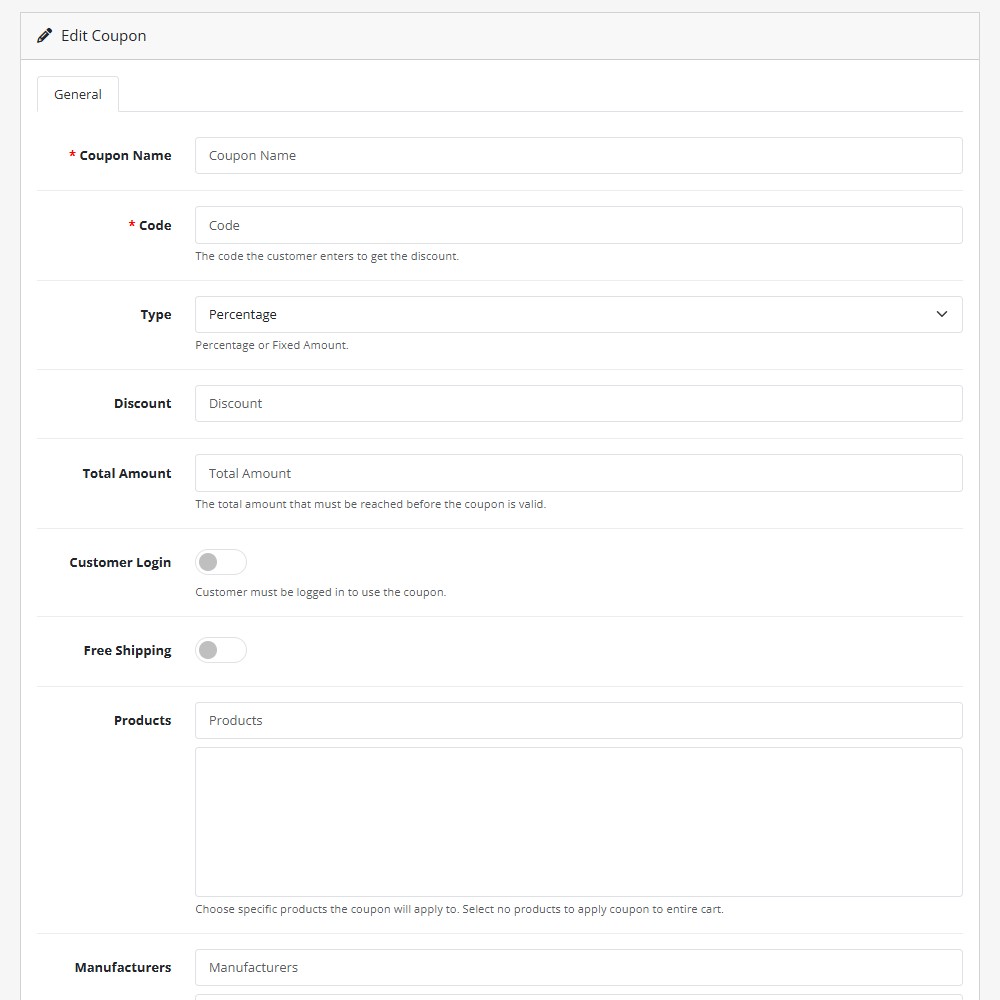
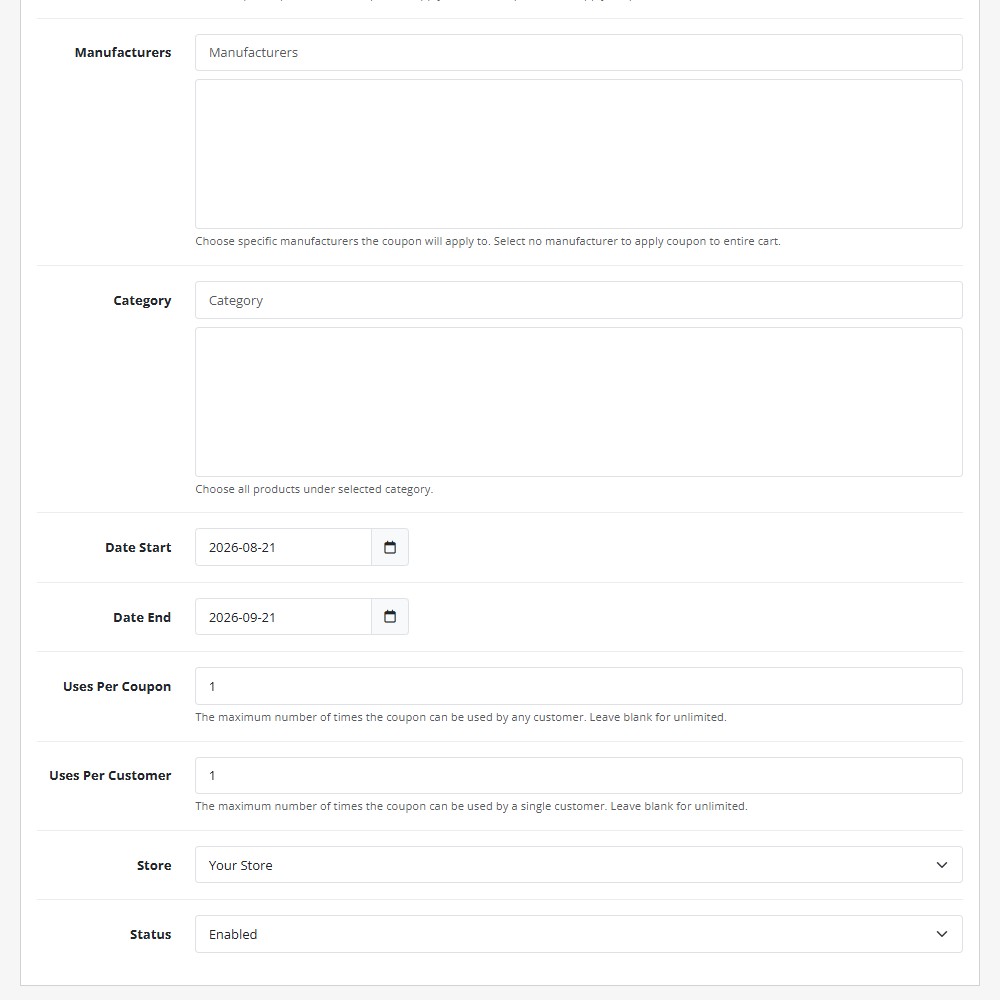
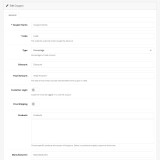
Key Features:- Advanced Targeting Rules – Apply coupons to specific products, categories, or manufacturers with ease.
- Flexible Discount Types – Create percentage-based discounts, fixed amount savings, or free shipping promotions.
- Precise Usage Limits – Define maximum usage allowances per coupon and restrict total redemptions per customer.
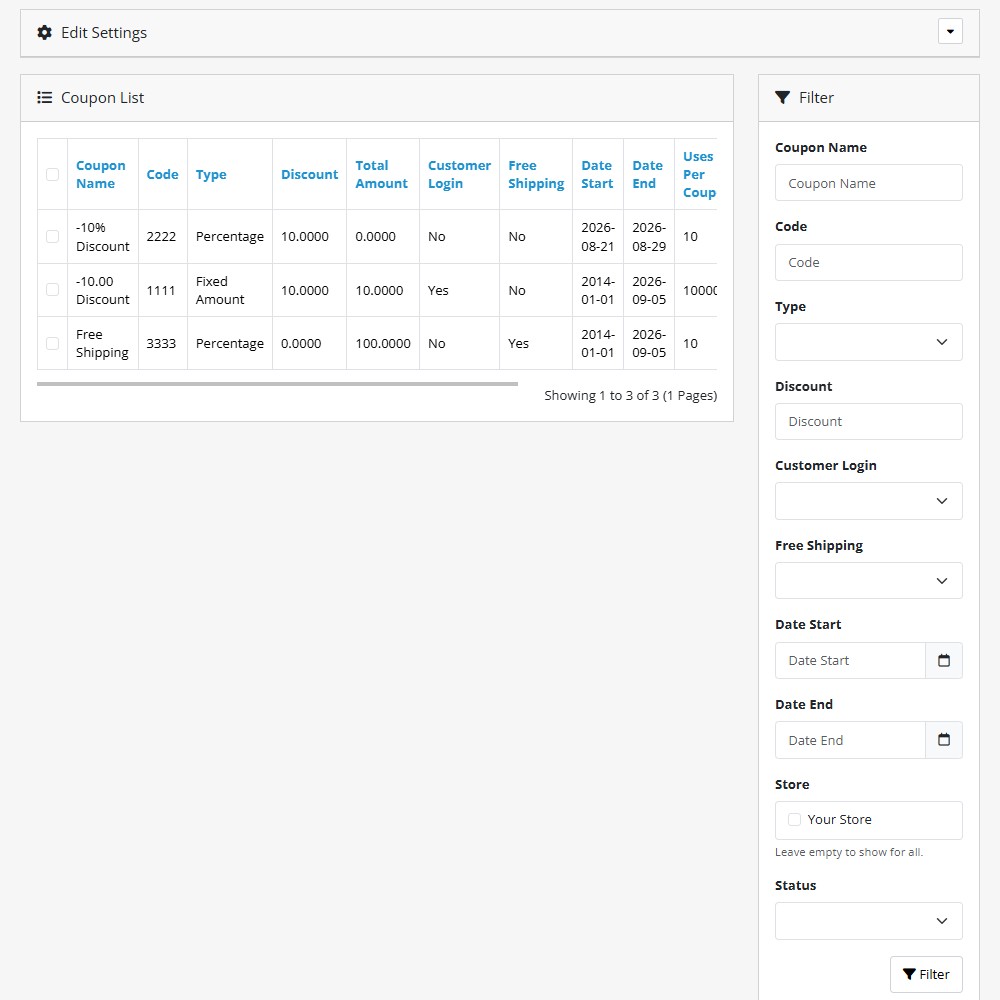
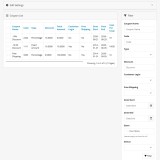
- Enhanced List Filtering – Effortlessly search and filter coupons by name, code, discount type, store, status, or date range.
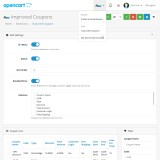
- Customisable List Columns – Tailor your admin table view by choosing exactly which coupon details and metrics to display.
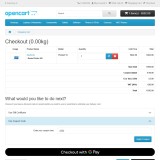
- Detailed Error Messages – Display clear feedback to customers explaining why a coupon code cannot be applied.
- Customer & Store Controls – Require customer login or restrict coupon availability to specific storefronts.
- Admin Top Menu Access – Conveniently access your coupon management dashboard directly from the top admin navigation menu.
Installation and Update:
This extension supports OpenCart version 3.x, 4.x, cloud, events system, and the Journal Theme. No files are stored outside the extension, no files are overwritten and it does not use OCMODE/vQmode.
Each download file is the extension file to install. Download the ZIP file for the OpenCart version you require, use the built in installer, use upload button and choose that file.
If you have the free NaNet Extension Helper (v1.7 or later) installed, you can use export option (top right menu) within your extension before uninstalling. When you reinstall, the settings can be restored by using import option. This extension will also add an OpenCart header menu for easy access to all NaNet extensions.
Please note: It's always a good practice to backup your OpenCart installation before installing any extensions or making significant changes.
| 2026-08-21 (1.2) | Updated layout, added version update checker, filters, and column sorting. Fixed autocomplete for products/manufacturers and improved database queries. |
Changelog
| 2024-02-16 (1.0) | Initial release. |
| 2024-09-05 (1.1) | Fix filter by store. |
| 2026-08-21 (1.2) | Updated layout, added version update checker, filters, and column sorting. Fixed autocomplete for products/manufacturers and improved database queries. |