


- ID: 60
- Framework: OpenCart
- Compatibility: 3.x & 4.x
- Updated: 2026-07-24



Extension Compatibility:
OpenCart: 4.x.x.x, 3.x.x.x
Events System / Journal Theme
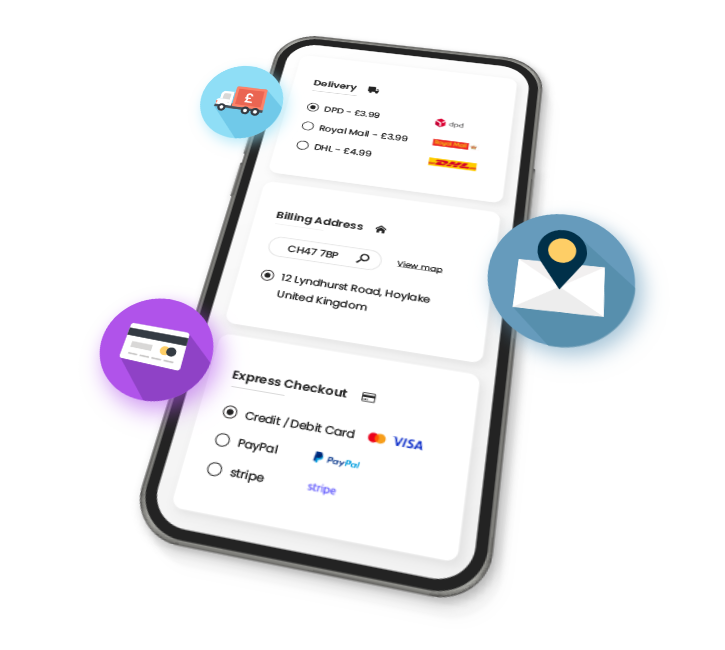
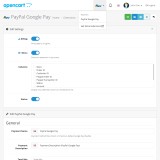
Enhance your OpenCart store with the PayPal Google Pay extension, enabling you to accept secure payments through PayPal’s trusted gateway. This reliable solution helps streamline checkout, increase conversions, and provide a seamless mobile experience – all with full control from your store’s admin panel.
Key Features:
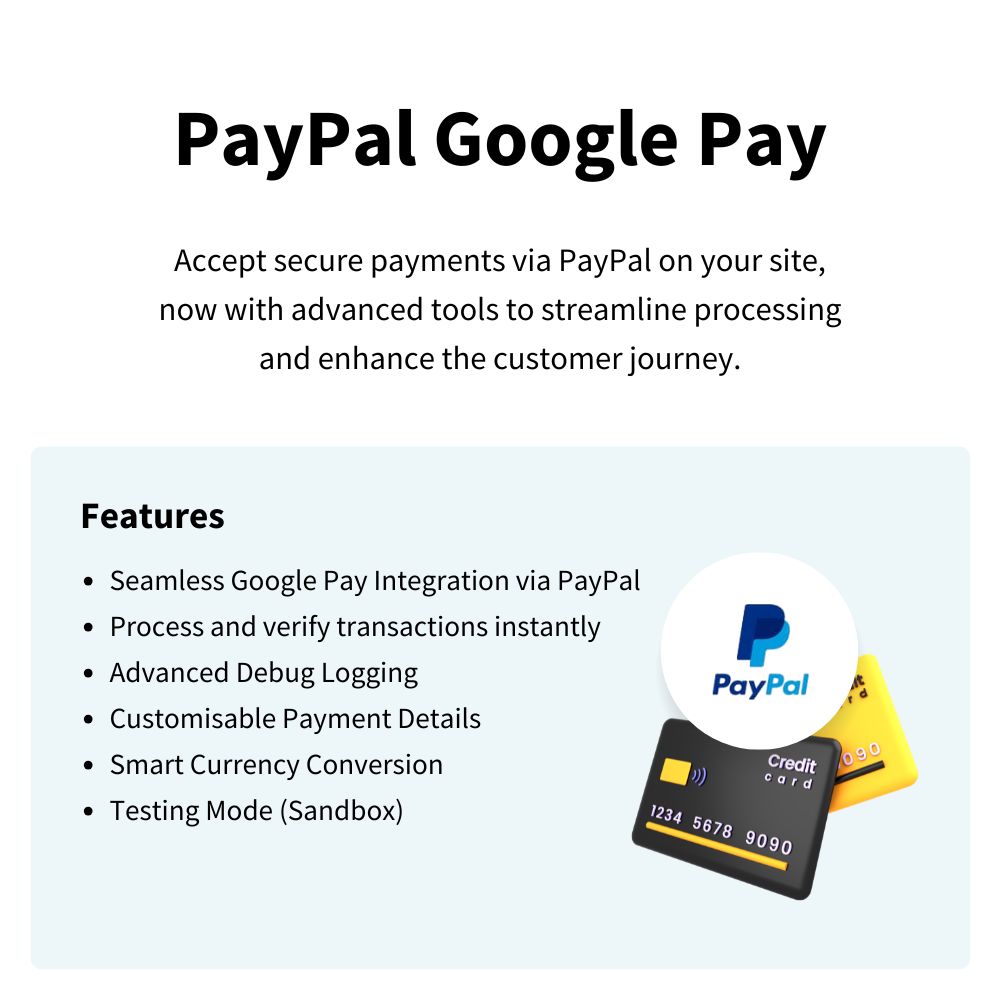
- PayPal Google Pay Integration – Accept payments quickly and securely by combining Google Pay with your PayPal account.
- Secure Payment Processing – Rely on PayPal’s robust infrastructure to handle sensitive transaction data safely.
- Improved Error Handling – Prevent lost sales and customer confusion with robust error management for missing or invalid shipping methods during checkout.
- Guided Installation – Step-by-step guide makes setup fast and simple for any store owner.
- Extension Update Checker – Stay up-to-date with the latest features, security patches, and performance improvements via built-in version checking.
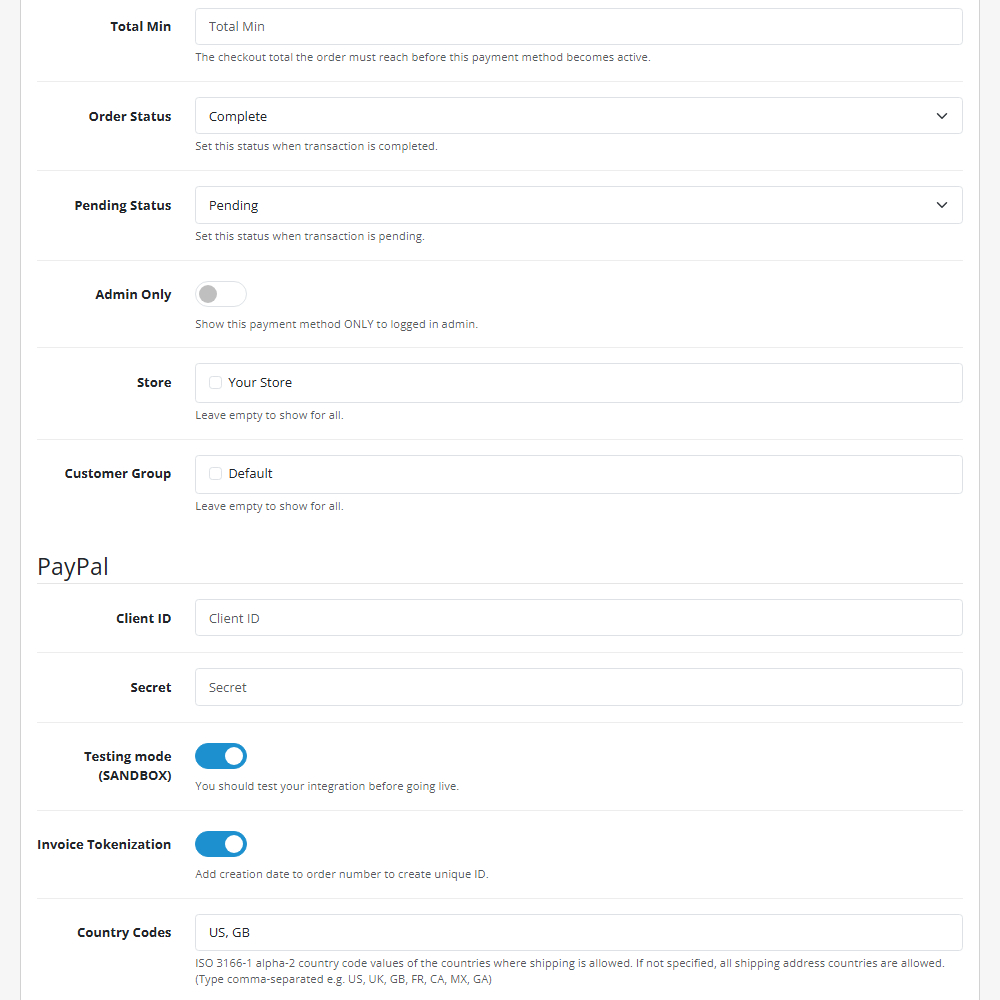
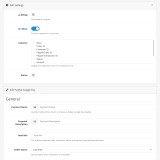
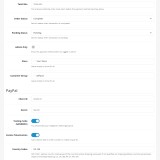
- Testing Mode (Sandbox) – Fully test your payment flow in a secure environment before going live.
- Automatic Currency Support – Accept international payments with ease as PayPal handles the currency conversion.
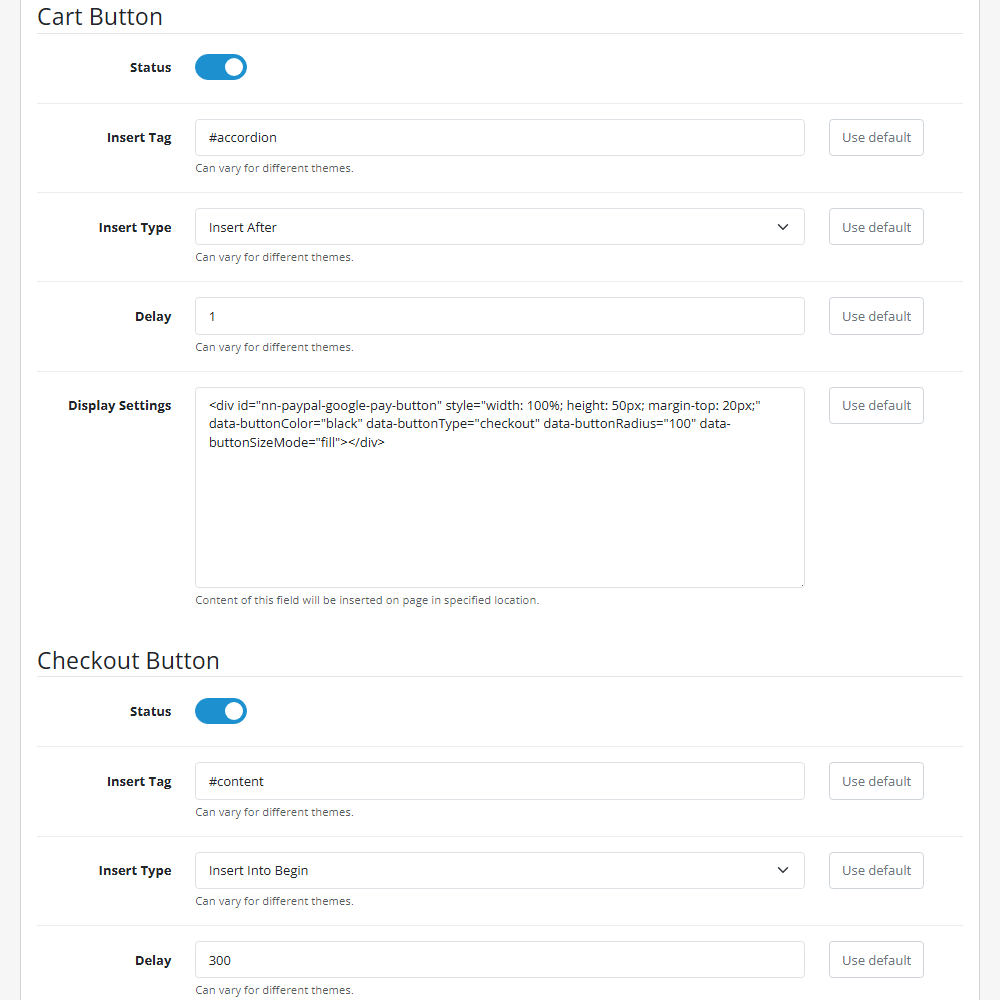
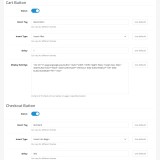
- Custom Button Design – Match the Google Pay button style to your store's theme for a professional look.
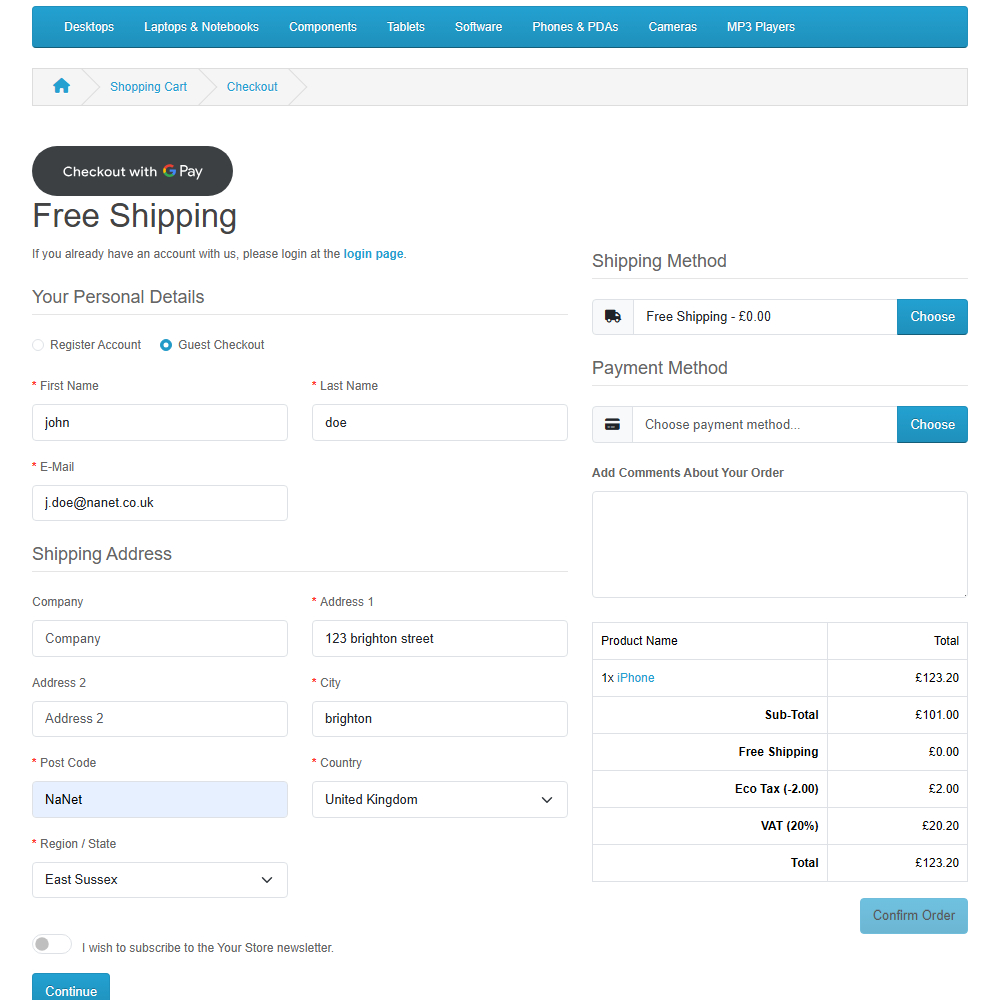
- Button Placement Options – Place the Google Pay button exactly where you want it to optimize your layout.
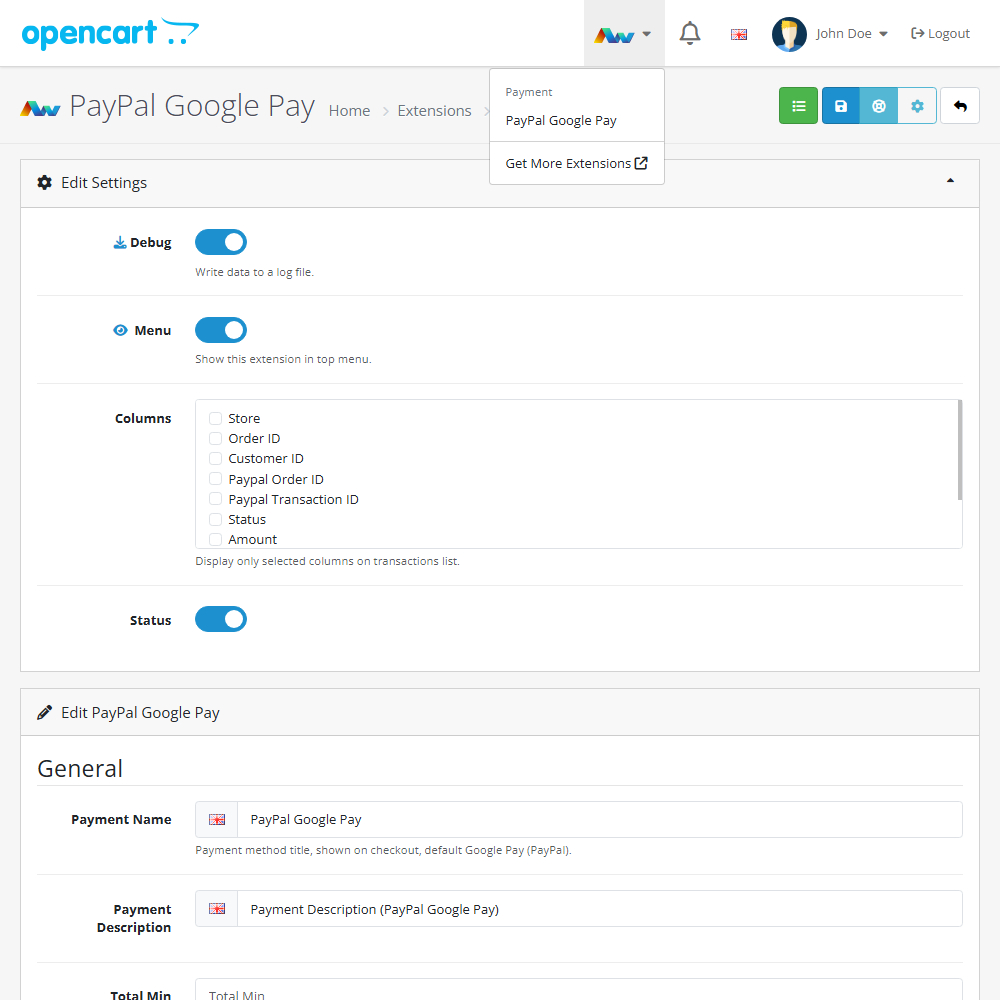
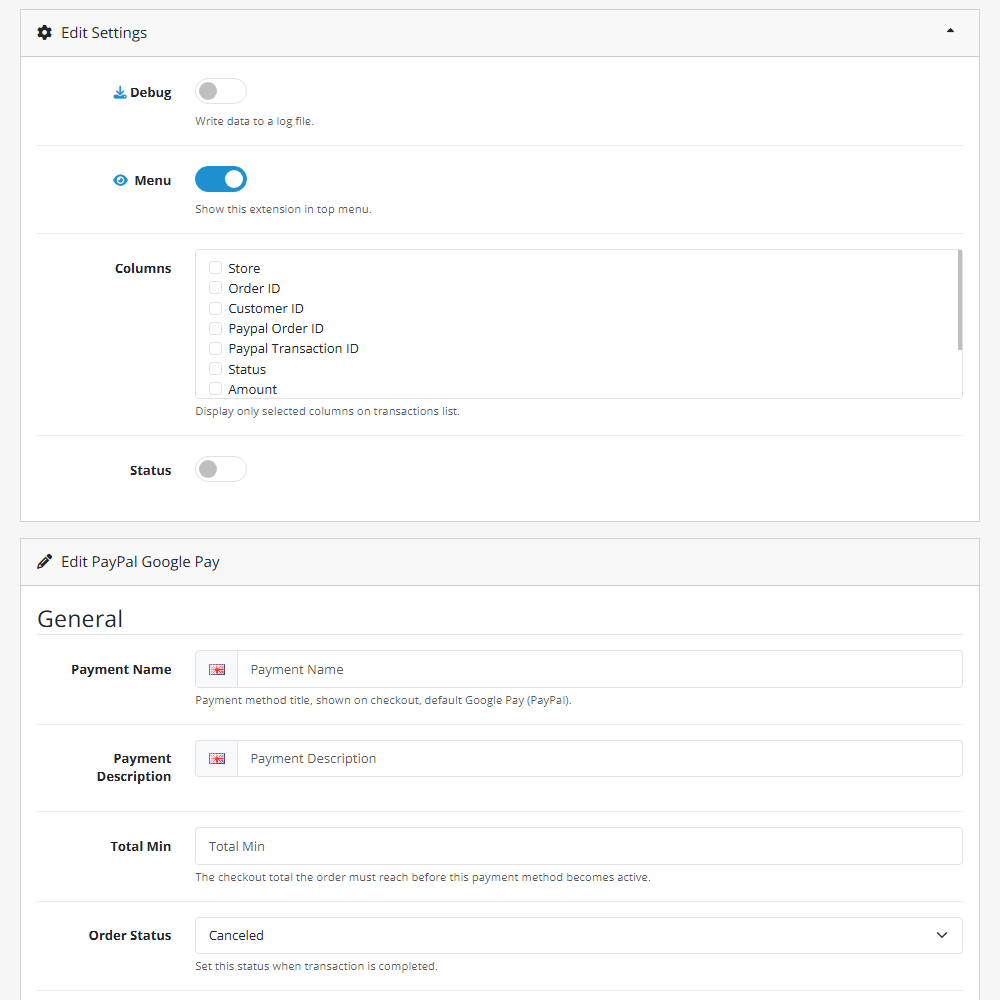
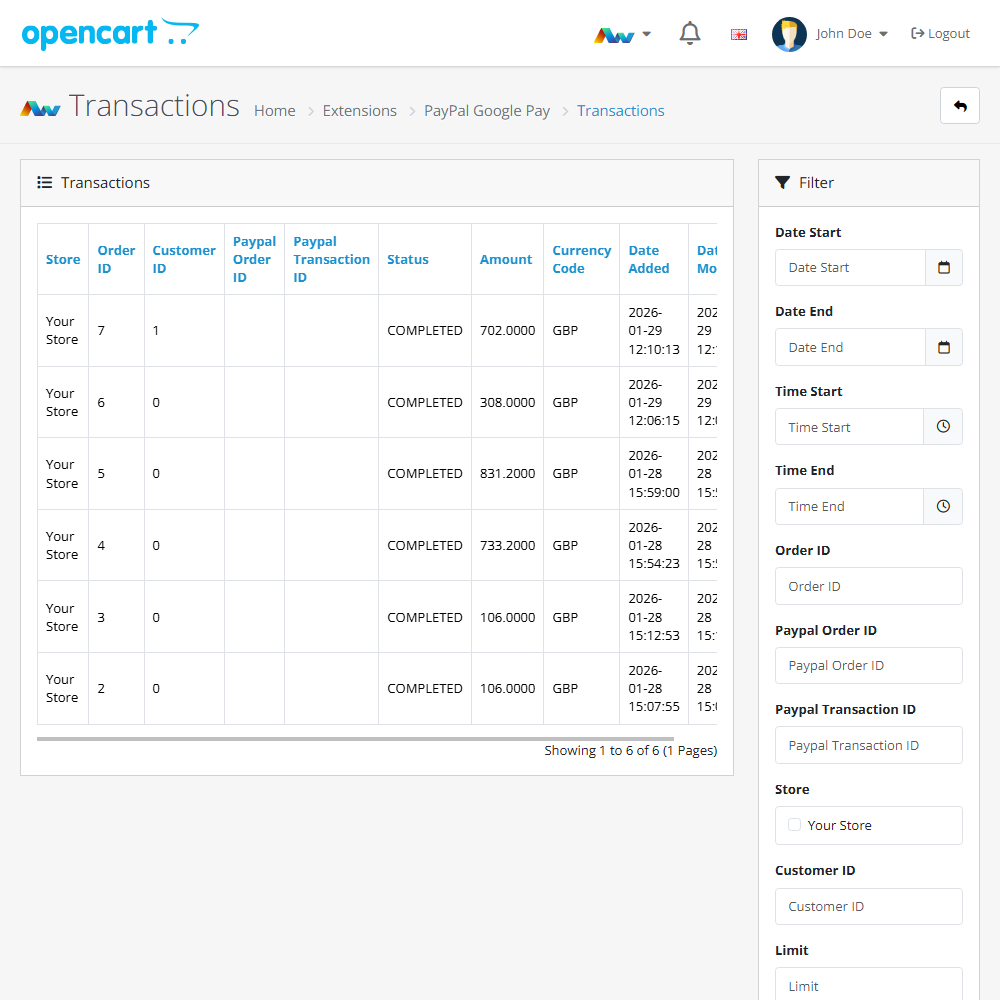
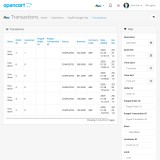
- Transaction Management – Monitor and manage payments and verifications directly from your admin panel.
- Guest Download Compatibility – Enable Google Pay for digital goods without requiring customer login when used with the Guest Download Pro extension.
- Debug Logging – Built-in tools for easy troubleshooting and tracking of API interactions.
Why Choose PayPal Google Pay?
This extension offers merchants a modern and secure way to streamline their checkout process by offering the world’s most popular digital wallet through a trusted processor. Improve the customer journey, reduce friction, and manage everything conveniently within your OpenCart admin – no complex third-party tools required.
Supported Google Pay features:
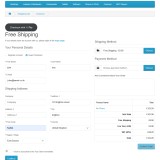
- Shipping methods – Customers can select shipping options directly from your store.
- Coupons – Customers can apply OpenCart coupons to their order at checkout.
Installation and Update:
This extension supports OpenCart version 3.x, 4.x, cloud, events system, and the Journal Theme. No files are stored outside the extension, no files are overwritten and it does not use OCMODE/vQmode.
Each download file is the extension file to install. Download the ZIP file for the OpenCart version you require, use the built in installer, use upload button and choose that file.
If you have the free NaNet Extension Helper (v1.7 or later) installed, you can use export option (top right menu) within your extension before uninstalling. When you reinstall, the settings can be restored by using import option. This extension will also add an OpenCart header menu for easy access to all NaNet extensions.
Please note: It's always a good practice to backup your OpenCart installation before installing any extensions or making significant changes.
| 2026-07-24 (1.2) | Added extension update checker. Added error handling for missing shipping methods. |
Changelog
| 2026-01-30 (1.0) | Initial release. |
| 2026-04-28 (1.1) | Added integration with extension Guest Download Pro. |
| 2026-07-24 (1.2) | Added extension update checker. Added error handling for missing shipping methods. |